@wayne-workman Thanks wayne I looked at that document but i didnt see anywhere on setting the password?

Posts
-
RE: CAnnot upload image to Fogserverposted in FOG Problems
-
CAnnot upload image to Fogserverposted in FOG Problems
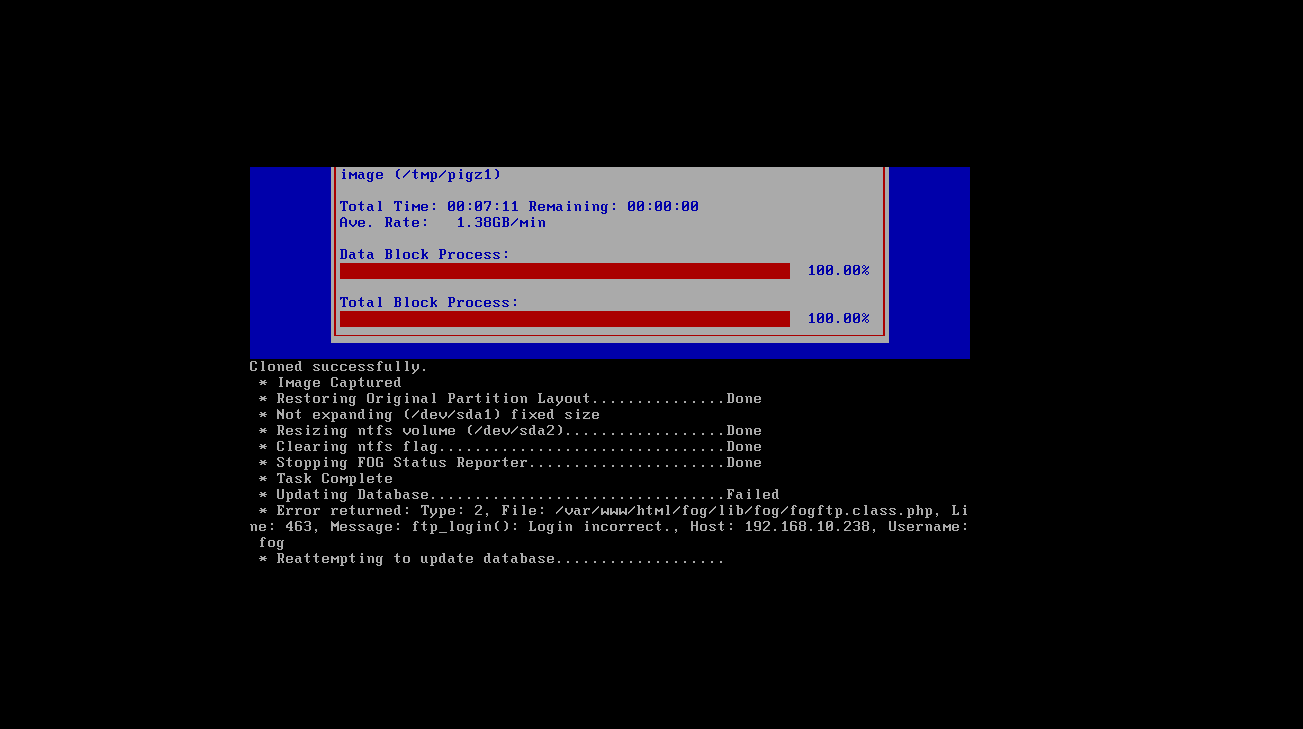
When attempting to upload an image I get this:
-
RE: Re-installed fog - now client issuesposted in FOG Problems
@wayne-workman
Yes I did it basically said to do what Tom asked. -
RE: Re-installed fog - now client issuesposted in FOG Problems
@tom-elliott
I did what you said and coptied the files back and re-ran the installer.but I still get this.
------------------------------------------------------------------------------ --------------------------------Authentication-------------------------------- ------------------------------------------------------------------------------ 1/23/2018 1:55 PM Client-Info Version: 0.11.12 1/23/2018 1:55 PM Client-Info OS: Windows 1/23/2018 1:55 PM Middleware::Authentication Waiting for authentication timeout to pass 1/23/2018 1:55 PM Middleware::Communication Download: http://10fogserver/fog/management/other/ssl/srvpublic.crt 1/23/2018 1:55 PM Data::RSA FOG Server CA cert found 1/23/2018 1:55 PM Data::RSA ERROR: Certificate validation failed 1/23/2018 1:55 PM Data::RSA ERROR: Trust chain did not complete to the known authority anchor. Errors: The signature of the certificate cannot be verified. (NotSignatureValid) 1/23/2018 1:55 PM Middleware::Authentication ERROR: Could not authenticate 1/23/2018 1:55 PM Middleware::Authentication ERROR: Certificate is not from FOG CA -
RE: Re-installed fog - now client issuesposted in FOG Problems
@tom-elliott yes, I made a copy of it.
-
Re-installed fog - now client issuesposted in FOG Problems
------------------------------------------------------------------------------
--------------------------------Authentication--------------------------------
------------------------------------------------------------------------------
 1/23/2018 10:49 AM Client-Info Version: 0.11.12
 1/23/2018 10:49 AM Client-Info OS:      Windows
 1/23/2018 10:49 AM Middleware::Authentication Waiting for authentication timeout to pass
 1/23/2018 10:51 AM Middleware::Communication Download: http://10fogserver/fog/management/other/ssl/srvpublic.crt
 1/23/2018 10:51 AM Data::RSA FOG Server CA cert found
 1/23/2018 10:51 AM Data::RSA ERROR: Certificate validation failed
 1/23/2018 10:51 AM Data::RSA ERROR: Trust chain did not complete to the known authority anchor. Errors: The signature of the certificate cannot be verified. (NotSignatureValid)
 1/23/2018 10:51 AM Middleware::Authentication ERROR: Could not authenticate
 1/23/2018 10:51 AM Middleware::Authentication ERROR: Certificate is not from FOG CA
I made backup copies before re-installing.
what do I need to do to restore fog-client communications?Thanks!
-
RE: Proglem when applying settings.posted in Bug Reports
Not an issue any longer sorry for the delayed post.
-
Using Conspy to View remote PC imaging progressposted in Tutorials
Here is a Video showing an example.
I prefer Centos so my instructions are based on Centos.
# yum update && yum install conspyFollow the instructions here to modify the Init Image:
Modifying the Init ImageOnce you have the init image extracted and mounted, add your ssh key.
cd /var/www/{html,}/fog/service/ipxe/initmountdir
cd root
mkdir .ssh
/bin/echo "==yoursshkeystringgoesbetweenthequotes==" >> .ssh/authorized_keys
copy Conspy to the image:
cp /usr/bin/conspy /var/www/{html,}/fog/service/ipxe/initmountdir/bin
cp /usr/lib64/libncurses.so.x /var/www/{html,}/fog/service/ipxe/initmountdir/lib64
cp /usr/lib64/libncurses.so.x.x /var/www/{html,}/fog/service/ipxe/initmountdir/lib64
cp /usr/lib64/libncursesw.so.x /var/www/{html,}/fog/service/ipxe/initmountdir/lib64
cp /usr/lib64/libncursesw.so.x.x /var/www/{html,}/fog/service/ipxe/initmountdir/lib64
cp /usr/lib64/libtinfo.so.x /var/www/{html,}/fog/service/ipxe/initmountdir/lib64
cp /usr/lib64/libtinfo.so.x.x /var/www/{html,}/fog/service/ipxe/initmountdir/lib64
replace x in libncurses++.so.x with the version of libcurses you have installed.
Follow the instruction on how to recompress the image and you’re done.ssh to the PC and login as root.
run the conspy command to view the progress. -
RE: upgrading from dev-branch to working problemsposted in FOG Problems
You can mark this as solved.
I ended up backing up my /var/www/html/fog/management/other/ssl/srvpublic.crt file backing up the database and removing /opt/fog, deleting the fog DB and reinstalling from scratch then importing host, images, users, snapins and other pertinent tables from the backup. -
RE: Upgrade Problems with .crtposted in FOG Problems
having issues with trying to upgrade from dev-brnach to working right now. I will update as soon as i get the upgrade resolved.
Thanks. -
upgrading from dev-branch to working problemsposted in FOG Problems
I ran the install like normal:
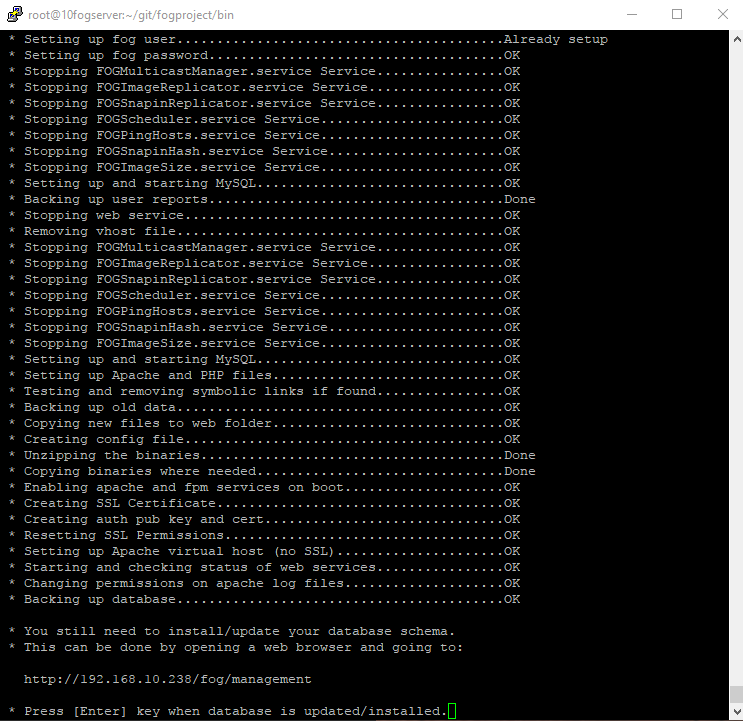
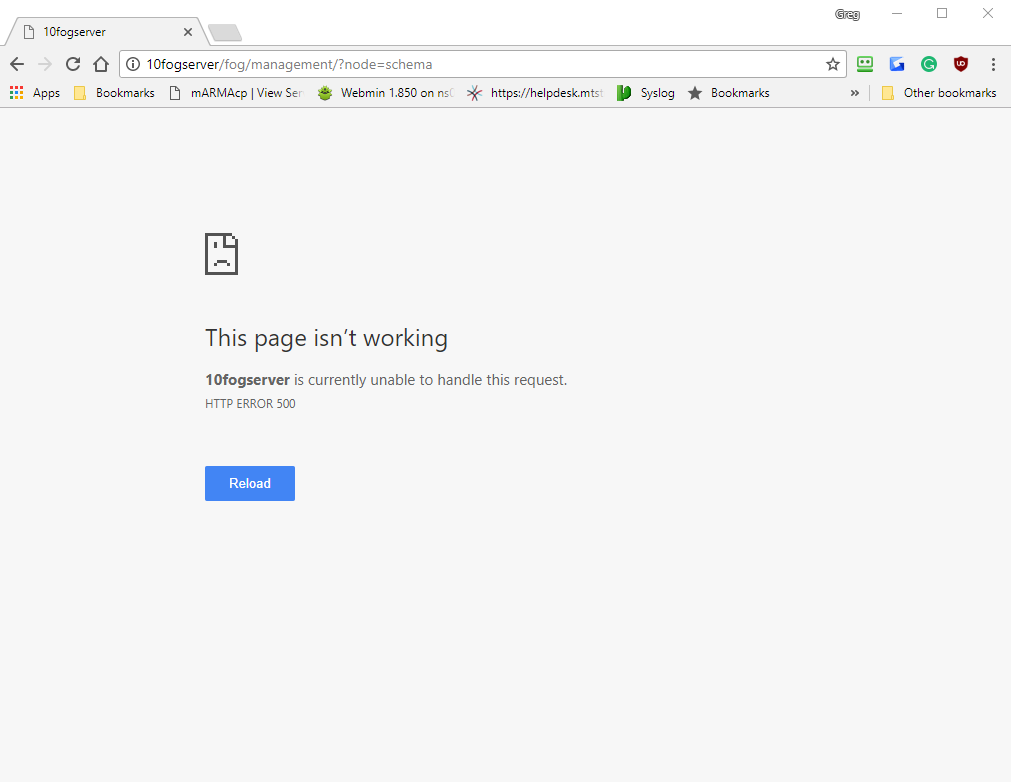
opened my fogserver webpage and got this:
-
RE: DHCP problems on storage nodesposted in FOG Problems
@george1421
Thanks for all your help on this. Next time I will make sure I am running the same branch. -
RE: DHCP problems on storage nodesposted in FOG Problems
commit 5c29159bfefc2c06ce48cca2e03b1860eec673b9
Merge: f91196f b65e917
Author: Tom Elliott <tommygunsster@gmail.com>
Date:   Tue Nov 7 14:41:40 2017 -0500

    Merge branch 'working' into dev-branch
root@10fogserver:~/git/fogproject $
[root@13fogserver fogproject]# git log -1 commit 33f538da4381dcba2b7d94d7d8367cf8eb8dcd3a Merge: 8d35d3d a70c9f5 Author: Tom Elliott <tommygunsster@gmail.com> Date: Mon Jun 26 21:56:16 2017 -0400 Merge branch 'dev-branch' [root@13fogserver fogproject]# -
RE: DHCP problems on storage nodesposted in FOG Problems
Running Version 1.5.0-RC-10
SVN Revision: 6080
Jan 17, 2018 16:07 pmhmmm i am not sure now.
-
RE: DHCP problems on storage nodesposted in FOG Problems
yes the fogserver and all nodes are on the same build.
-
RE: DHCP problems on storage nodesposted in FOG Problems
I dont know what the difference is from the init.xz that is on the main fogserver and the one that is on the storage node but I copied the init.xz from the main fogserver to the storage node and it works now? what gives?
-
RE: DHCP problems on storage nodesposted in FOG Problems
@george1421
ok removed the S40network.old, new video -
RE: DHCP problems on storage nodesposted in FOG Problems
oops, lol I copied the moved the S40network to S40network.old