HD info not populating in log
-
Hello all, my company uses FOG to deploy images to large batches (hundreds) of devices. Generally before image deployment, we upgrade either the SSD or RAM. In our latest deployments, devices have had NVME drives but none of our devices with NVME drives are reporting the HD information, which is very helpful if one SSD gets missed. Does anyone have a recommendation to help gather this information? Some example device information is:
 CPU Manufacturer CPU Version CPU Speed CPU Max Speed Memory HD Model HD Firmware HD Serial
Intel Corporation Intel Celeron 7305L Current Speed: 693 MHz Max Speed: 1100 MHz MemTotal: 7913780 kB
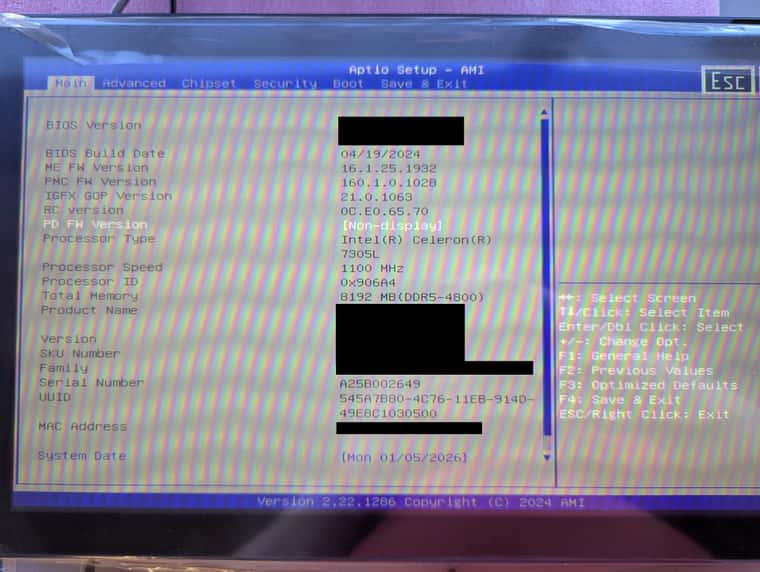
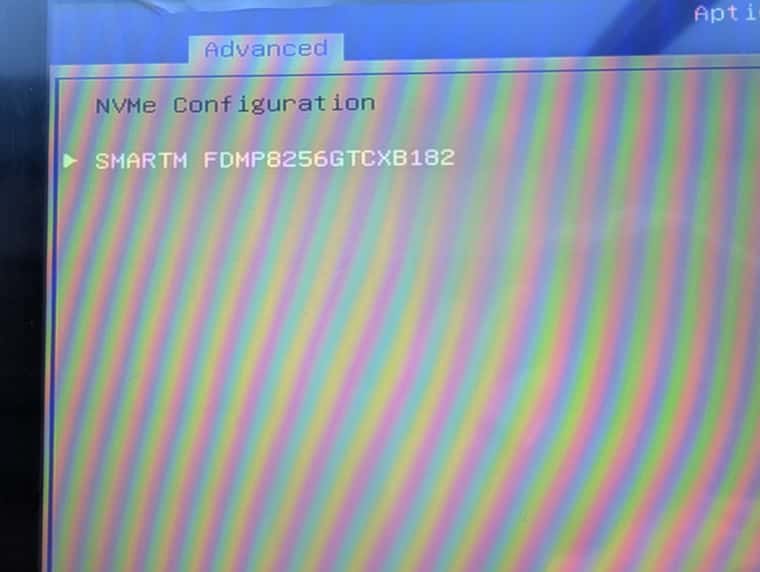
The SSD information is shown in the BIOS, as seen in the second photo.
-
@meie1kyl If you’re able to load into debug mode:
Please try:
export hd="/dev/<your_nvme_label>"
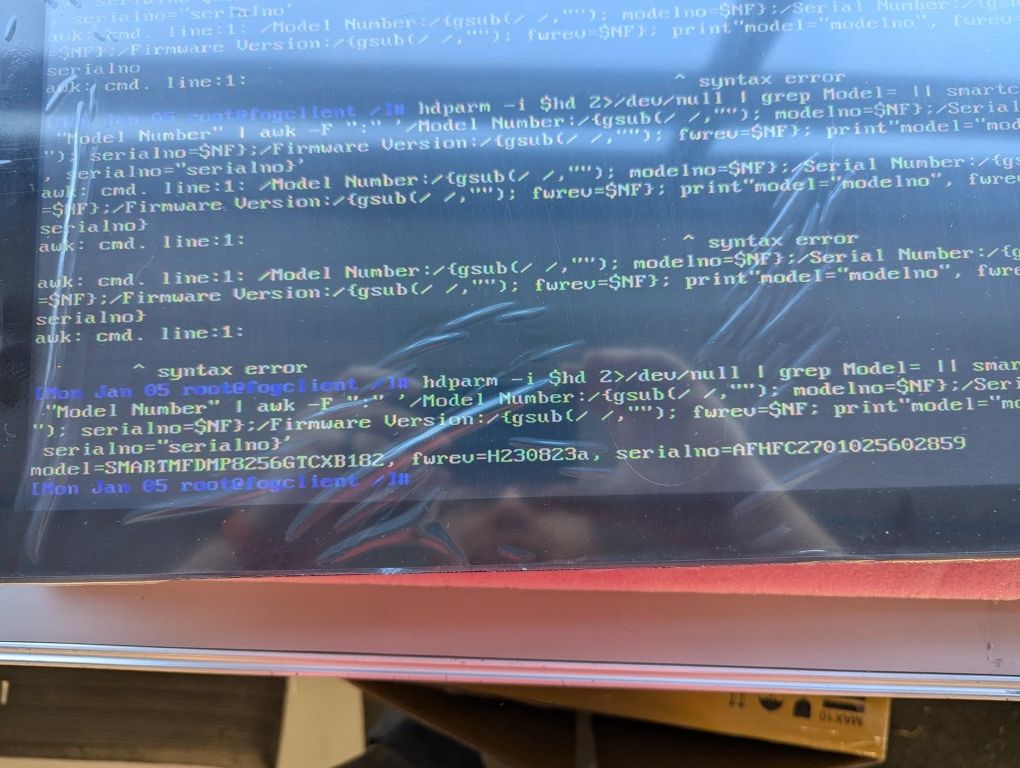
hdparm -i $hd 2>/dev/null | grep Model= || smartctl -i $hd | grep -A2 "Model Number" | awk -F ":" '/Model Number:/{gsub(/ /,""); modelno=$NF};/Serial Number:/{gsub(/ /,""); serialno=$NF};/Firmware Version:/{gsub(/ /,""); fwrev=$NF; print "model="modelno", fwrev="fwrev", serialno="serialno}'
Change <your_nvme_label> with the actual nvme label (nvme0n1 or whatever it shows up as)
What is the output?
I have a slightly sneaking suspicion that the NVME is in “RAID” mode and since it’s bios controlled, the machine never actually sees the NVME drive.
-
@Tom-Elliott There are two NVME slots on these devices, only one is populated. I’m not sure if these devices are capable of software RAID or not. I’ll give your recommendation a shot.
-
@Tom-Elliott EDITED- input error. Here are the results from the command you provided:
-
@meie1kyl from that, then can you just run
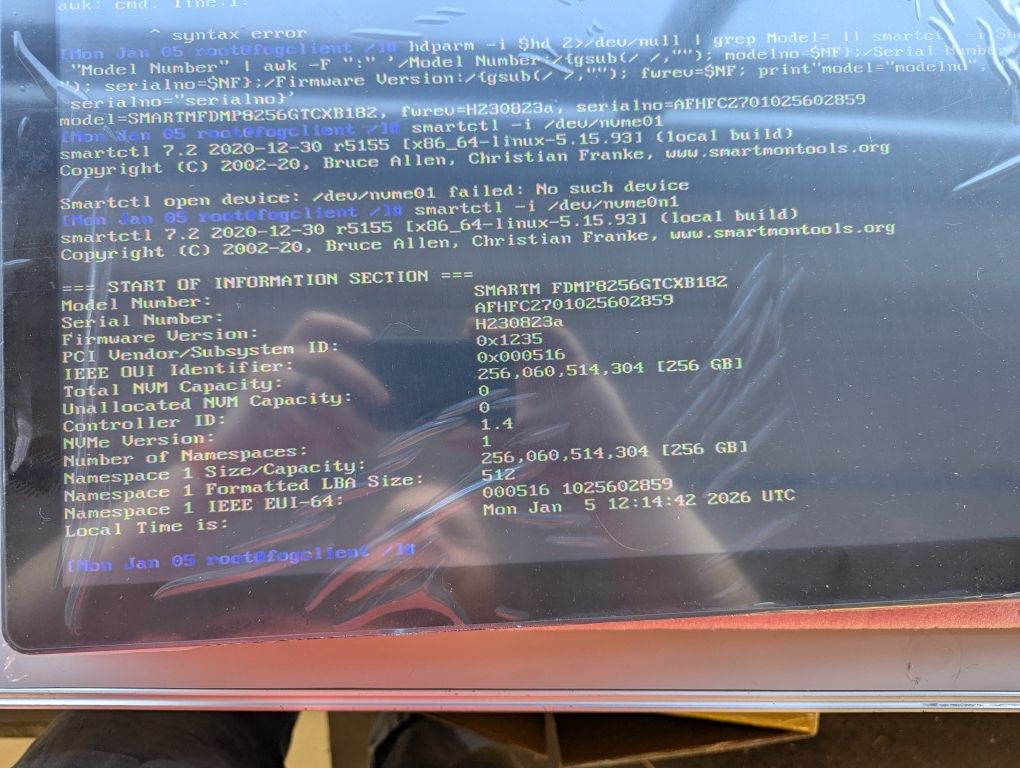
smartctl -i /dev/nvme0n1 -
@Tom-Elliott Thanks, I did get the correct info and ran smartctl -i /dev/nvme0n1 and got the following results. How do we get the server to log this info automatically? Really the only information I truly need is the SSD model number.
-
@meie1kyl I think I need you to run a bit more into the debug:
Can you run:
source /usr/share/fog/lib/funcs.sh
getHardDisk

echo $hd
Basically (just so you’re aware)
I am seeing the drive when manually forced to the NVME drive is properly getting the inventory information for that specific drive, but when the machine boots for deploy/inventory tasks it takes whatever drive is returned from the getHardDisk
So what I wanted tested first was that the command actually worked appropriately and it appears to be working at least.
Next I want to see what the system (in normal operational mode) sees as the main drive.
I don’t know where the problem is but at least it doesn’t seem to be a RAID/AHCI mode switch issue (so thank you for that), it helps paint a bigger picture with real information.
-
@Tom-Elliott Sure, not a problem
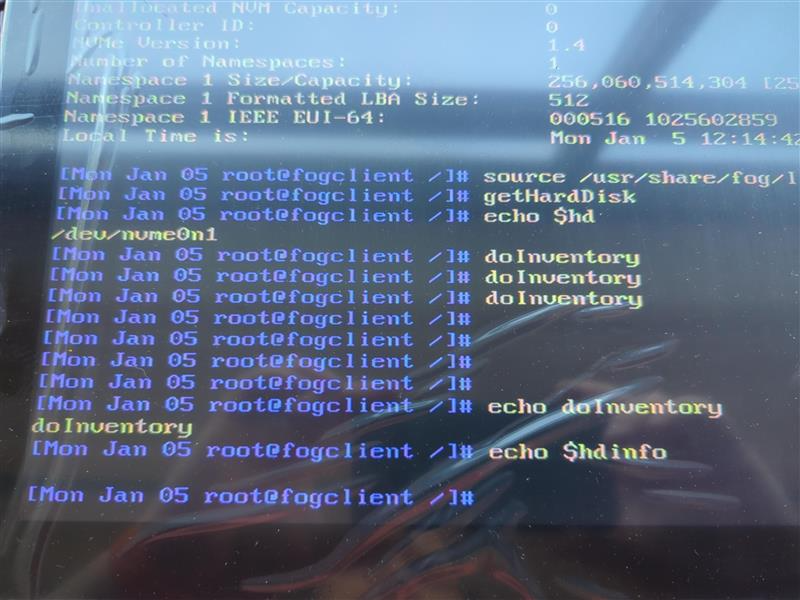
 I didn’t realize more debug was required. The output from the requested commands are: “/dev/nvme0n1”
-
@meie1kyl Okay then can you try running
doInventoryand hit enter as needed? -
@Tom-Elliott there is no output when I run doInventory
-
@meie1kyl Now run:
echo $hdinfo
If that houses the right information, we should then know I need to look at the code (on the UI side) to see why its not breaking down correctly
I know it’s a process, I apologize.
We can then just run the
fog.inventoryshell command too. -
@Tom-Elliot I appreciate the help. No output from echo $hdinfo either
-
@meie1kyl I may be wrong but I have a feeling you are running an old version of the inits. Can you run these commands:
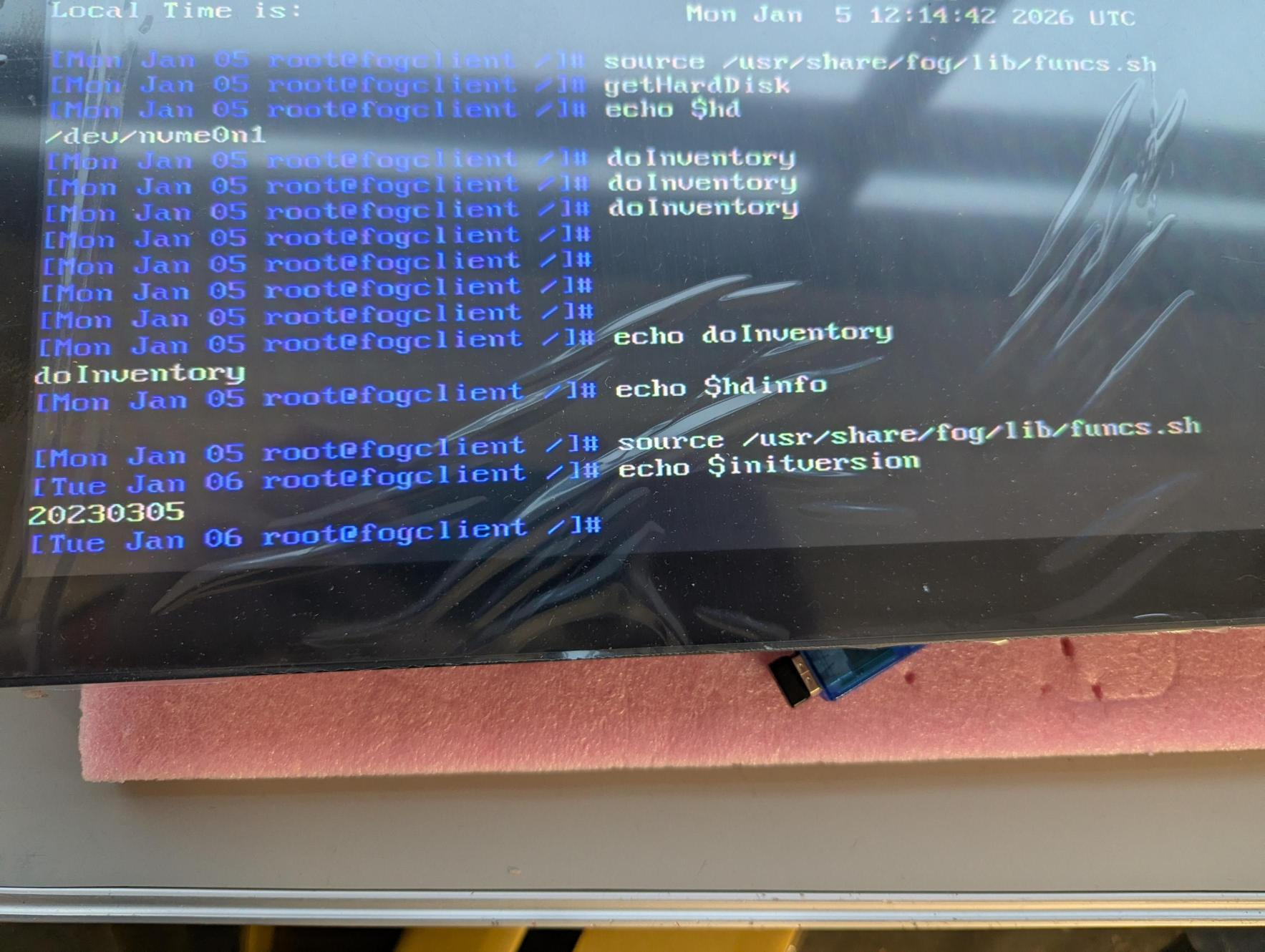
source /usr/share/fog/lib/funcs.sh echo $initversion -
-
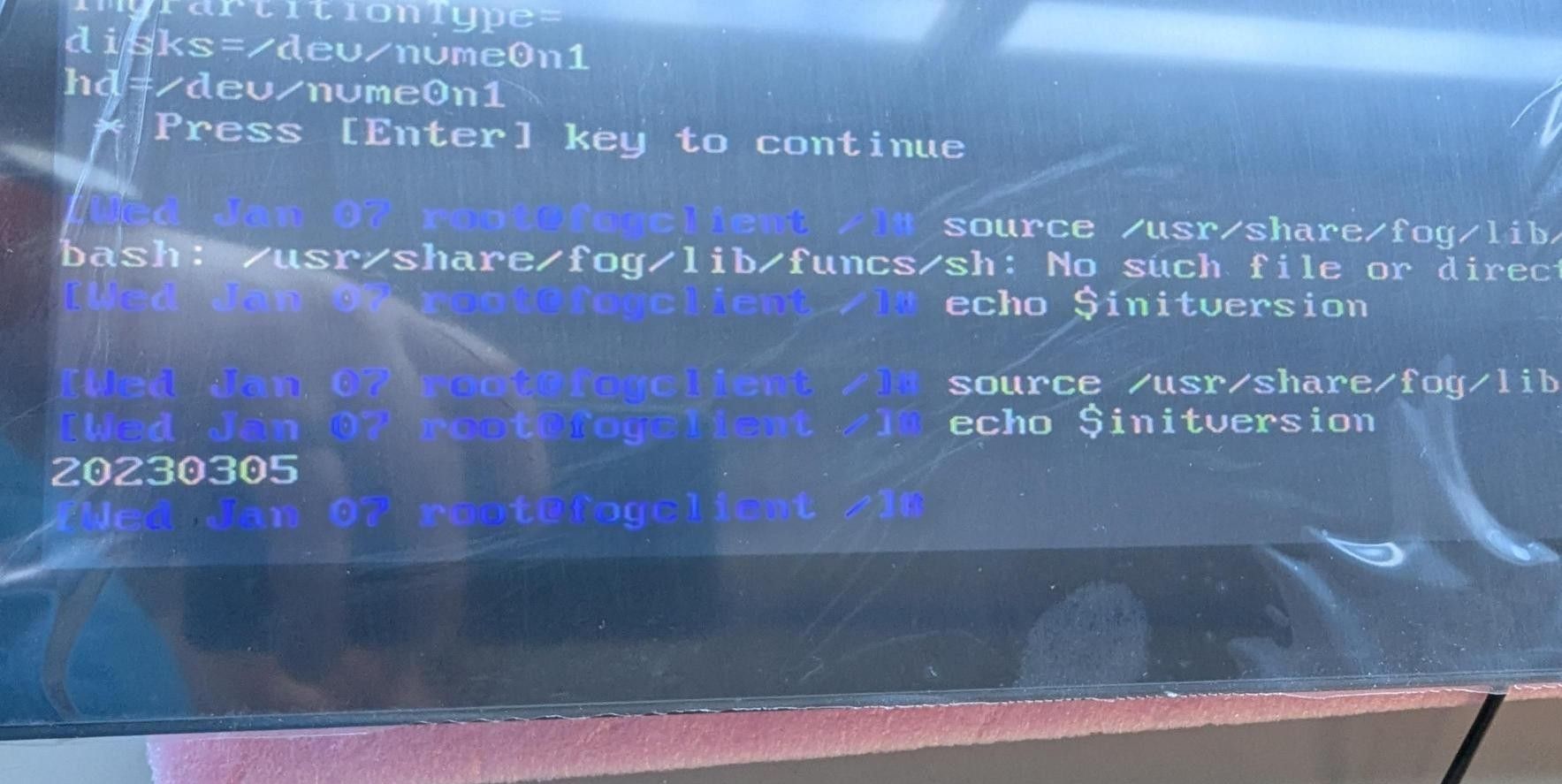
@meie1kyl Indeed that is a VERY old init
-
@meie1kyl The fix for this issue was done in August 2023 and released in init version 20231208. My guess is that you haven’t updated your FOG install since 2023, or else the init should have “auto” updated.
I recommend that you update your FOG server to the latest stable version since there have been many fixes and security updates since 2023. -
@Tom-Elliott Is there a guide for updating? I was not the person that initially set up the server unfortunately.
-
We tried the following and still get the same init version after rebooting into dev mode.
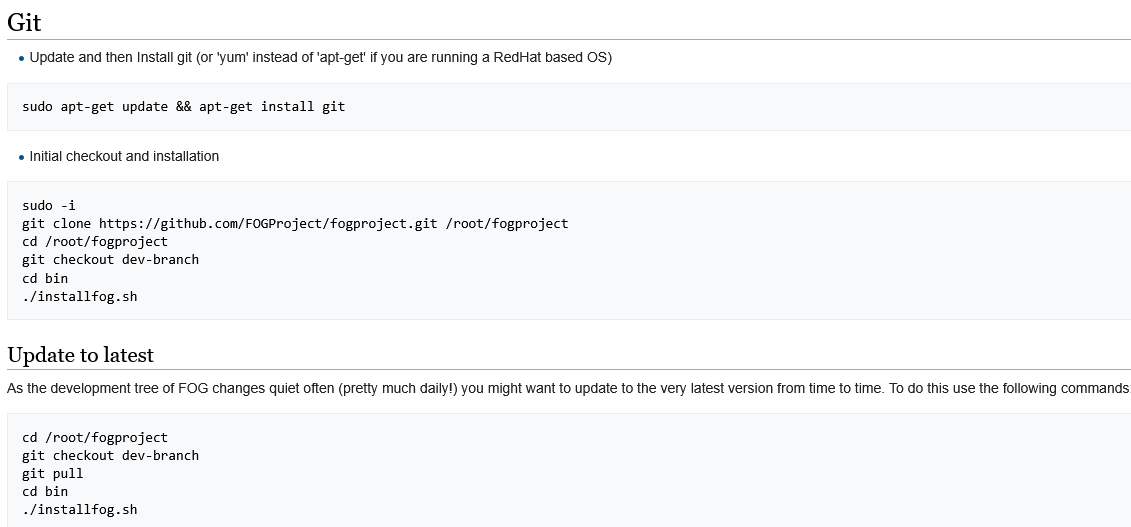
- Updated and followed instructions from here: https://wiki.fogproject.org/wiki/index.php/Upgrade_to_trunk
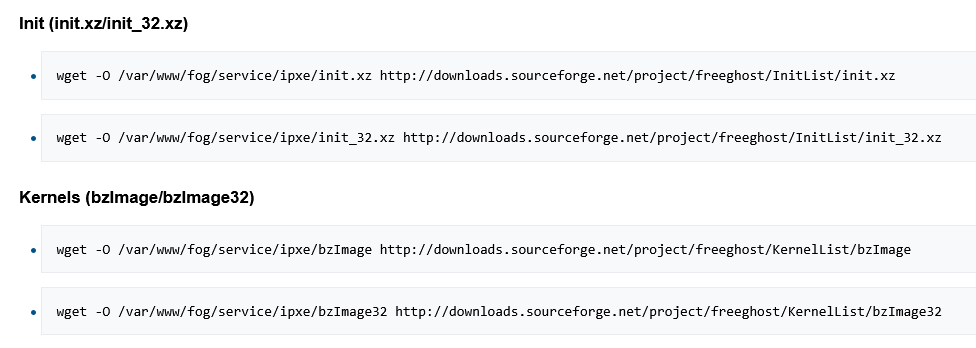
- Attempted updating init and kernels using instructions found here (Debian instructions. Server is running Ubuntu) https://wiki.fogproject.org/wiki/index.php?title=Download_Current_Init's_and_Kernels_Command_Line
- Rebooted both endpoint in dev mode and the server itself
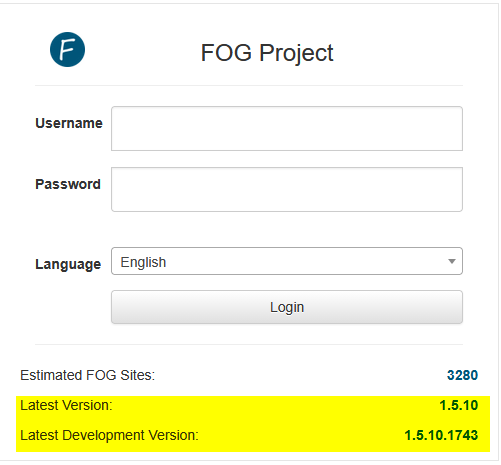
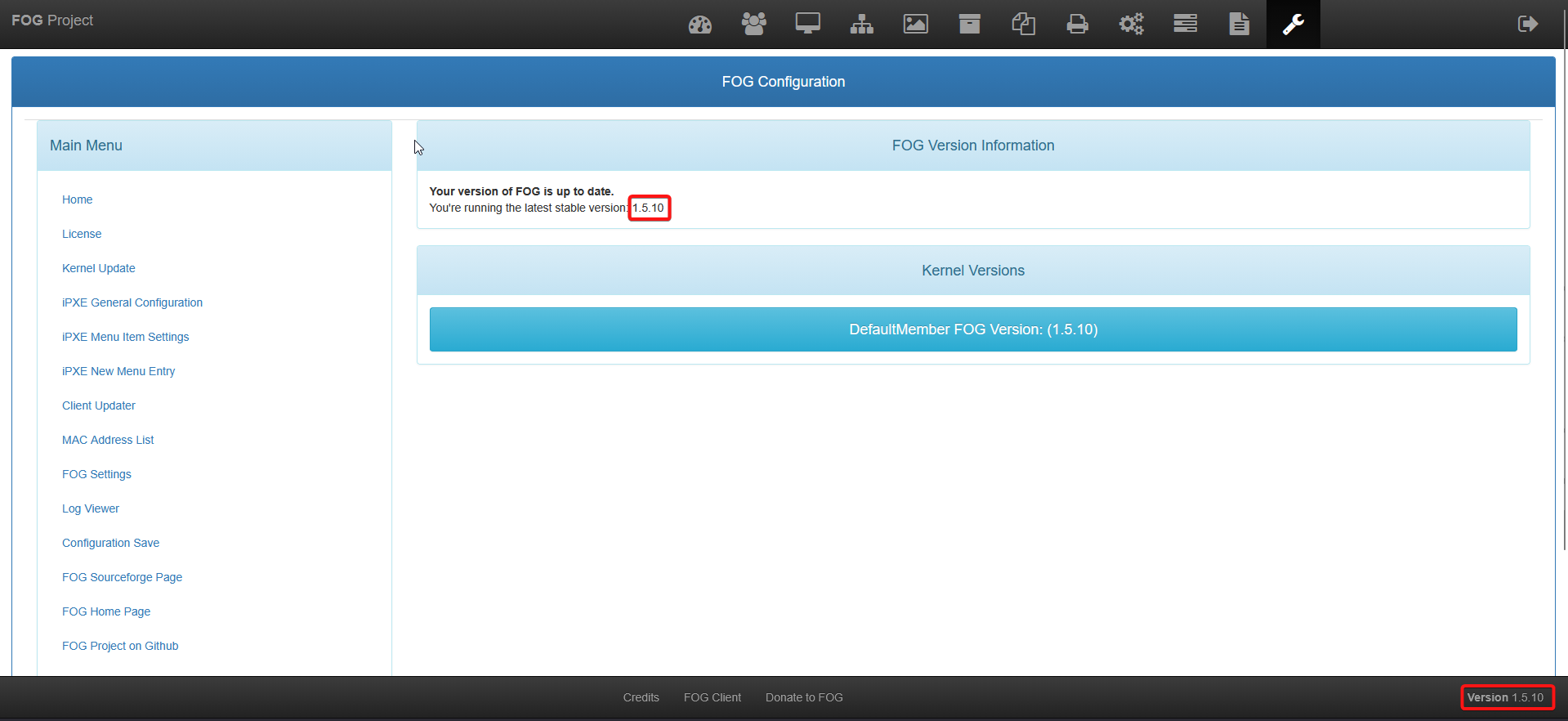
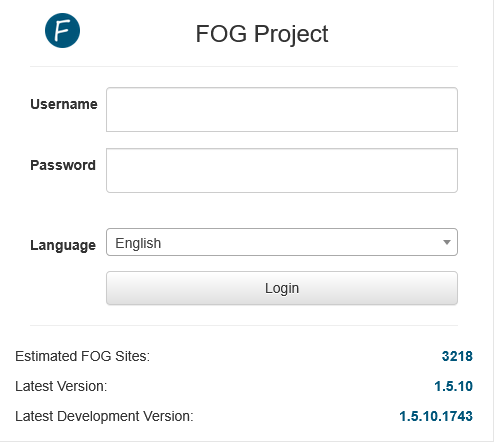
Current version shown on the web portal:
Current init showing after all of this:
-
@meie1kyl What version of fog are you running?
When you login at the bottom right corner you should see the actually installed version of FOG.
What version is that?
I suspect you’re using a version that is explicitely tied to 20230305.
-
@Tom-Elliott Version 1.5.10