@Tom-Elliott Thank you, Tom. The init version is now 2025xxx. I’ll test soon to confirm the SSD info is showing in logs.
M
Latest posts made by meie1kyl
-
RE: HD info not populating in logposted in FOG Problems
-
RE: HD info not populating in logposted in FOG Problems
We tried the following and still get the same init version after rebooting into dev mode.
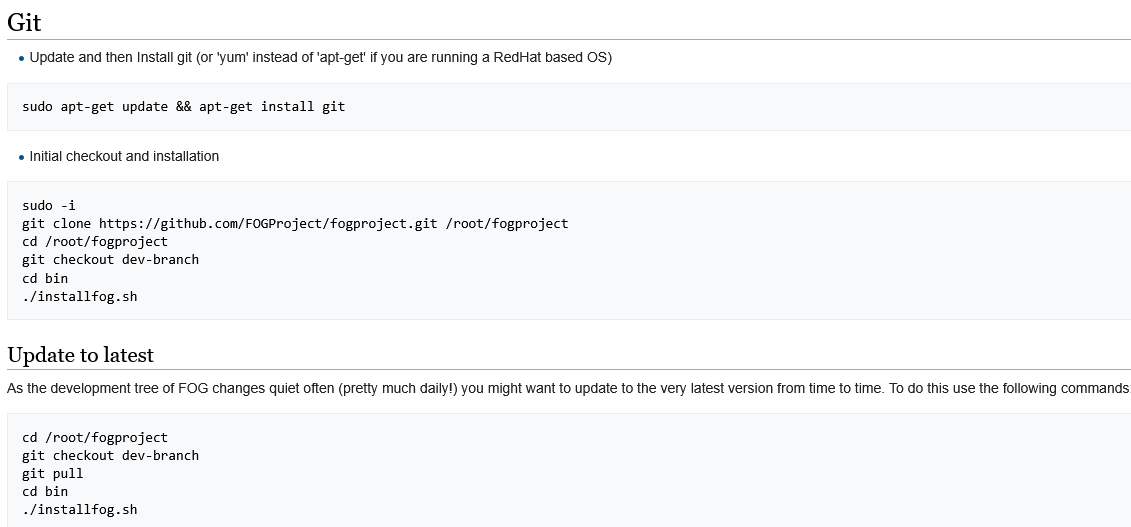
- Updated and followed instructions from here: https://wiki.fogproject.org/wiki/index.php/Upgrade_to_trunk
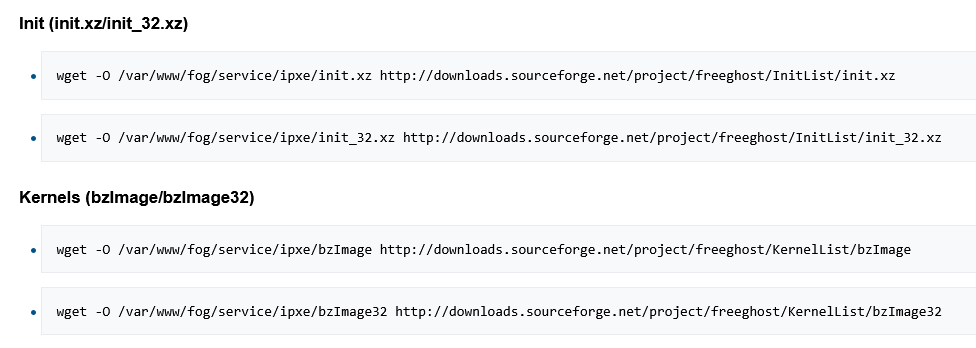
- Attempted updating init and kernels using instructions found here (Debian instructions. Server is running Ubuntu) https://wiki.fogproject.org/wiki/index.php?title=Download_Current_Init's_and_Kernels_Command_Line
- Rebooted both endpoint in dev mode and the server itself
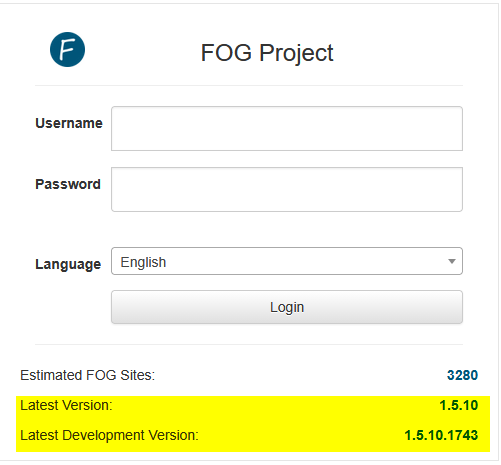
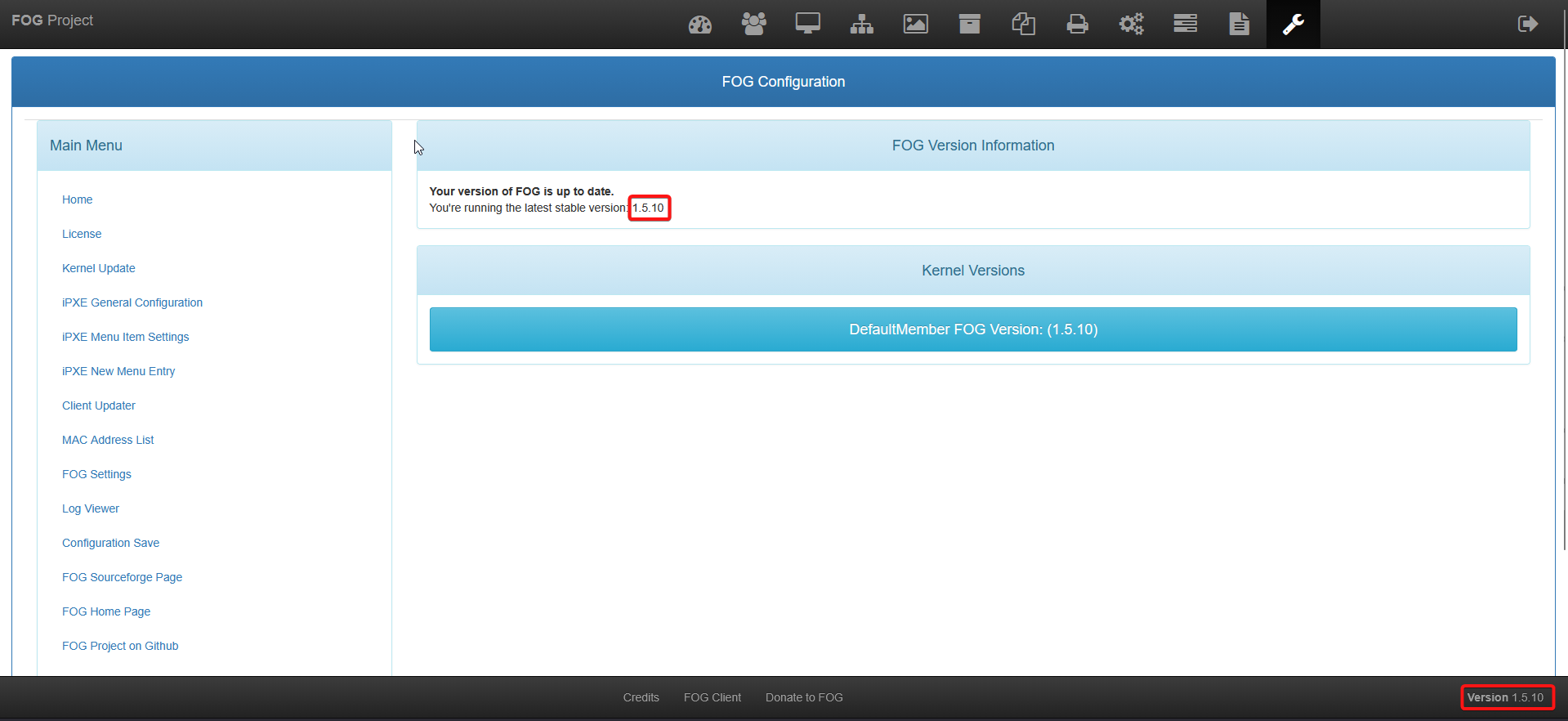
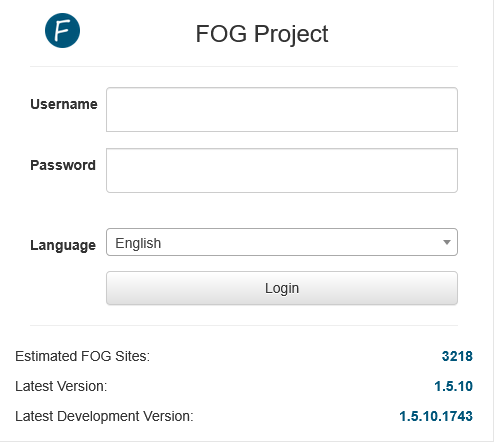
Current version shown on the web portal:
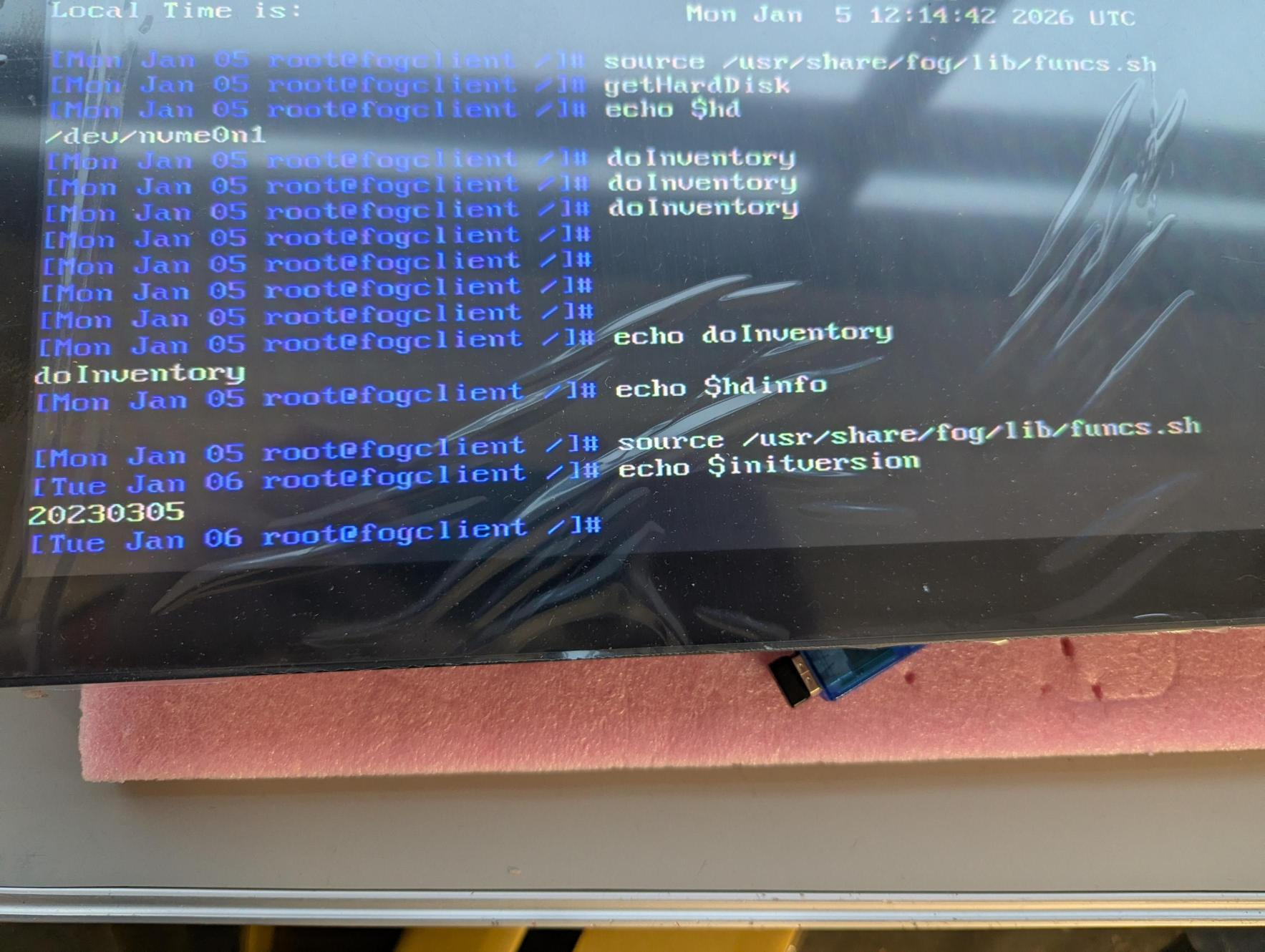
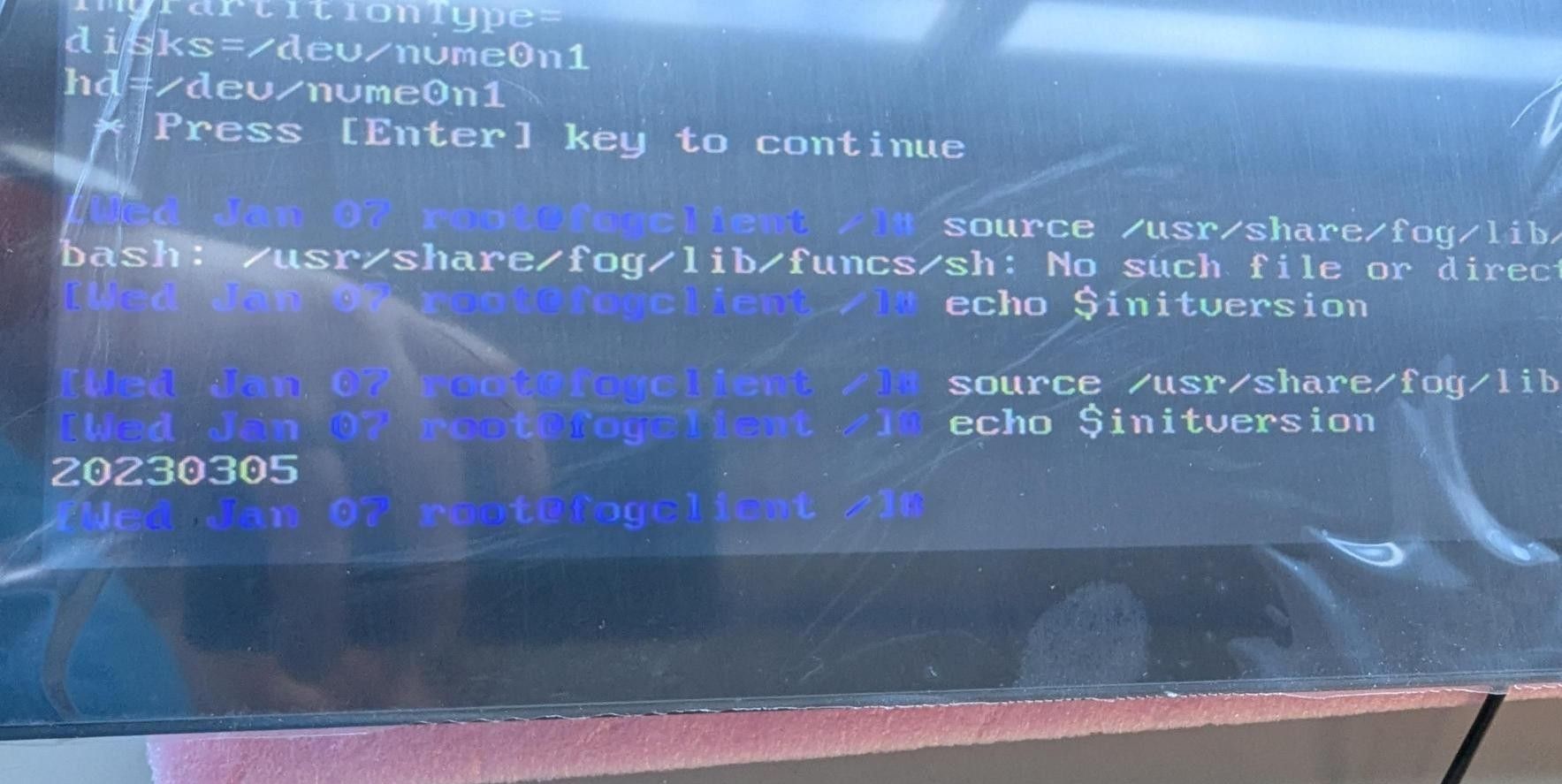
Current init showing after all of this:
-
RE: HD info not populating in logposted in FOG Problems
@Tom-Elliott Is there a guide for updating? I was not the person that initially set up the server unfortunately.
-
RE: HD info not populating in logposted in FOG Problems
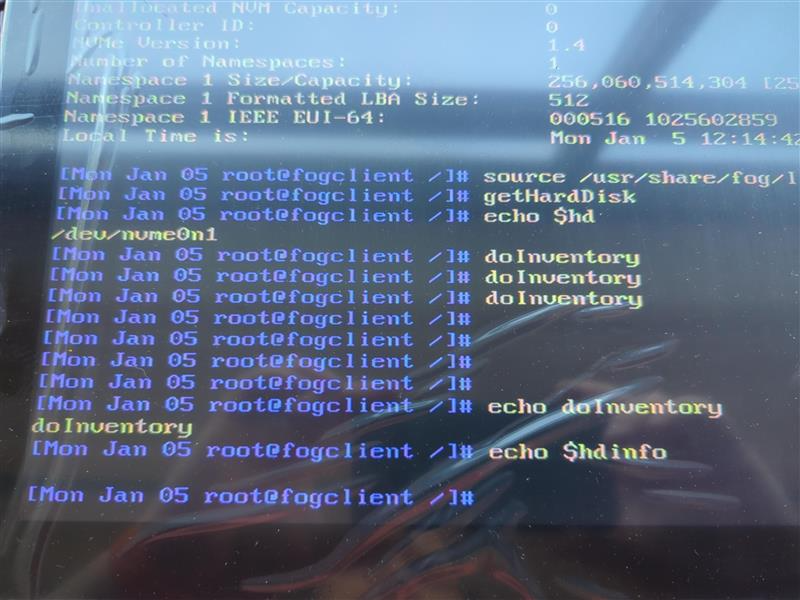
@Tom-Elliot I appreciate the help. No output from echo $hdinfo either
-
RE: HD info not populating in logposted in FOG Problems
@Tom-Elliott there is no output when I run doInventory
-
RE: HD info not populating in logposted in FOG Problems
@Tom-Elliott Sure, not a problem
 I didn’t realize more debug was required. The output from the requested commands are: “/dev/nvme0n1”
-
RE: HD info not populating in logposted in FOG Problems
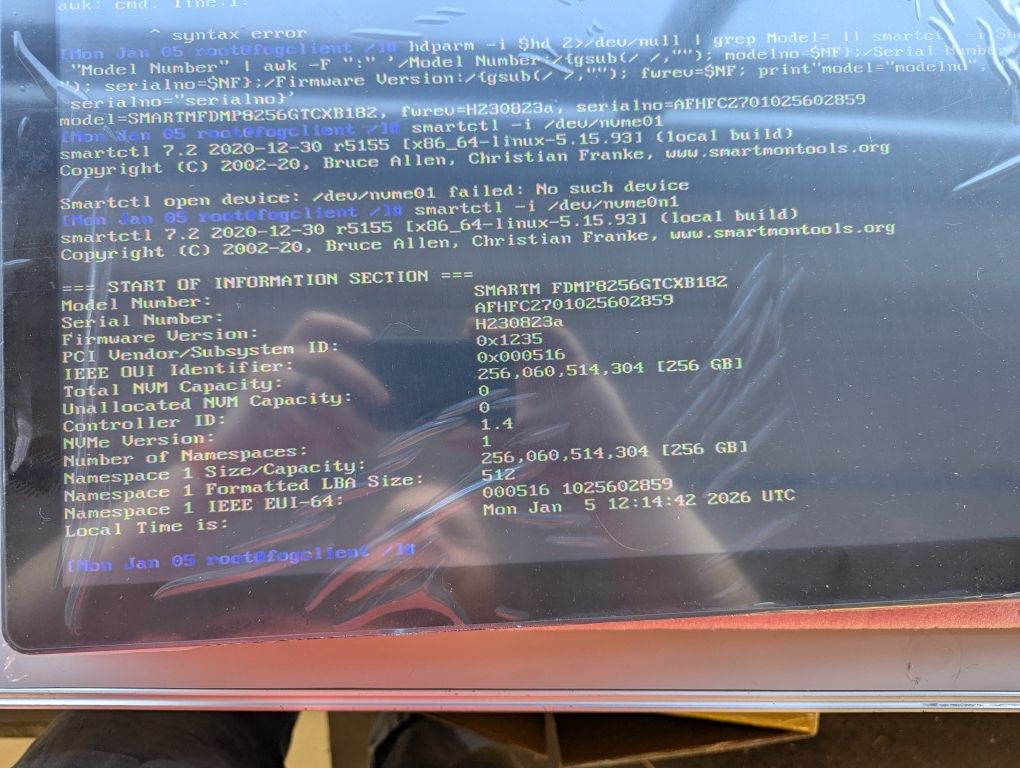
@Tom-Elliott Thanks, I did get the correct info and ran smartctl -i /dev/nvme0n1 and got the following results. How do we get the server to log this info automatically? Really the only information I truly need is the SSD model number.
-
RE: HD info not populating in logposted in FOG Problems
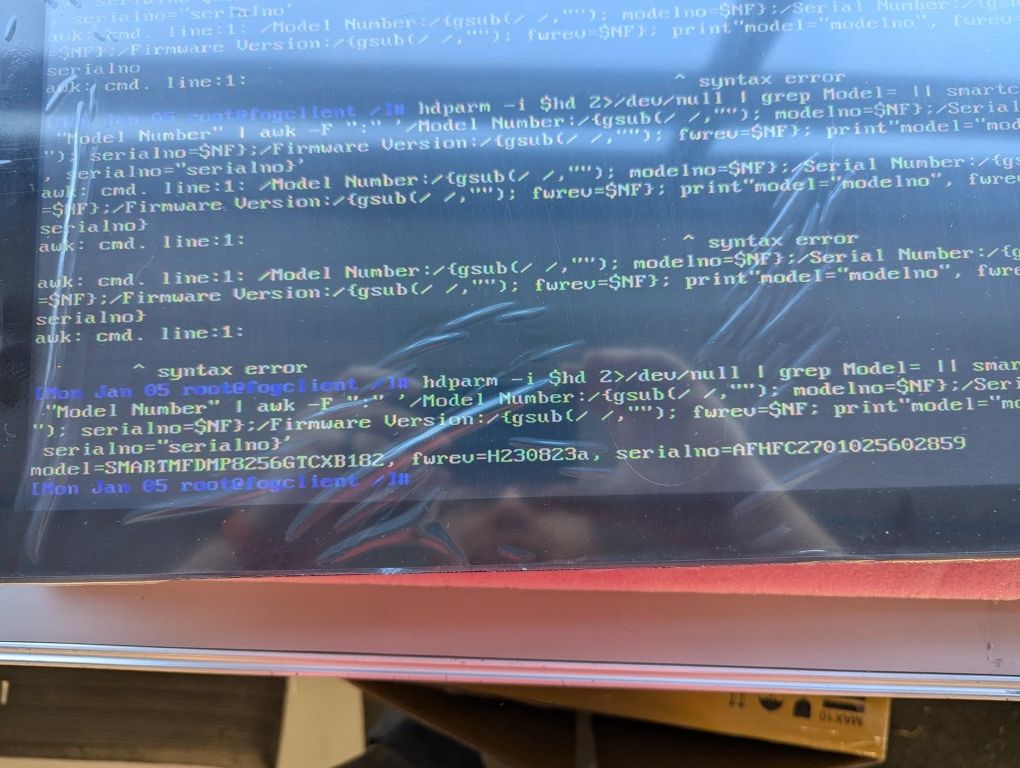
@Tom-Elliott EDITED- input error. Here are the results from the command you provided: