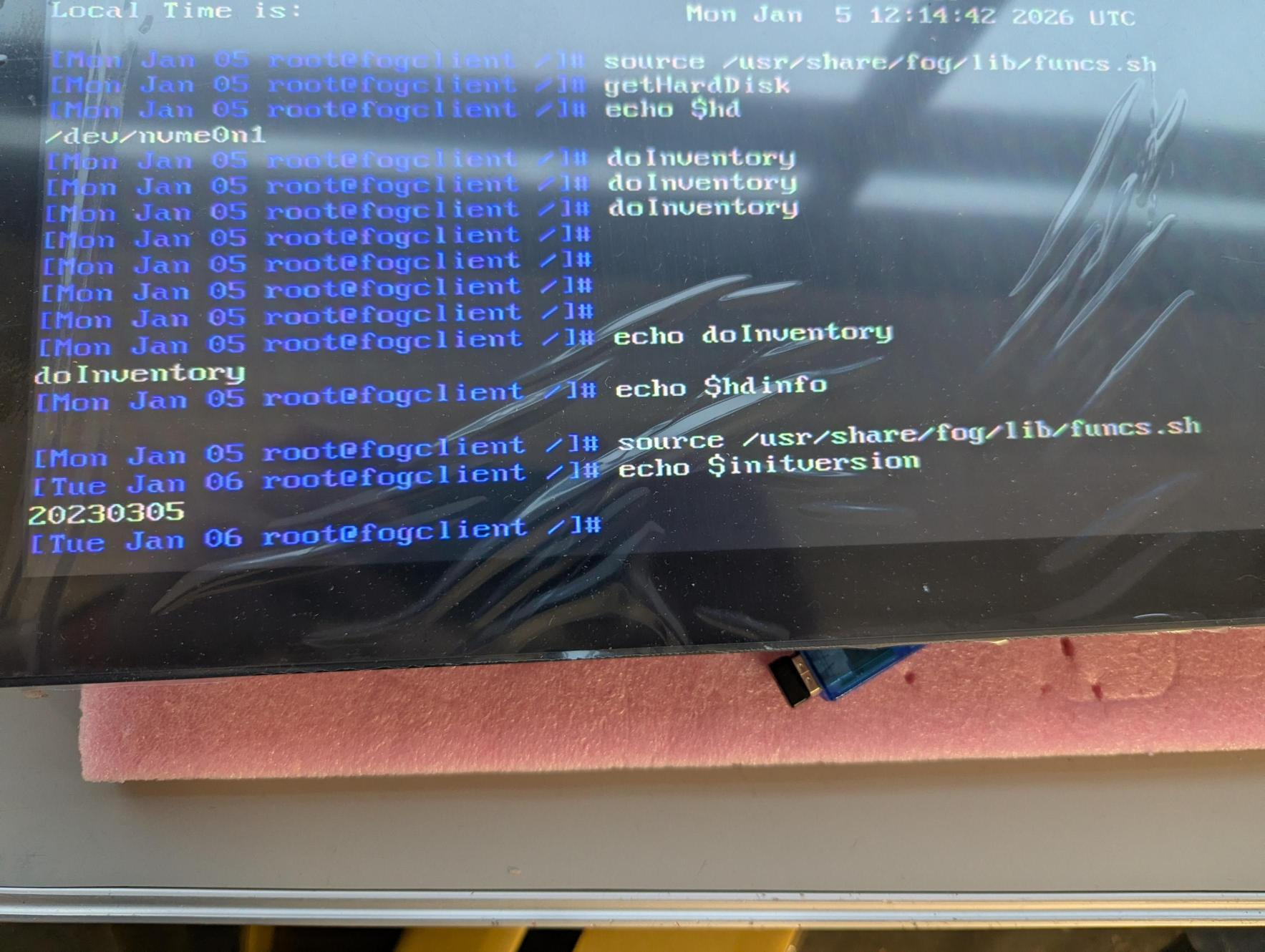
@Tom-Elliott Thank you, Tom. The init version is now 2025xxx. I’ll test soon to confirm the SSD info is showing in logs.
M
Posts
-
RE: HD info not populating in logposted in FOG Problems
-
RE: HD info not populating in logposted in FOG Problems
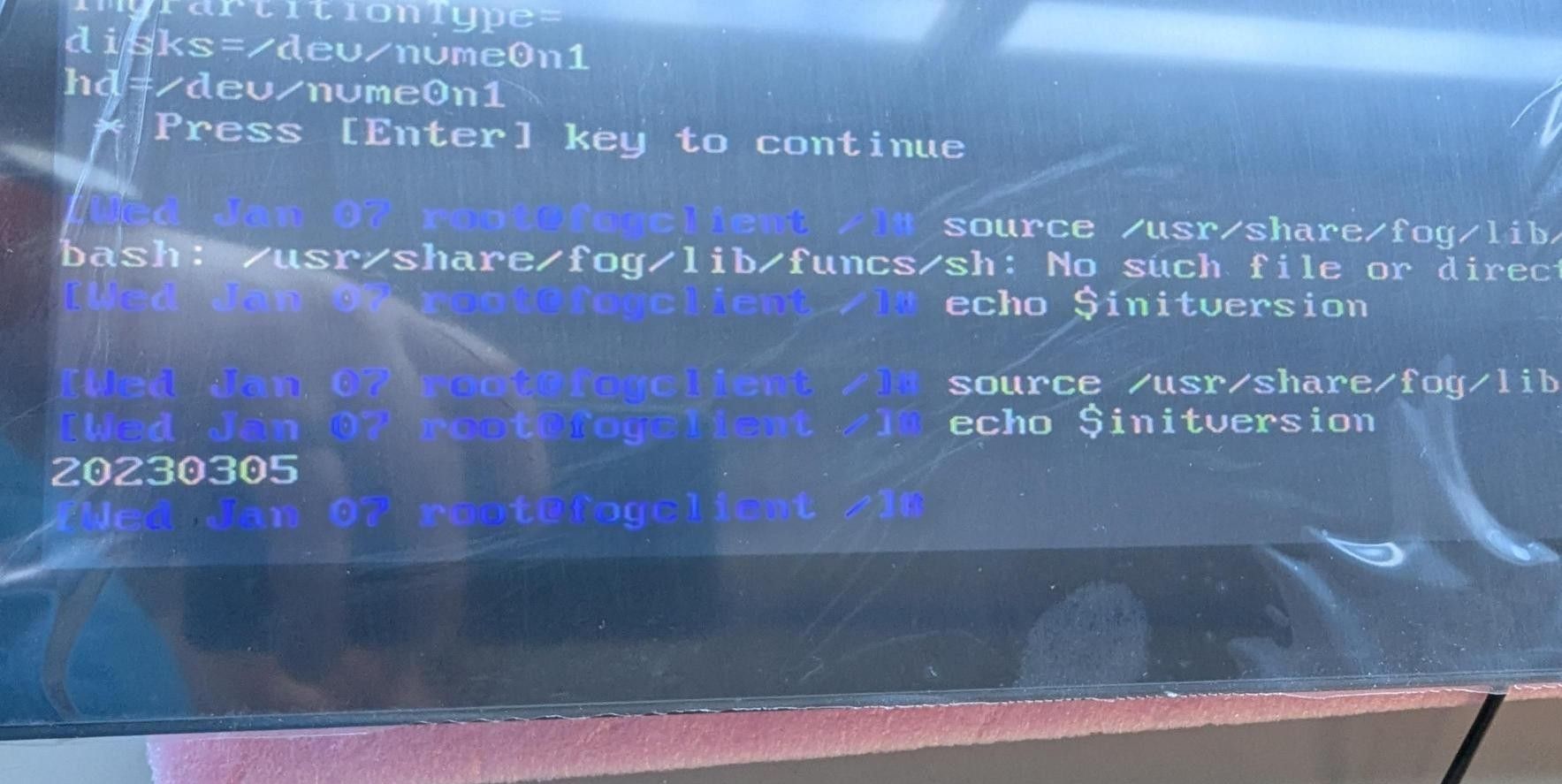
We tried the following and still get the same init version after rebooting into dev mode.
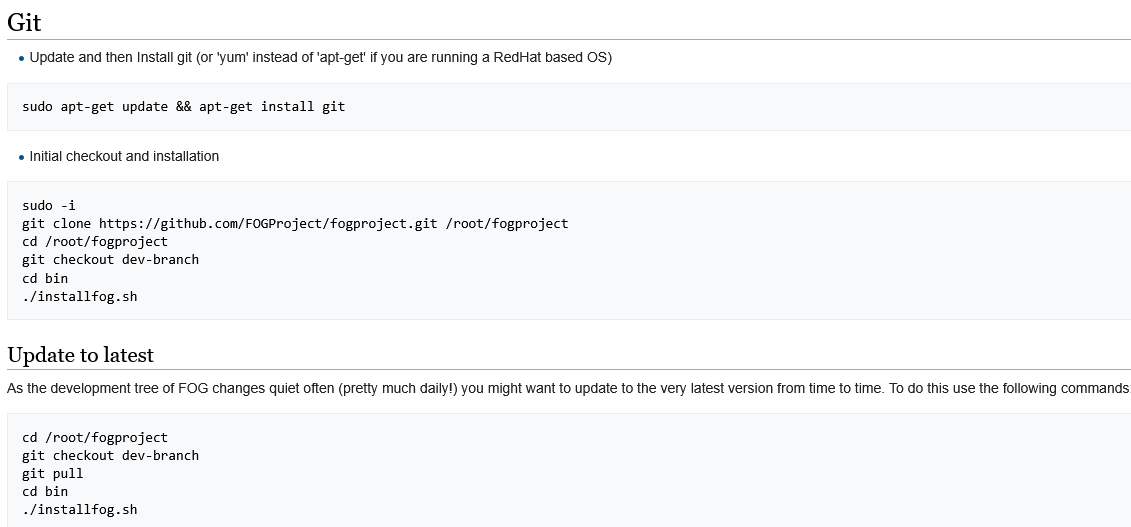
- Updated and followed instructions from here: https://wiki.fogproject.org/wiki/index.php/Upgrade_to_trunk
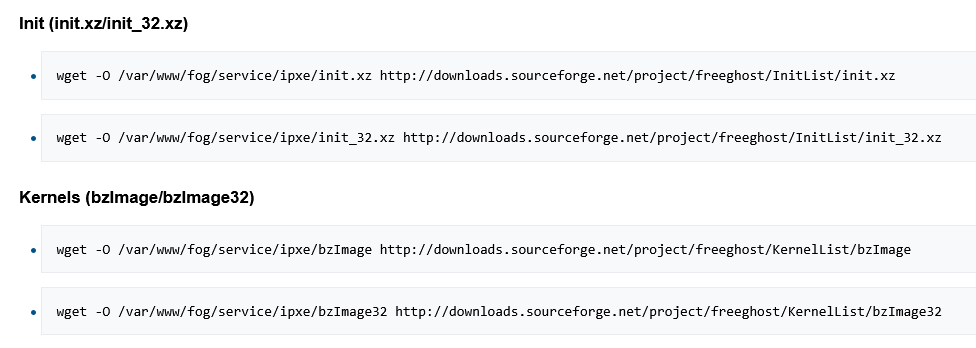
- Attempted updating init and kernels using instructions found here (Debian instructions. Server is running Ubuntu) https://wiki.fogproject.org/wiki/index.php?title=Download_Current_Init's_and_Kernels_Command_Line
- Rebooted both endpoint in dev mode and the server itself
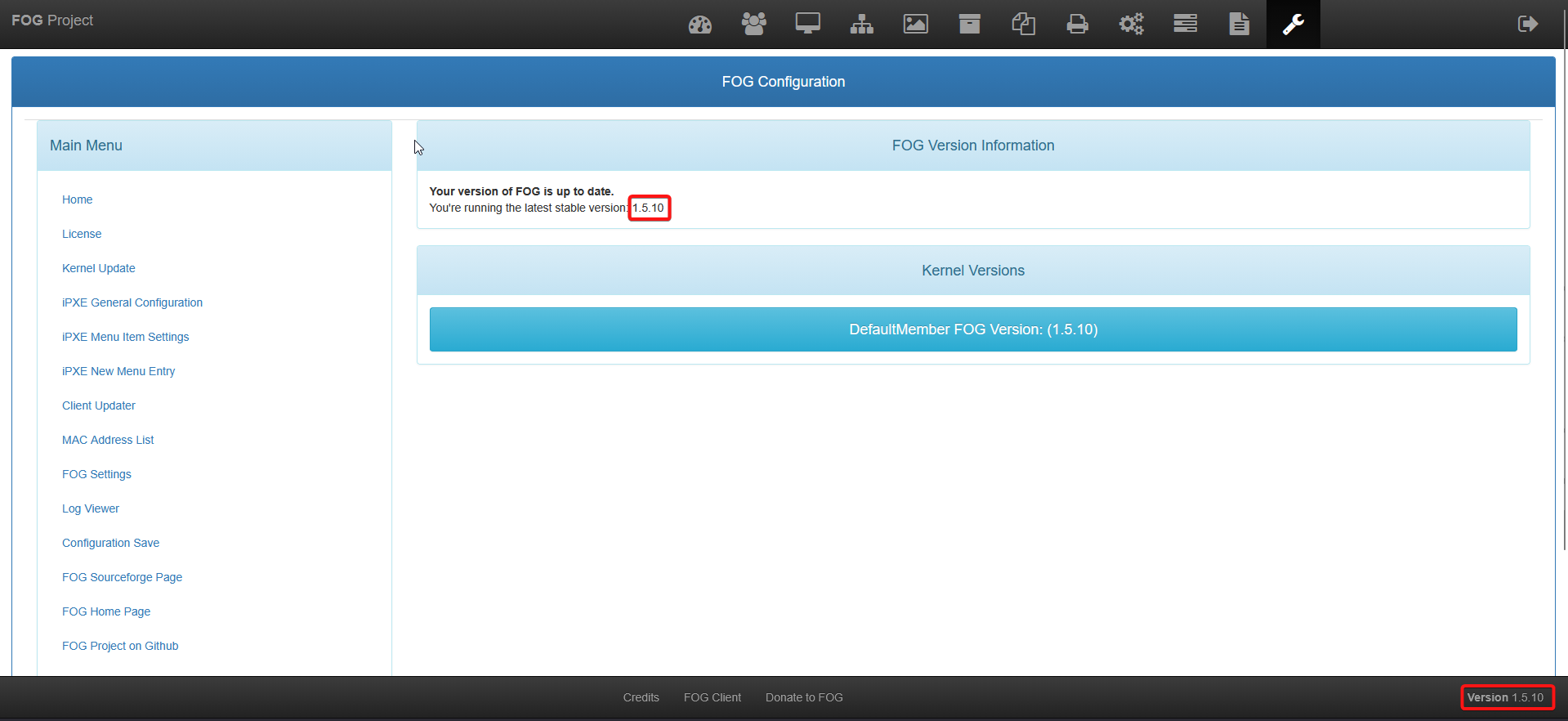
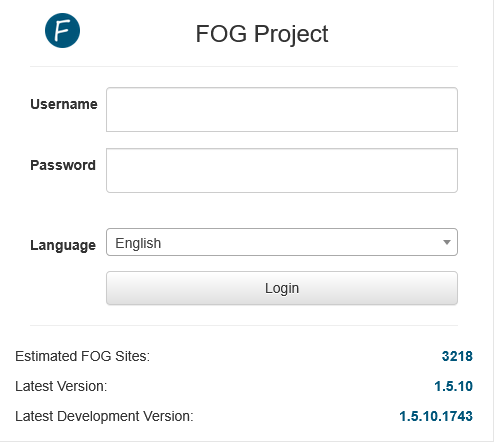
Current version shown on the web portal:
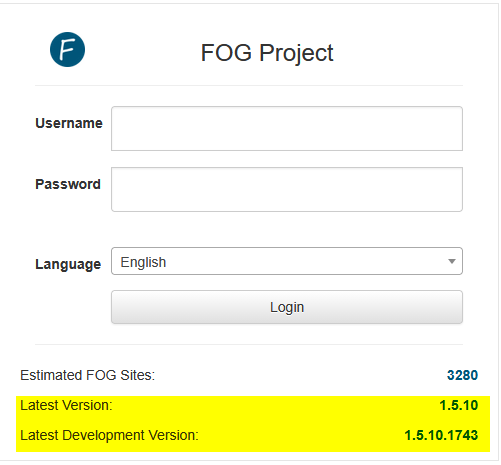
Current init showing after all of this:
-
RE: HD info not populating in logposted in FOG Problems
@Tom-Elliott Is there a guide for updating? I was not the person that initially set up the server unfortunately.
-
RE: HD info not populating in logposted in FOG Problems
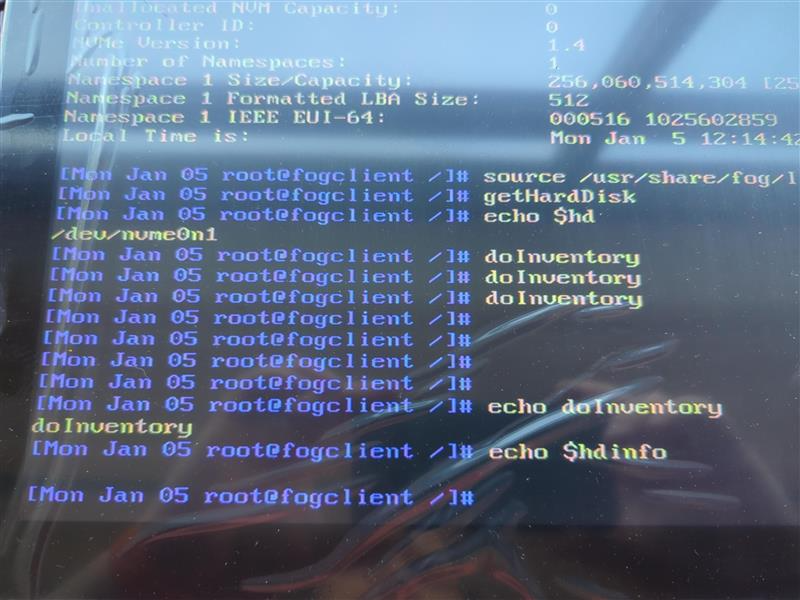
@Tom-Elliot I appreciate the help. No output from echo $hdinfo either
-
RE: HD info not populating in logposted in FOG Problems
@Tom-Elliott there is no output when I run doInventory
-
RE: HD info not populating in logposted in FOG Problems
@Tom-Elliott Sure, not a problem
 I didn’t realize more debug was required. The output from the requested commands are: “/dev/nvme0n1”
-
RE: HD info not populating in logposted in FOG Problems
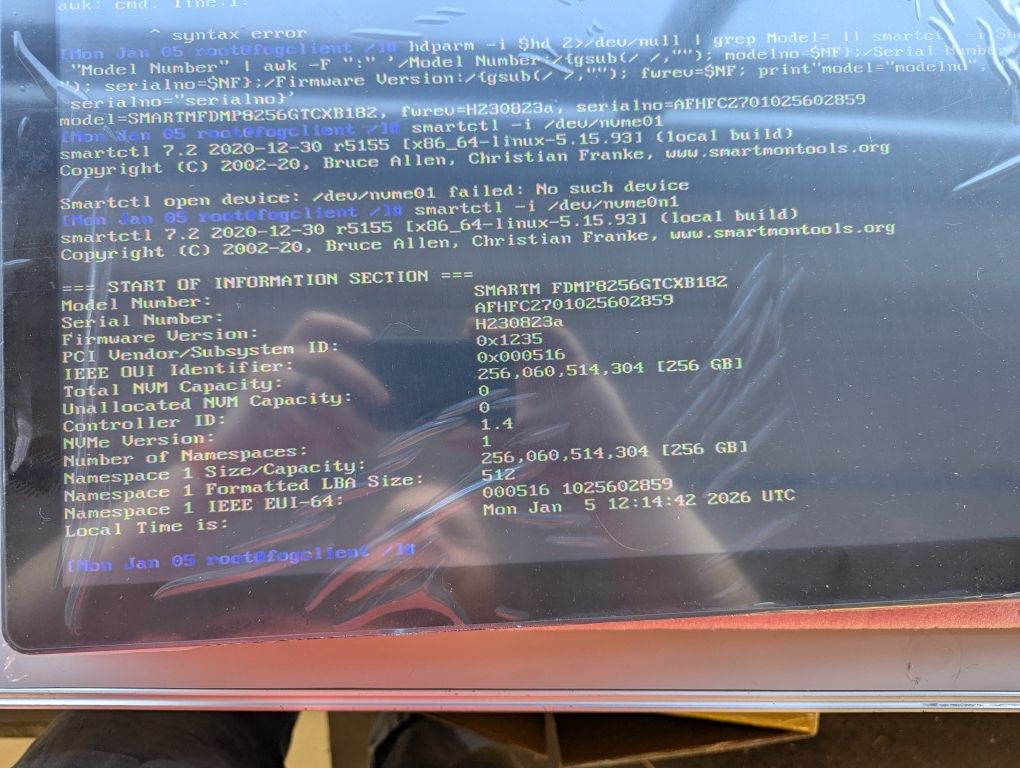
@Tom-Elliott Thanks, I did get the correct info and ran smartctl -i /dev/nvme0n1 and got the following results. How do we get the server to log this info automatically? Really the only information I truly need is the SSD model number.
-
RE: HD info not populating in logposted in FOG Problems
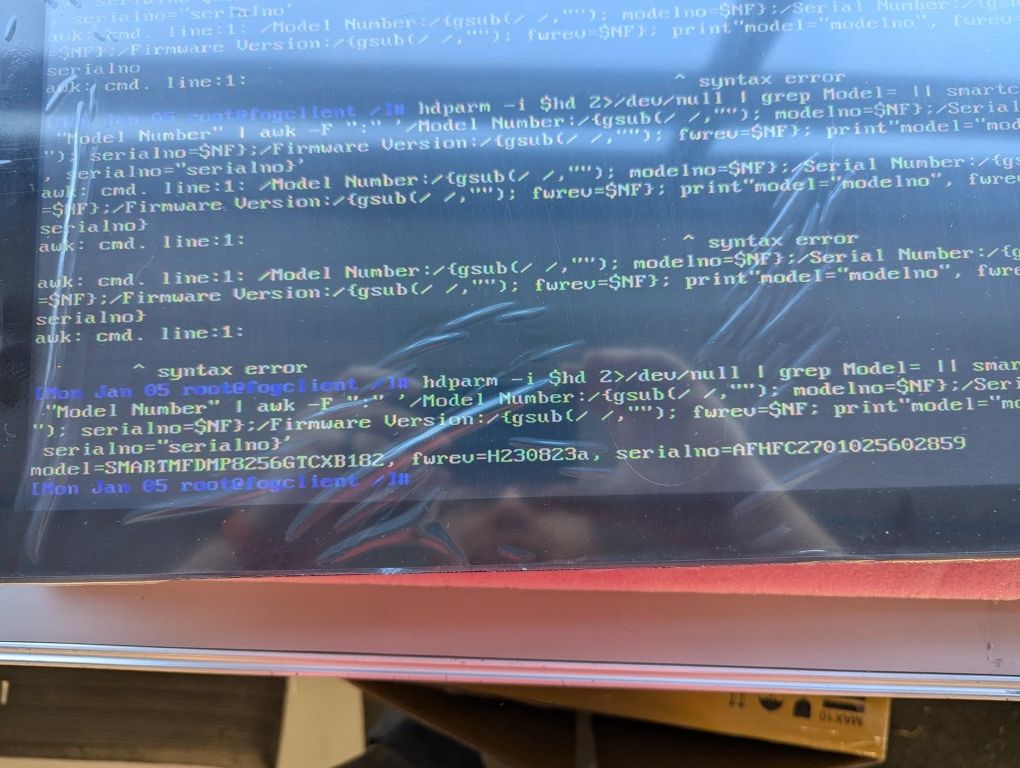
@Tom-Elliott EDITED- input error. Here are the results from the command you provided:
-
RE: HD info not populating in logposted in FOG Problems
@Tom-Elliott There are two NVME slots on these devices, only one is populated. I’m not sure if these devices are capable of software RAID or not. I’ll give your recommendation a shot.
-
HD info not populating in logposted in FOG Problems
Hello all, my company uses FOG to deploy images to large batches (hundreds) of devices. Generally before image deployment, we upgrade either the SSD or RAM. In our latest deployments, devices have had NVME drives but none of our devices with NVME drives are reporting the HD information, which is very helpful if one SSD gets missed. Does anyone have a recommendation to help gather this information? Some example device information is:
 CPU Manufacturer CPU Version CPU Speed CPU Max Speed Memory HD Model HD Firmware HD Serial
Intel Corporation Intel Celeron 7305L Current Speed: 693 MHz Max Speed: 1100 MHz MemTotal: 7913780 kB
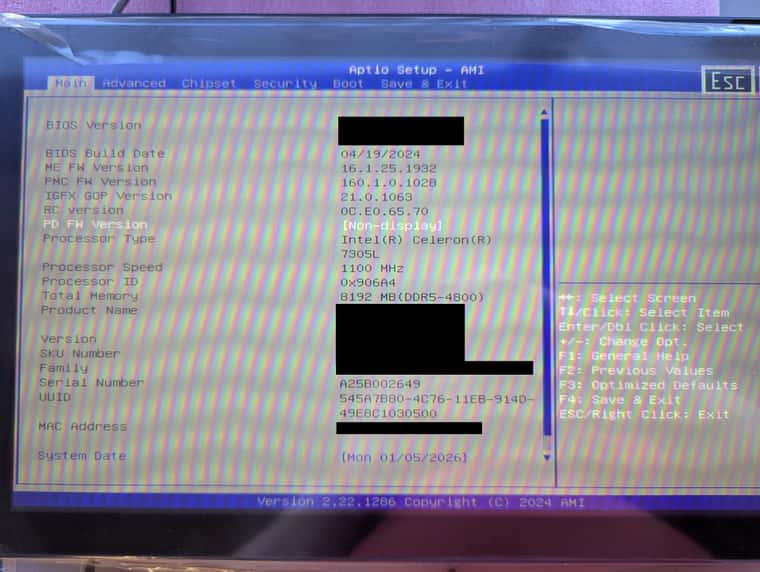
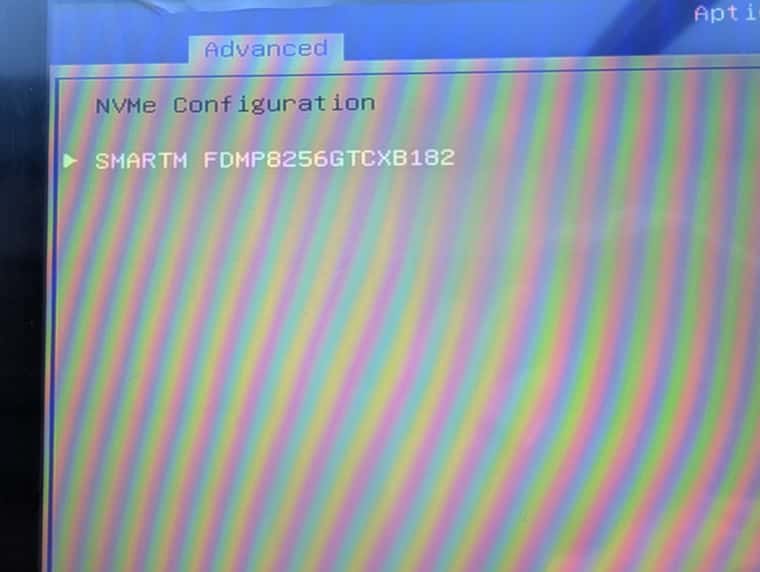
The SSD information is shown in the BIOS, as seen in the second photo.