Hello @Tom-Elliott
I have the same issue,
I try to install a new server and restore my dumped database.
The new server is not contacted by any fog client. This is slow as hell. I try to check on /etc/apache2/error.log, I got nothing.
My fog.history doesn’t show anything around the stuck time.
I enabled the slow log in fpm.
I got this showing my hosts list :
[19-Mar-2026 16:24:55]  [pool www] pid 51249
script_filename = //var/www/fog/management/index.php
[0x00007f869de13d40] filter_var() /var/www/fog/commons/init.php:25
[0x00007f869de13cc0] {closure:Initiator::setSanitize():23}() /var/www/fog/commons/init.php:28
[0x00007f869de13c50] array_walk() /var/www/fog/commons/init.php:28
[0x00007f869de13bd0] {closure:Initiator::setSanitize():23}() /var/www/fog/commons/init.php:115
[0x00007f869de13b60] array_walk() /var/www/fog/commons/init.php:115
[0x00007f869de13ad0] sanitizeItems() /var/www/fog/lib/fog/fogbase.class.php:1399
[0x00007f869de13a20] arrayChangeKey() /var/www/fog/lib/fog/fogcontroller.class.php:1095
[0x00007f869de13950] setQuery() /var/www/fog/lib/fog/fogcontroller.class.php:1107
[0x00007f869de137f0] setQuery() /var/www/fog/lib/fog/fogcontroller.class.php:140
[0x00007f869de13710] __construct() /var/www/fog/lib/fog/fogmanagercontroller.class.php:415
[0x00007f869de13420] find() /var/www/fog/lib/router/route.class.php:479
[0x00007f869de13300] listem() /var/www/fog/lib/fog/fogpage.class.php:497
[0x00007f869de13200] index() /var/www/fog/lib/fog/fogpagemanager.class.php:220
[0x00007f869de130e0] render() /var/www/fog/management/index.php:69
I can see that fpm www is taking a huge amount of CPU.
I don’t understand what is going on if you need any log I can provide them.
Thank you.


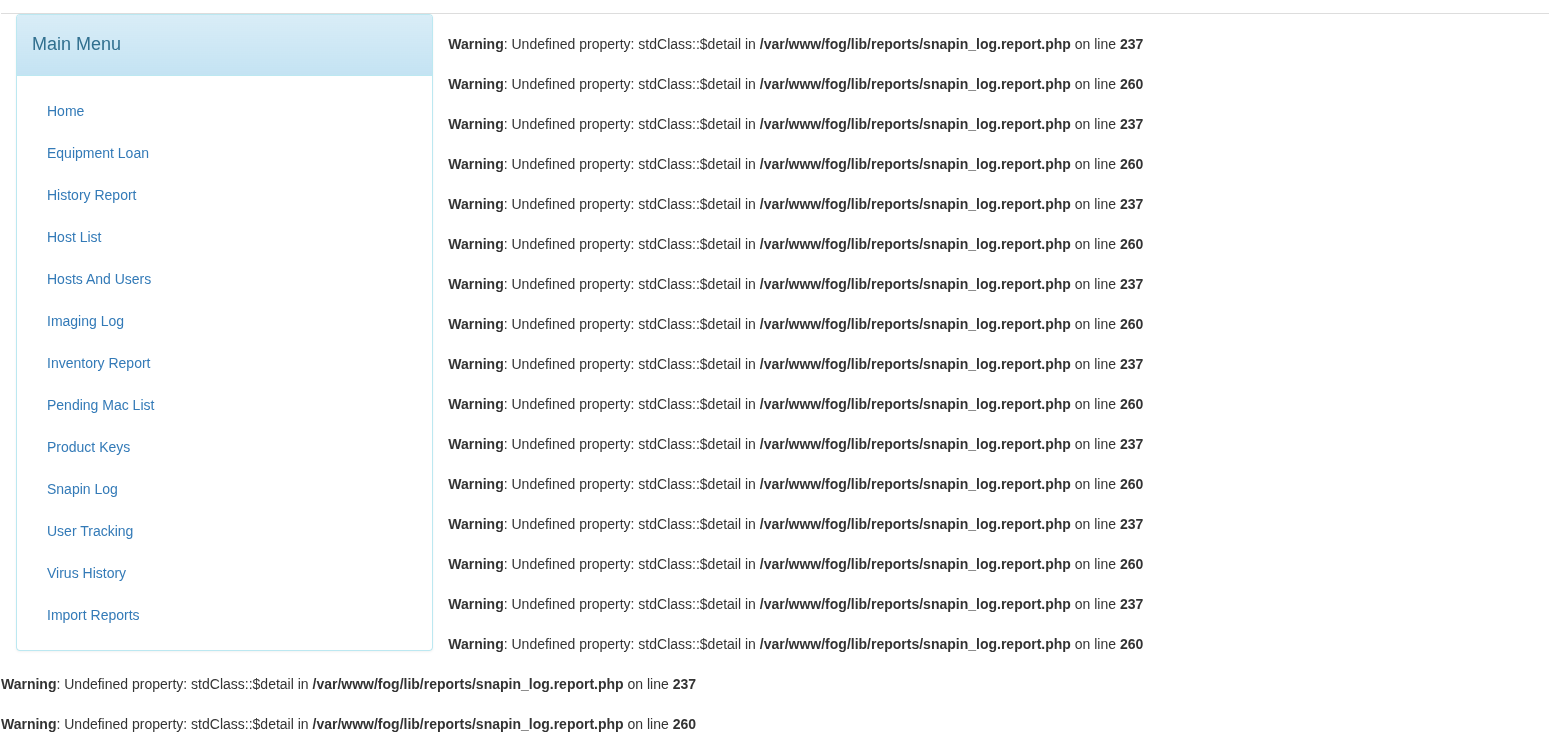 /home/rservent/Images/Captures d’écran/Capture d’écran du 2026-05-29 10-41-17.png
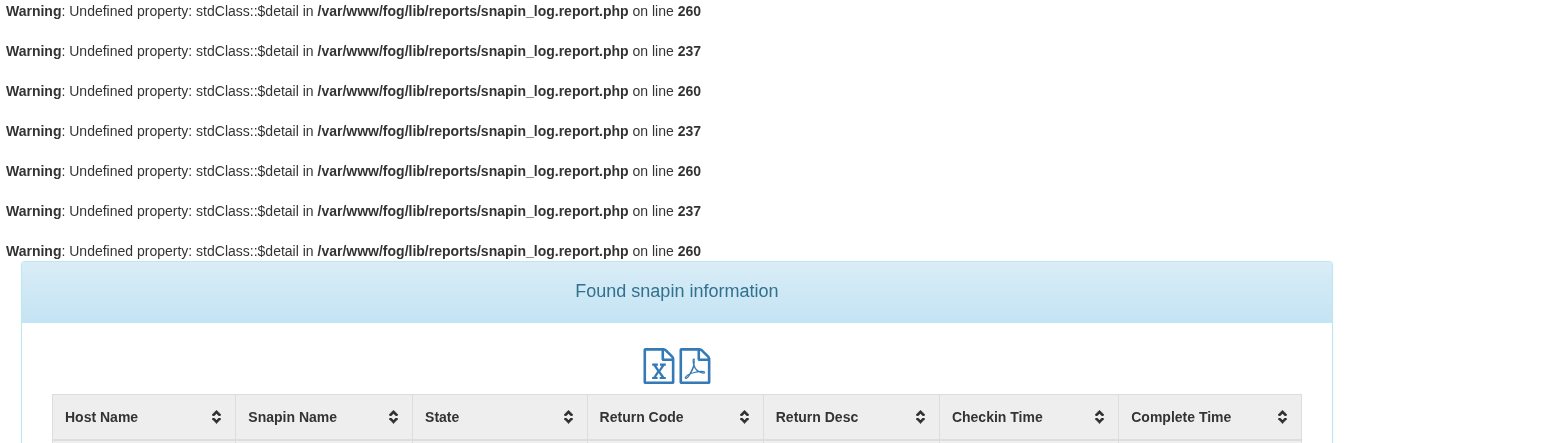 /home/rservent/Images/Captures d’écran/Capture d’écran du 2026-05-29 10-41-41.png