Snapin Log showing warning
-
Hello,
I have a bug when I try to show the snapin log.
I can choose the snapin I want to show or the hostname, but when I click on search button. My page is filled with warning :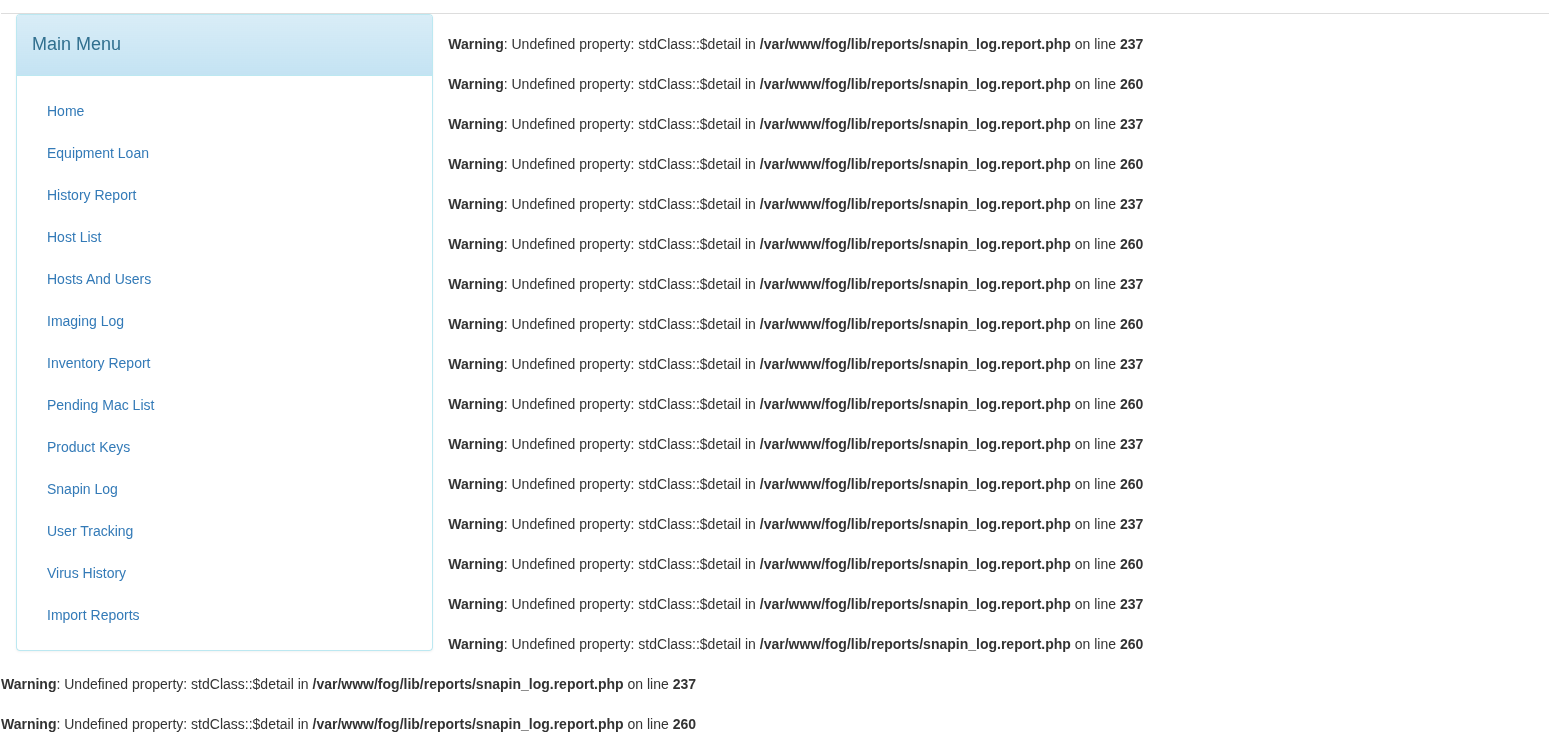 /home/rservent/Images/Captures d’écran/Capture d’écran du 2026-05-29 10-41-17.png
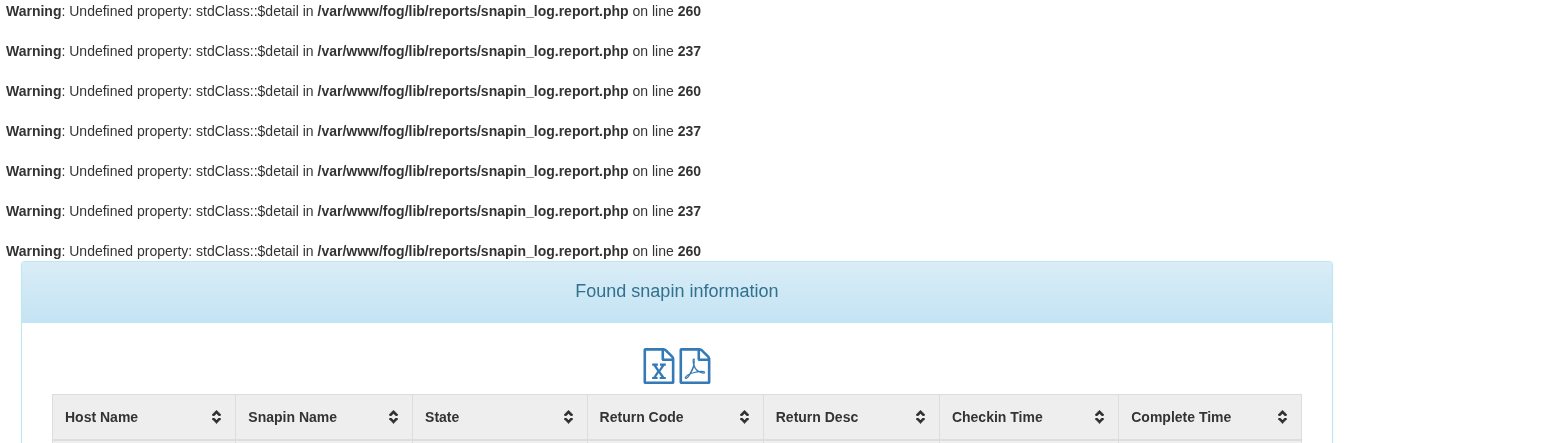 /home/rservent/Images/Captures d’écran/Capture d’écran du 2026-05-29 10-41-41.png
I can see my array after all this warnings so it is not a huge bug. It is just a bit annoying.
I just update fog to the latest patch : 1.5.10.1826
Server Debian 13 full updated to latest stable release.Thank you.
-
@Chandlerbing Can you do a look for all files that contain:
grep -r 'display_errors' /etc | grep -v '#'This should only display things where display_errors is defined directly.
I suspect there’s one that is doing this for you natively.
-
This appears like you have your php file setup to output errors to the display.
If you look at your /etc/php.ini (I don’t know os you’re running so you may have to find this file in your /etc folder (
find /etc -type f -name php.ini)Look in this file for
display_errors = OnYou should look for one where it doesn’t look similar to
# display_errors = Onif you don’t find one that isn’t already commented (that’s what the # means) then by default display_errors is on so in that stanza after the comments create a new line that is:
display_errors = OffOnce done, save the file and restart php-fpm and I like to restart html just in case:
sudo systemctl restart php-fpm httpd # for redhat based OS'ssudo systemctl restart php-fpm apache2 # for debian based OS's -
Hello @Tom-Elliott
This is weird I had the “display_errors = On” in /etc/php/8.4/fpm/php.ini.
I set it to off. I restart php-fpm and apache2 and I still got the warnings.I restart the server and the warning still there.
I have Debian 13 with apache2 installed.
I looked for every php.ini I can find and none of them have display_errors = On. They all have display_errors = Off
-
@Chandlerbing Can you do a look for all files that contain:
grep -r 'display_errors' /etc | grep -v '#'This should only display things where display_errors is defined directly.
I suspect there’s one that is doing this for you natively.
-
Hello @Tom-Elliott
Sorry for the delay

I checked what you told me to do. It appears I have a file that I didn’t check : /etc/php/8.4/fpm/pool.d/www.conf
I set display_error=off and now I don’t have all those warnings.Thank you for your help.
This is perfect

-
C Chandlerbing has marked this topic as solved on
-
C Chandlerbing has marked this topic as solved on
