Unauthorized error
-
Hello guys,
I wanted to build another FOG server just for testing purposes and running to this unauthorized error after I finish the setup and try to update the schema via GUI. I tried both Ubuntu 24.04.3 and also 22.04.4, even did an apt-get update and upgrade, got the same result.
I never seen this before and tried googling up fixes, but can’t fix it.
Here’s a screen shot of the error.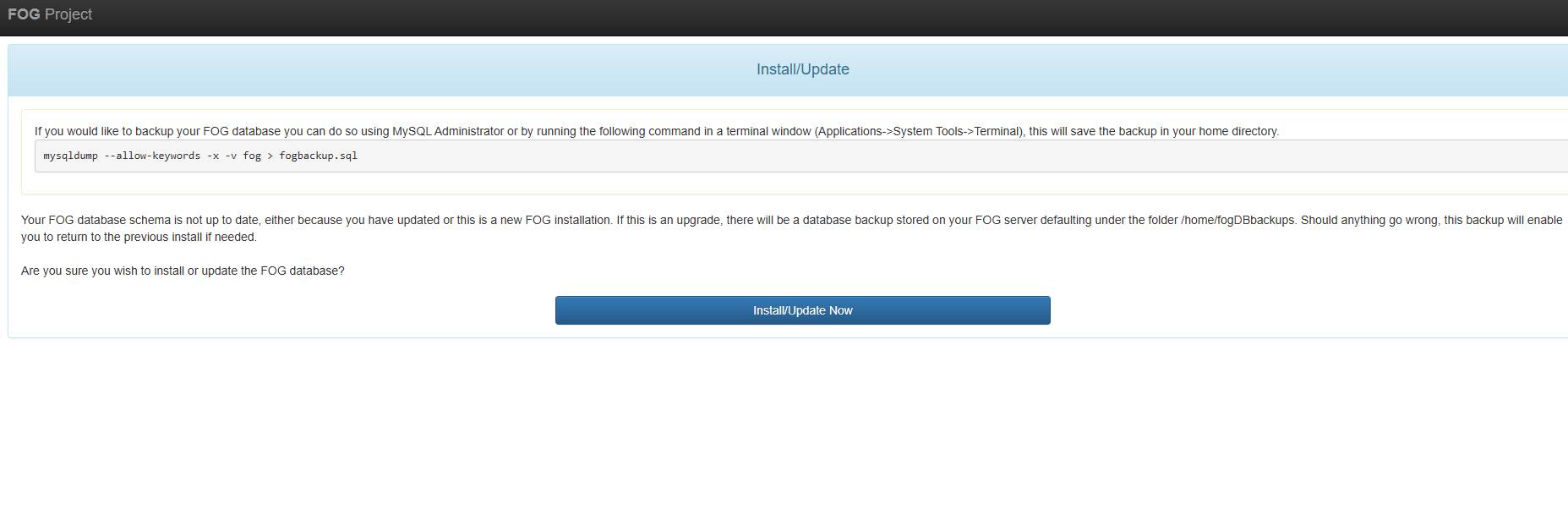
The usual screen for you to update the database after the command line prompts you too after a fresh install.
Then I get this error:
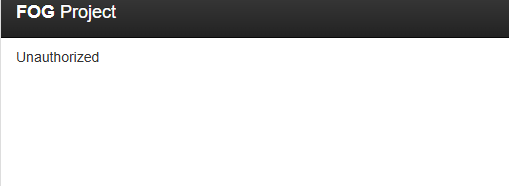
I even tried different browsers. I don’t think it matters, but just more information, the hypervisor is Windows Hyper-V. I’m not sure if Ubuntu 26.04 is supported, but I can try to see if I get the same error message.
-
Sorry this is not a helpful response

Crazy this was just posted 10 min ago because I just ran into the same error.
Just did fresh install of Debian 13, trying install latest stable FOG release, everything went well up to this point.
-
@Jab98 said in Unauthorized error:
Sorry this is not a helpful response
Crazy this was just posted 10 min ago because I just ran into the same error.
Just did fresh install of Debian 13, trying install latest stable FOG release, everything went well up to this point.
It’s ok, I’m just curious what happened all of a sudden as I’ve been using Ubuntu 20.xx a long time now before installing FOG. I guess I can try Debian and see how everything goes. Thanks for your input.
-
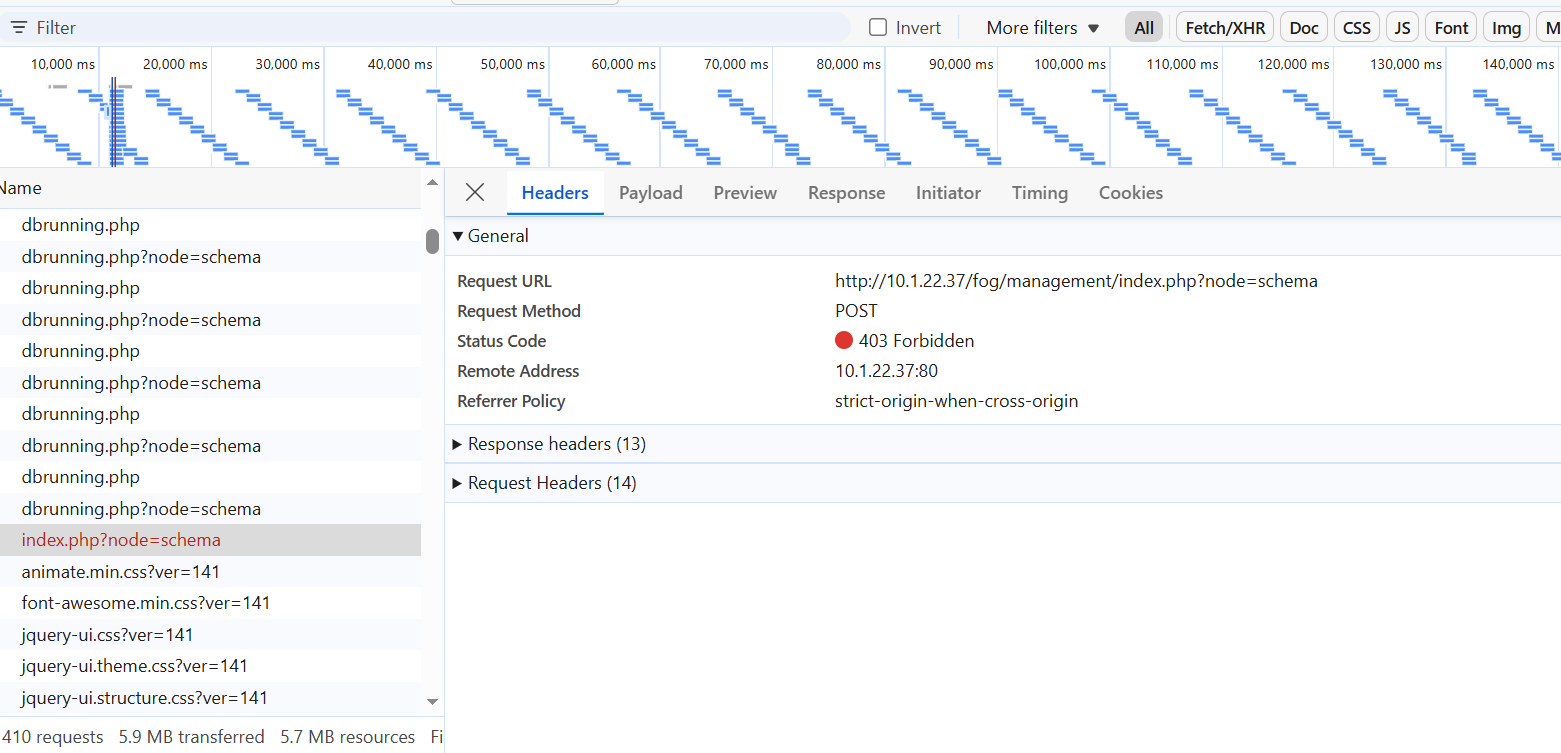
Just posting more info
This is the only 403 response that shows when I get to the page that says Unauthorized
-
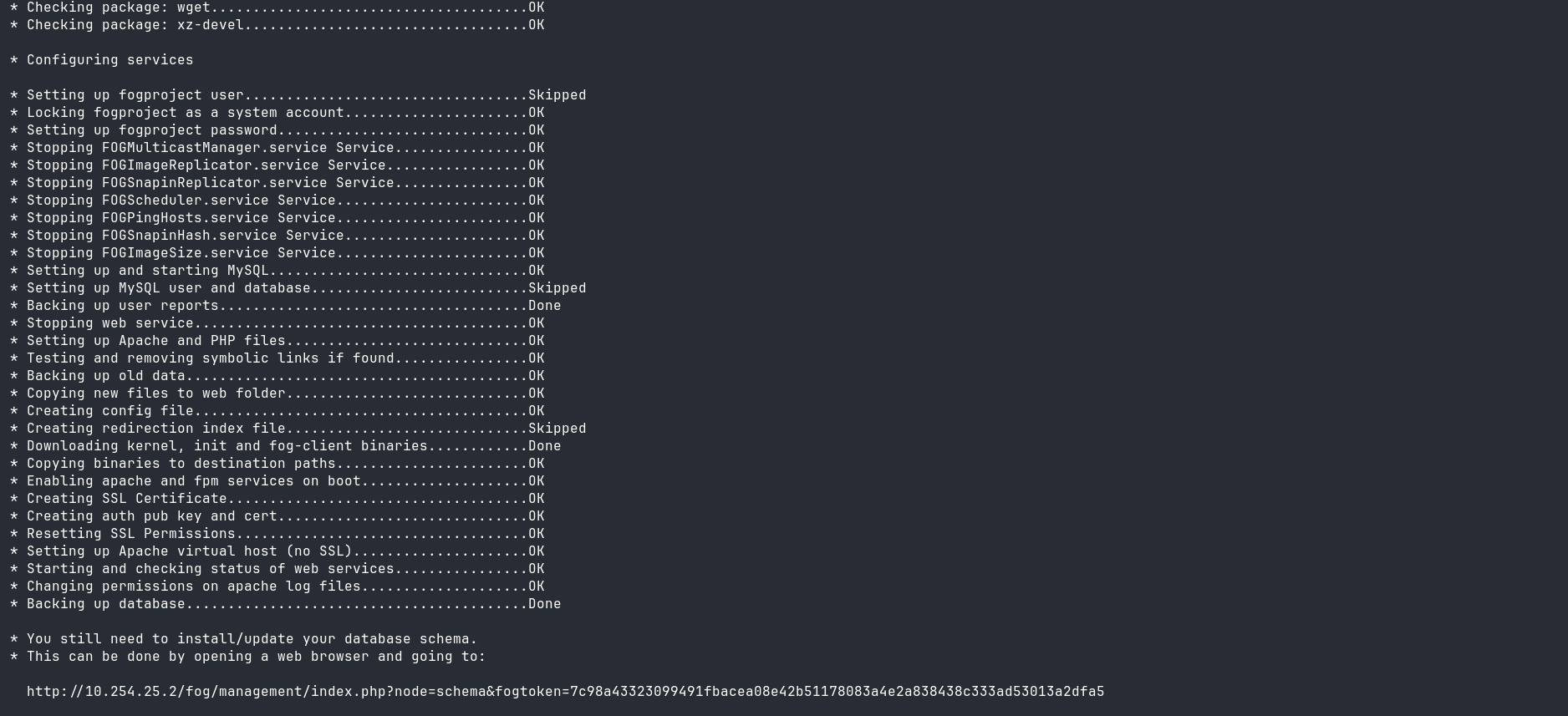
@Jamaal What’s the url that is displayed for you to goto for that on the output of the command telling you where to go?
It should contain a tokenization embedded for you to goto.
-
That token is generated on every run so you seeing what I see doesn’t matter, but it should showup like what you’re seeing here.
-
@Jab98 Please see the message to Jamaal as well.
Yes a security based change was added recently because anyone could force the updates and could export the db without any type of authorization.
-
This post is deleted! -
@Jamaal So if you go to that URL and click the button to install, you should be successful.
-
Hey Tom,
The URL the installer generates is >
http://10.1.22.37/fog/management/index.php?node=schema&fogtoken=a813f075fc54cdd34f5304ff6cf3a3ee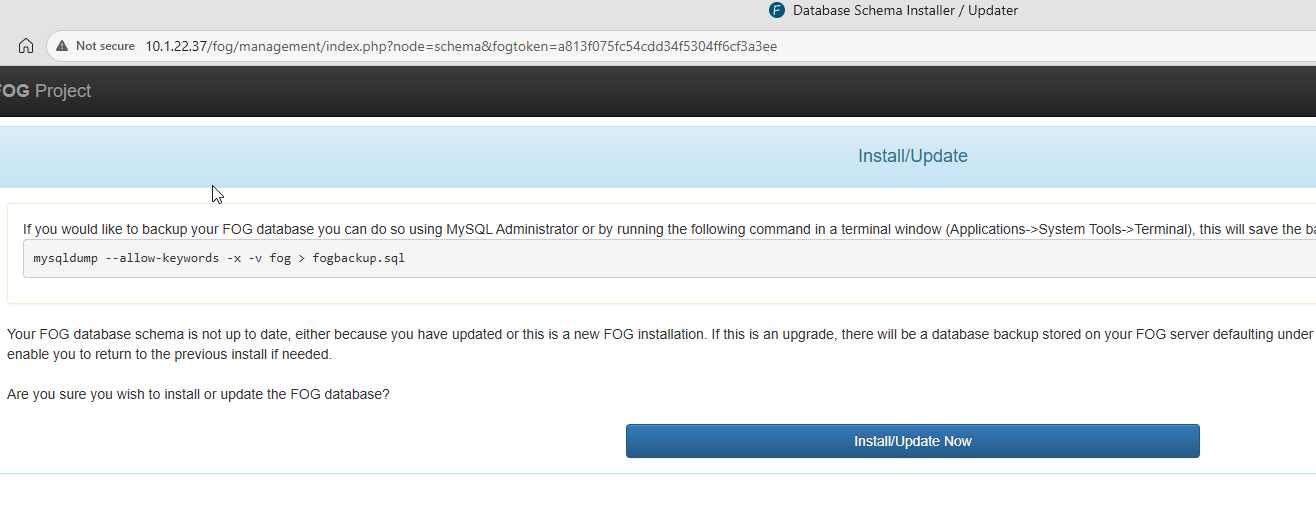
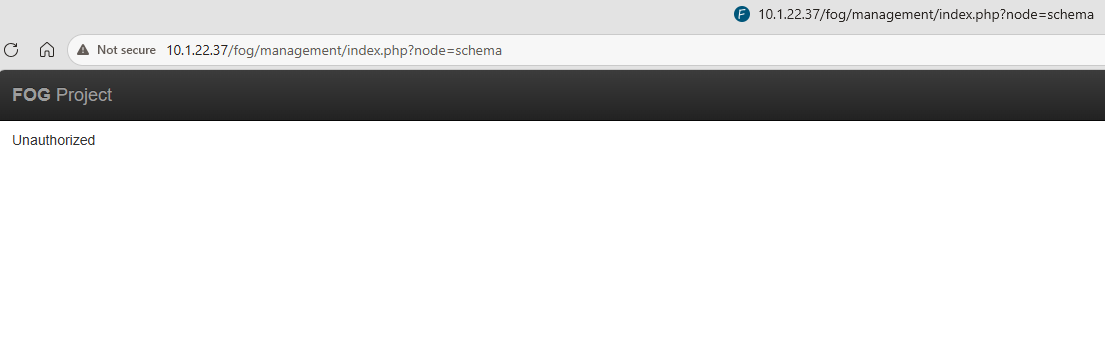
-
Okay I got past this just by re-running the FOG installer.
It generated a new tokenized URL and this one worked fine!
The new token had way more characters than the first one it printed, not sure if that means anything
-
 T Tom Elliott has marked this topic as solved on
-
If you’re doing upgrades (if you trust the base defaults of a fresh install)
You can also run the
sudo ./installfog.shwith the-yargument and it will “just do all the work” so you don’t have to do the "open a browser -> click the button -> return to the installer, press enter.Just trying to help. By no means is this a requirement (of course) but it may help in the future, and this method would also perform the update of the core database elements automatically for you. (This was a part of the addition of the token too. - To make the upgrade process more autonomous and secure.)
-
@Tom-Elliott said in Unauthorized error:
If you’re doing upgrades (if you trust the base defaults of a fresh install)
You can also run the
sudo ./installfog.shwith the-yargument and it will “just do all the work” so you don’t have to do the "open a browser -> click the button -> return to the installer, press enter.Just trying to help. By no means is this a requirement (of course) but it may help in the future, and this method would also perform the update of the core database elements automatically for you. (This was a part of the addition of the token too. - To make the upgrade process more autonomous and secure.)
Thanks Tom, that worked with the auto install, but will it keep the database secure as you guys are implementing with the token? Or do I need to do extra steps on making it secure after doing the -y switch?
-
@Jamaal I’m not sure I follow? The database isn’t insecure, it was being able to download the database, or force an upgrade without authorization that was the piece being secured, nothing about the normal day to day operation of the database changed.
-
@Tom-Elliott said in Unauthorized error:
@Jamaal I’m not sure I follow? The database isn’t insecure, it was being able to download the database, or force an upgrade without authorization that was the piece being secured, nothing about the normal day to day operation of the database changed.
Got it, ok thanks for your help today on this.