Just lyk that I updated the main FOG server to Debian 13 and installed the latest stable release of FOG.
Replication working well now that the OS and FOG server versions match the Storage Node server.
Thanks again
Just lyk that I updated the main FOG server to Debian 13 and installed the latest stable release of FOG.
Replication working well now that the OS and FOG server versions match the Storage Node server.
Thanks again
Ah man that’s exactly what I needed. Thanks so much sir!
Hello,
We have one Storage Node server at a separate site than our Main server.
They are both part of the same Storage Group.
How can I force an image deployment to choose one node over the other?
We’ve ran a deploy task on two machines at our Main site, simultaneously. The problem is one of the machines is pulling the image from the remote Storage Node site, causing the deploy to take over an hour for that PC.
I know I could go into the FOG GUI to edit one of the nodes and change the “Max Clients” value to 0, so that it won’t do any unicast, but that seems like a workaround.
At the time of deployment, how can we decide which storage node to pull the image from so that it will always choose the server physically closest to the host?
Thank you
Just lyk that I updated the main FOG server to Debian 13 and installed the latest stable release of FOG.
Replication working well now that the OS and FOG server versions match the Storage Node server.
Thanks again
Okay I got past this just by re-running the FOG installer.
It generated a new tokenized URL and this one worked fine!
The new token had way more characters than the first one it printed, not sure if that means anything
Hey Tom,
The URL the installer generates is >
http://10.1.22.37/fog/management/index.php?node=schema&fogtoken=a813f075fc54cdd34f5304ff6cf3a3ee
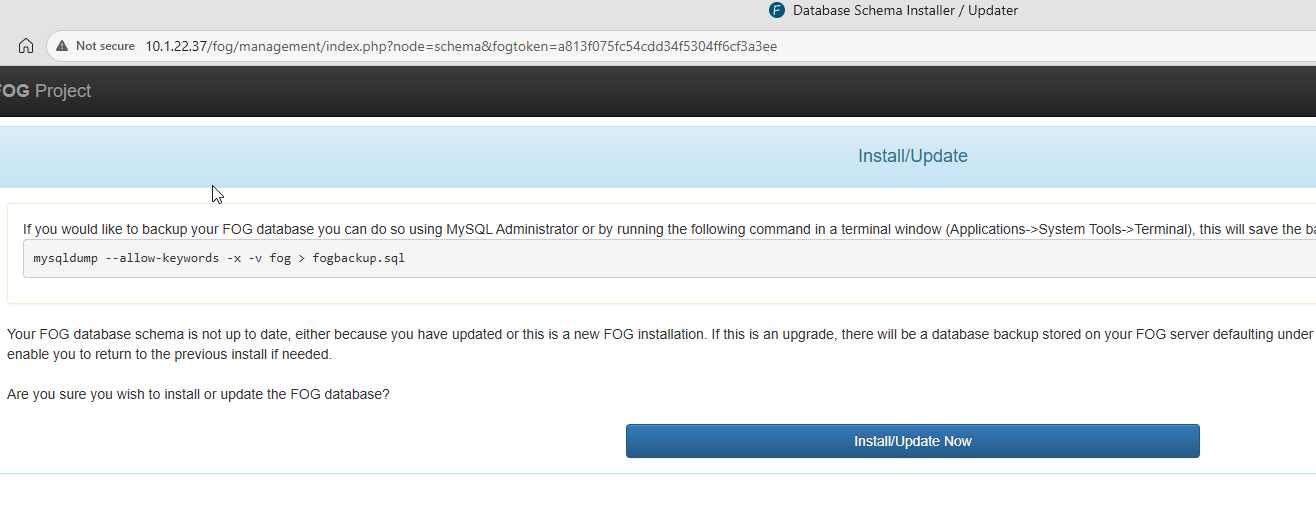
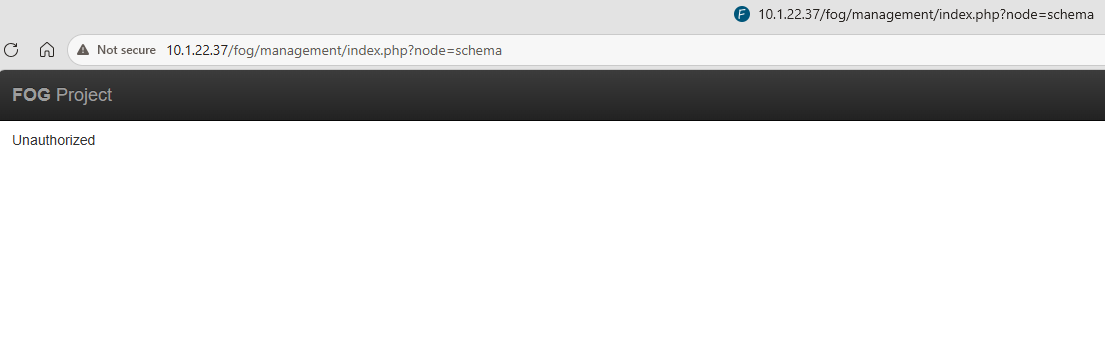
Just posting more info
This is the only 403 response that shows when I get to the page that says Unauthorized
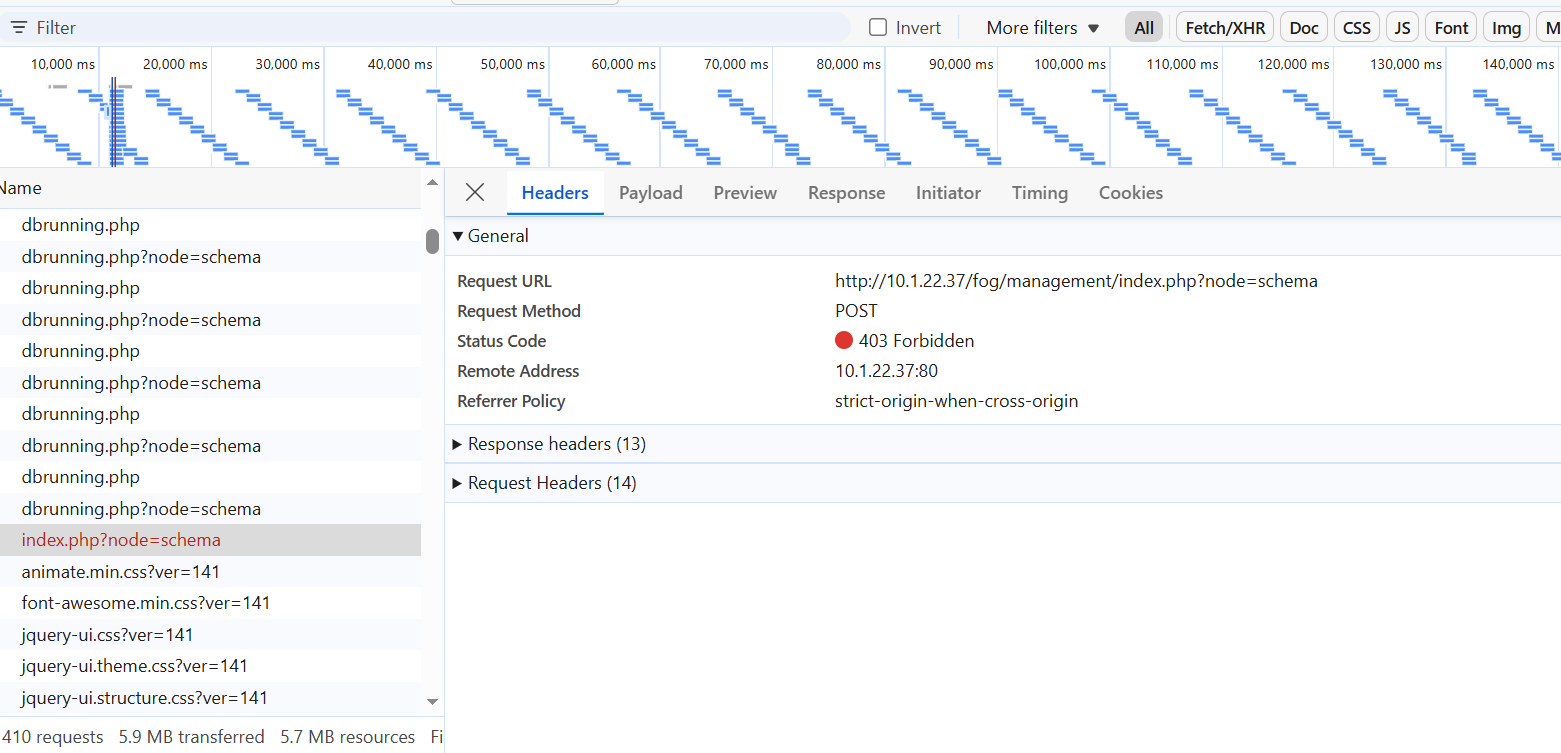
Sorry this is not a helpful response 
Crazy this was just posted 10 min ago because I just ran into the same error.
Just did fresh install of Debian 13, trying install latest stable FOG release, everything went well up to this point.
Thanks for the prompt response!
That’s fair, and I definitely considered that could be the problem. Just thought I’d check before going through the work of upgrading things.
I’ll try that first!
Master Node
Fog 1.5.5
Debian 9
Storage Node (proimage02)
Fog 1.5.10
Debian 13
Below is the output of /opt/fog/log/fogreplicator.log
Most concerning is the line " sh: 1: Syntax error: “(” unexpected " or any of the “file does not exist” lines. Those errors show for each image FOG finds to replicate
This has never worked for me- I just set up the FOG storage node server a few days ago and connected it to the master FOG server.
[06-17-26 10:16:18 am] * Found Image to transfer to 1 node
[06-17-26 10:16:18 am] | Image Name: HP280-G1-WIN10-2026
[06-17-26 10:16:19 am] # HP280-G1-WIN10-2026: File does not exist d1.fixed_size_partitions (proimage02)
[06-17-26 10:16:19 am] # HP280-G1-WIN10-2026: File does not exist d1.mbr (proimage02)
[06-17-26 10:16:19 am] # HP280-G1-WIN10-2026: File does not exist d1.minimum.partitions (proimage02)
[06-17-26 10:16:19 am] # HP280-G1-WIN10-2026: File does not exist d1.original.fstypes (proimage02)
[06-17-26 10:16:19 am] # HP280-G1-WIN10-2026: File does not exist d1.original.swapuuids (proimage02)
[06-17-26 10:16:19 am] # HP280-G1-WIN10-2026: File does not exist d1.original.uuids (proimage02)
[06-17-26 10:16:19 am] # HP280-G1-WIN10-2026: File does not exist d1.partitions (proimage02)
[06-17-26 10:16:19 am] # HP280-G1-WIN10-2026: File does not exist d1p1.img (proimage02)
[06-17-26 10:16:19 am] # HP280-G1-WIN10-2026: File does not exist d1p2.img (proimage02)
[06-17-26 10:16:19 am] # HP280-G1-WIN10-2026: File does not exist d1p3.img (proimage02)
[06-17-26 10:16:19 am] # HP280-G1-WIN10-2026: File does not exist d1p4.img (proimage02)
[06-17-26 10:16:19 am] | CMD: lftp -e ‘set xfer:log 1; set xfer:log-file /opt/fog/log/fogreplicator.HP280-G1-WIN10-2026.transfer.proimage02.log;set ftp:list-options -a;set net:max-retries 10;set net:timeout 30; set net:limit-total-rate 0:1280000; mirror -c --parallel=20 -R --ignore-time -vvv --exclude “.srvprivate” “/images/HP280-G1-MT-WIN10-2026” “/images/HP280-G1-MT-WIN10-2026”; exit’ -u fogproject,[Protected] 192.168.16.30
[06-17-26 10:16:19 am] | Started sync for Image HP280-G1-WIN10-2026 - Resource id #27390
sh: 1: Syntax error: “(” unexpected
[06-17-26 10:16:19 am] | Sync finished - Resource id #27208
[06-17-26 10:16:19 am] | Sync finished - Resource id #27236
[06-17-26 10:16:19 am] | Sync finished - Resource id #27316
[06-17-26 10:16:19 am] | Sync finished - Resource id #27353
[06-17-26 10:16:19 am] | Sync finished - Resource id #27390
Shoutout “The Minester”
https://github.com/FOGProject/fogproject/issues/685
On the storage node, create a .my.cnf file in root’s home directory:
sudo tee /root/.my.cnf << ‘EOF’
[client]
skip-ssl = true
EOF
MariaDB will try to connect with SSL by default but that’s not enabled on the main FOG server. This is why I had to use the --ssl=FALSE flag when I connected to mysql manually.
The installation succeeded!