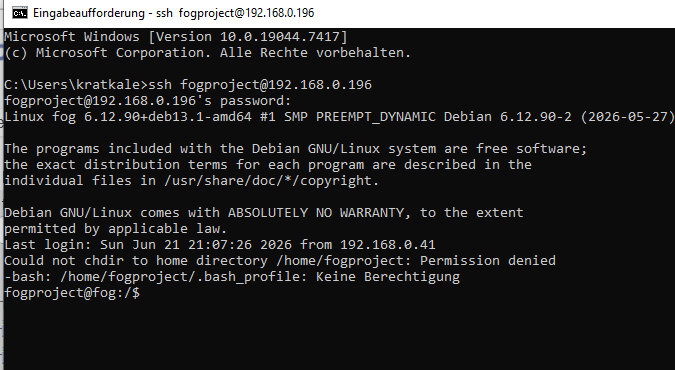
@Tom-Elliott
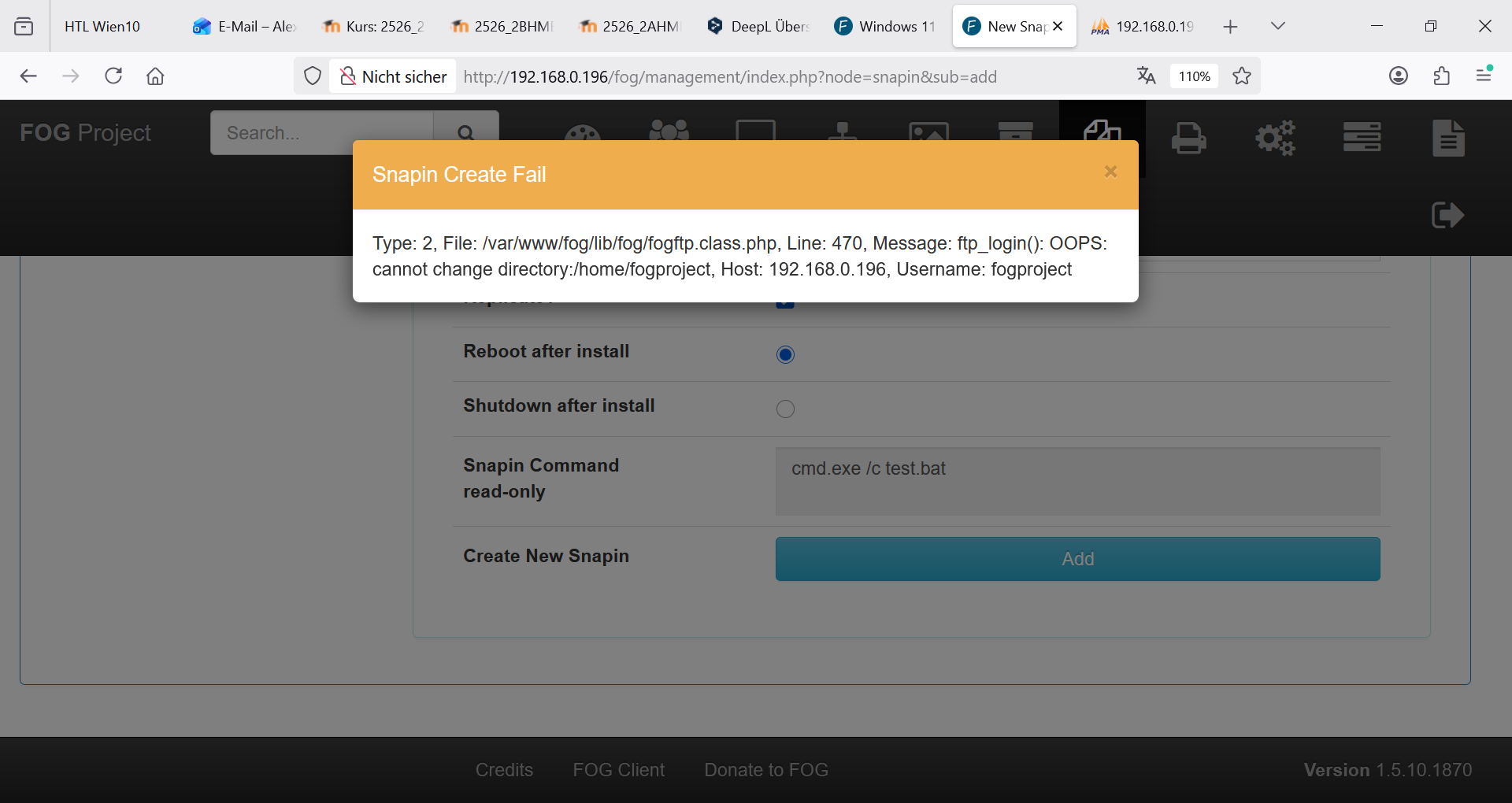
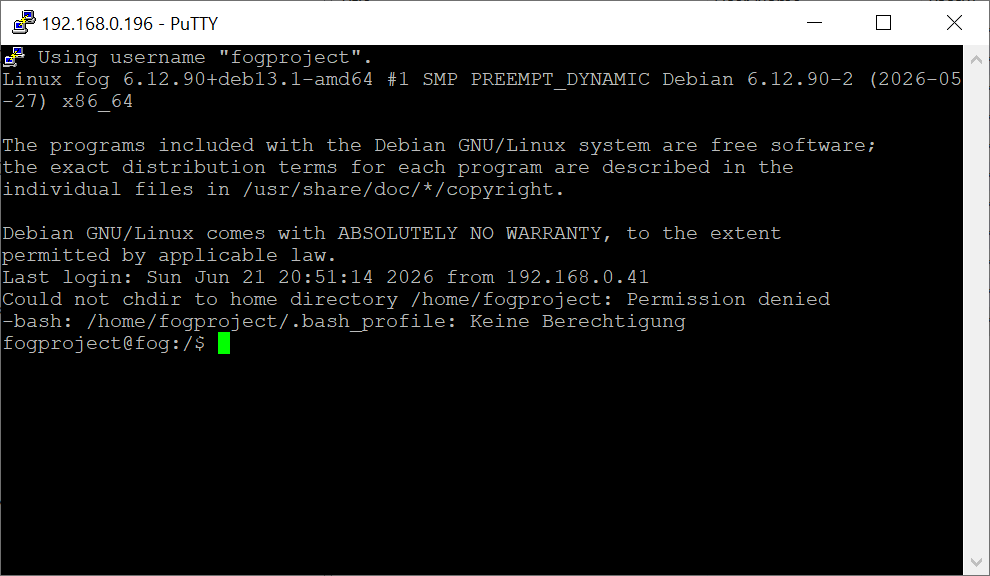
sftp needs also a pw …
K
Posts
-
RE: Windows 11 | 65x HP Z2 Tower G1i | UPDATE -posted in FOG Problems
-
RE: Windows 11 | 65x HP Z2 Tower G1i | UPDATE -posted in FOG Problems
@Tom-Elliott
Here is the wrong password:SELECT * FROM
globalSettingsI’ll change it now to the correct one.
-
RE: Windows 11 | 65x HP Z2 Tower G1i | UPDATE -posted in FOG Problems
@Tom-Elliott said in Windows 11 | 65x HP Z2 Tower G1i | UPDATE -:
SELECT sHash from snapins WHERE sFilePath=‘000_SCHUELER_202604211353.bat’
root@fog:~/20260602_wechsel_auf_fog_dev# mysql -u root fog
MariaDB [fog]> SELECT sHash from snapins WHERE sFilePath=‘000_SCHUELER_202604211353.bat’
81feb595799a8f03e1f938d8f2eed0d30deacf35f878b5e3a7857688f79c144902d427bf69546c48d04a57e1247881eaf2fd9ef91a75714788823e4e0f93985b
1 row in set (0,001 sec)root@fog:~/20260602_wechsel_auf_fog_dev# sha512sum /opt/fog/snapins/000_SCHUELER_202604211353.bat
81feb595799a8f03e1f938d8f2eed0d30deacf35f878b5e3a7857688f79c144902d427bf69546c48d04a57e1247881eaf2fd9ef91a75714788823e4e0f93985b /opt/fog/snapins/000_SCHUELER_202604211353.bat
root@fog:~/20260602_wechsel_auf_fog_dev# -
RE: Windows 11 | 65x HP Z2 Tower G1i | UPDATE -posted in FOG Problems
@Tom-Elliott
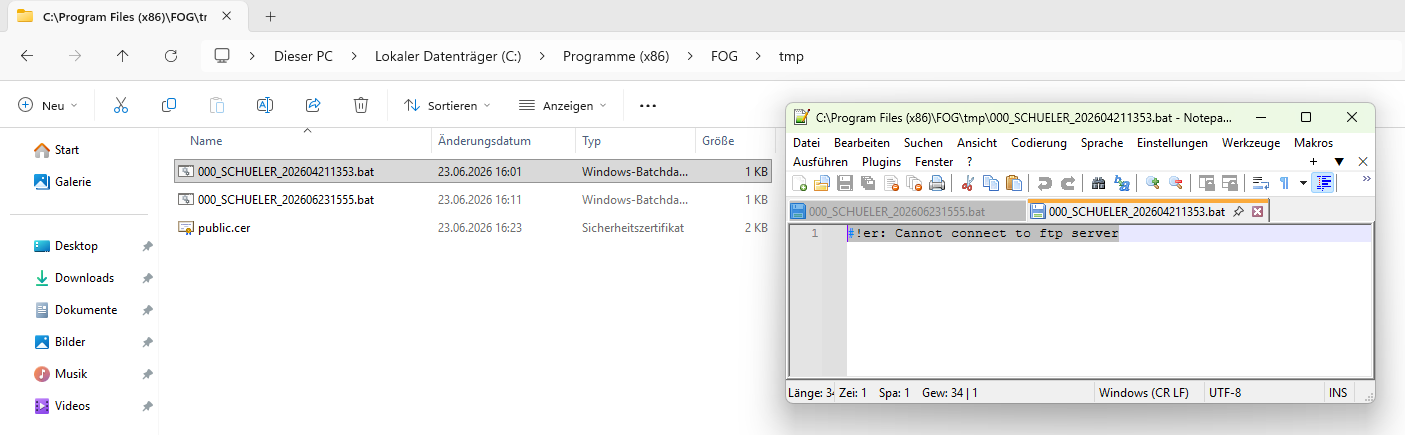
hash problem still exists with old snapin …
fog log on client PC102CAD
---------------------------------SnapinClient---------------------------------
23.06.2026 15:49:19 Client-Info Client Version: 0.13.0
23.06.2026 15:49:19 Client-Info Client OS: Windows
23.06.2026 15:49:19 Client-Info Server Version: 1.6.0-beta.2443
23.06.2026 15:49:19 Middleware::Response Success
23.06.2026 15:49:19 SnapinClient Running snapin 000_SCHUELER
23.06.2026 15:49:19 Middleware::Communication Download: http://192.168.0.196/fog/service/snapins.file.php?mac=F8:ED:FC:55:D6:2D|0A:00:27:00:00:02&taskid=170
23.06.2026 15:49:21 SnapinClient C:\Program Files (x86)\FOG\tmp\000_SCHUELER_202604211353.bat
23.06.2026 15:49:21 SnapinClient ERROR: Hash does not match
23.06.2026 15:49:21 SnapinClient ERROR: --> Ideal: 81FEB595799A8F03E1F938D8F2EED0D30DEACF35F878B5E3A7857688F79C144902D427BF69546C48D04A57E1247881EAF2FD9EF91A75714788823E4E0F93985B
23.06.2026 15:49:21 SnapinClient ERROR: --> Actual: 81C5644226BDDC79CC6D00F18923612E773FCFB4E427A39EE15D2B6341AA5C9E45D7E6FC3FDC5AD7CB90DA4358867FDAE227BA20480EBE8F0D5C6B633001F5A3
23.06.2026 15:49:21 Middleware::Communication URL: http://192.168.0.196/fog/service/snapins.checkin.php?taskid=170&exitcode=-1&mac=F8:ED:FC:55:D6:2D|0A:00:27:00:00:02&newService&json -
RE: Windows 11 | 65x HP Z2 Tower G1i | UPDATE -posted in FOG Problems
@Tom-Elliott said in Windows 11 | 65x HP Z2 Tower G1i | UPDATE -:
https://bitwarden.com/de-de/help/getting-started-browserext/no i don’t use something like this
-
RE: Windows 11 | 65x HP Z2 Tower G1i | UPDATE -posted in FOG Problems
@Tom-Elliott
try to make a deploy task
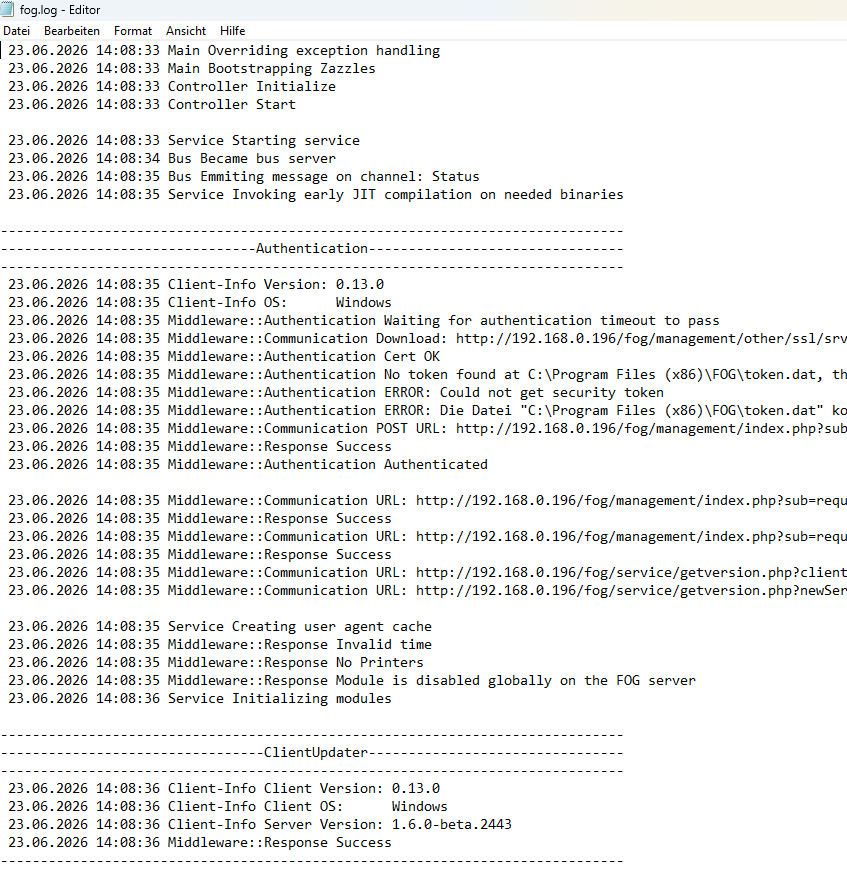
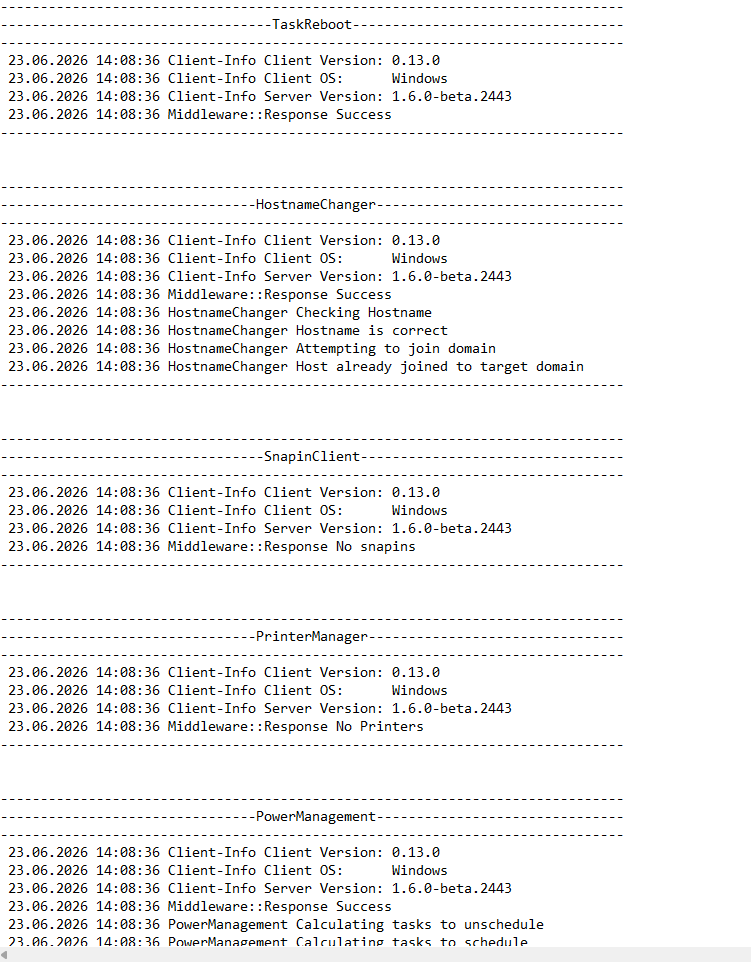
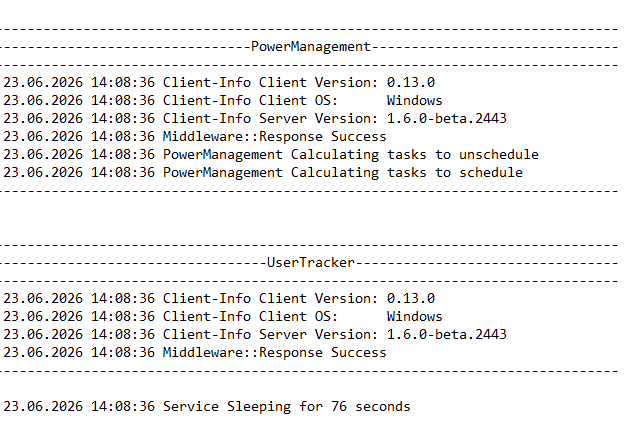
not working -
RE: Windows 11 | 65x HP Z2 Tower G1i | UPDATE -posted in FOG Problems
@Tom-Elliott
??? Do you happen to use bitwarden -
RE: Windows 11 | 65x HP Z2 Tower G1i | UPDATE -posted in FOG Problems
@Tom-Elliott
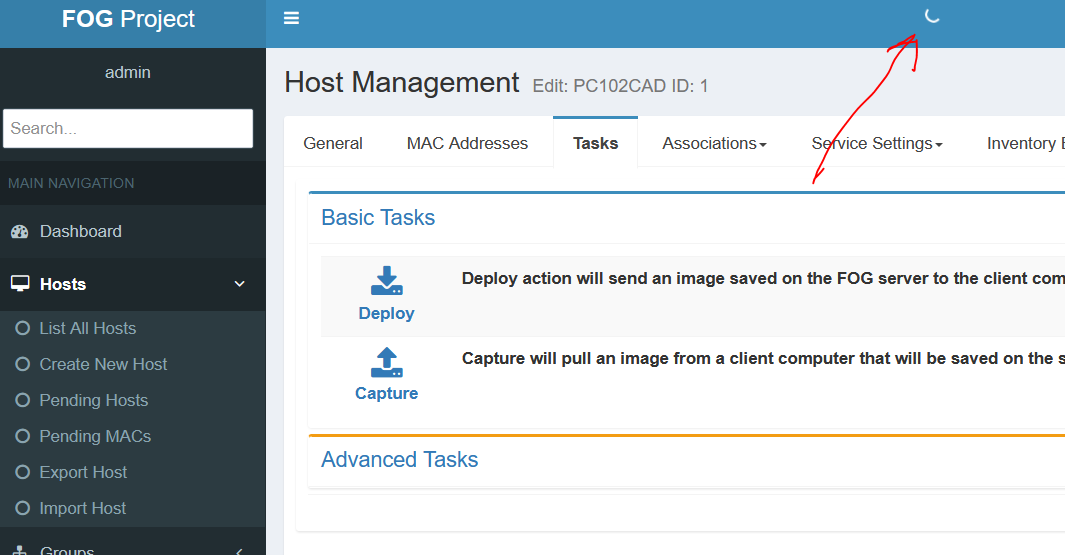
it seems he is working … rotating circle -
RE: Windows 11 | 65x HP Z2 Tower G1i | UPDATE -posted in FOG Problems
@Tom-Elliott said in Windows 11 | 65x HP Z2 Tower G1i | UPDATE -:
yes forgot to fill out 192.168.0.196 - working -
RE: Windows 11 | 65x HP Z2 Tower G1i | UPDATE -posted in FOG Problems
@Tom-Elliott
In older installations, the installation would fail if the FOG user hadn’t been removed…
Now, withoutuserdel, I have a Web GUI again.
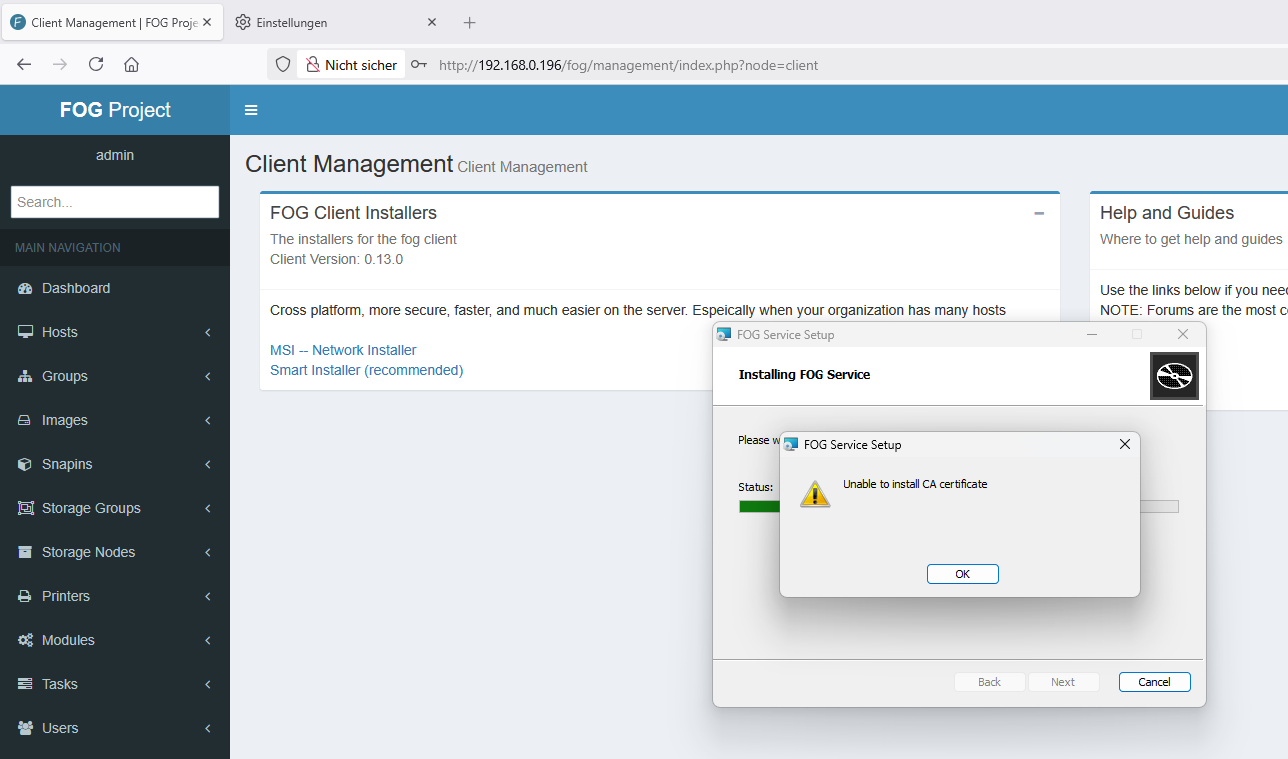
I need to install a new FOG client on the client PC again—am I understanding this correctly? -
RE: Windows 11 | 65x HP Z2 Tower G1i | UPDATE -posted in FOG Problems
@Tom-Elliott
bei älteren installation ist die installation abgebrochen, wenn man den Foguser nicht entfernt hatte …
Jetzt ohne userdel habe ich wieder ein Web GUI
ich muss auf den client PC wieder einen neuen FOG Client installieren - sehe ich das richtig? -
RE: Windows 11 | 65x HP Z2 Tower G1i | UPDATE -posted in FOG Problems
@Tom-Elliott
Deleting the website’s cookies
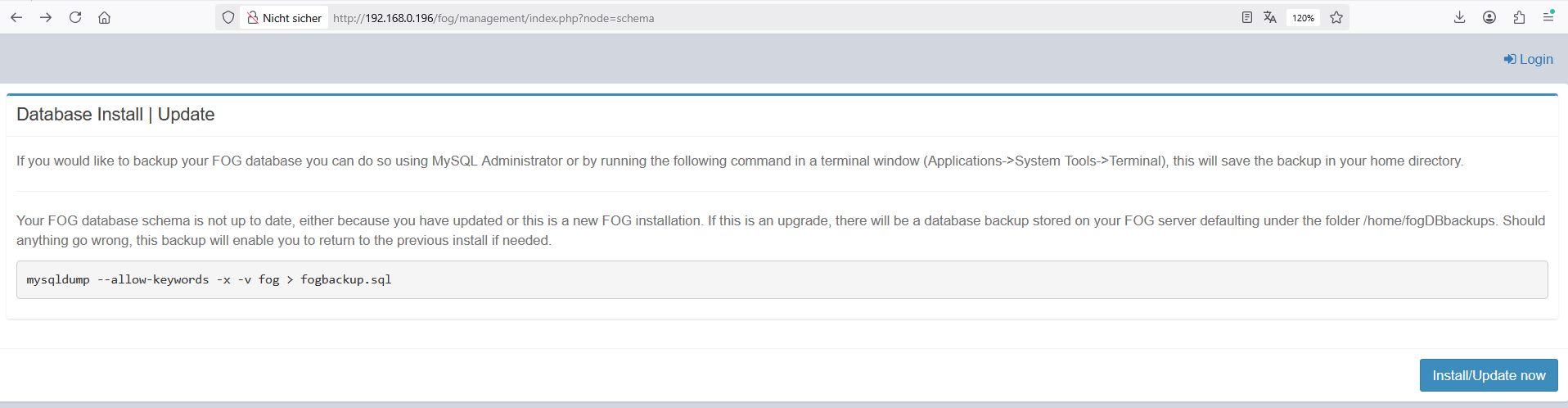
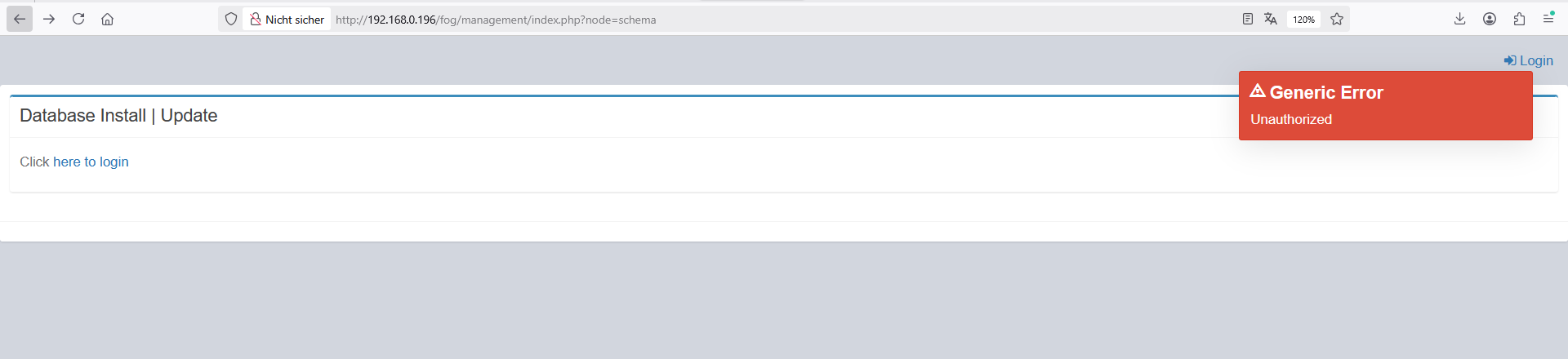
I cannot login!!!I’m stuck in a loop
-
RE: Windows 11 | 65x HP Z2 Tower G1i | UPDATE -posted in FOG Problems
@Tom-Elliott
I’ve been using FOG myself for well over 10 years now. With each new generation of PCs (this is now the third), I’ve completely rebuilt the FOG server and then simply used it throughout the PCs’ lifespan. Without any major updates… (never change a running system). The PCs and the FOG server are separated from the rest of the school network by an IPFire firewall. No unknown devices can connect to my network. All allowed MAC addresses are registered on the switch. Access from unknown MAC addresses is not possible.Yes, I’ve been having all these problems ever since switching to the new PCs. First, the NVMe issues (deleting my second hard drive in the system), …
I need to figure something out: school lets out here in a week. At the start of the semester, I’ll have to deploy a new image to the PCs. Right now, nothing is working at all! As things stand, I’ll have to deploy the new image via Clonzilla again and manually install the “necessary snap-ins” on the PCs.
Here’s the process so far:
-) Initial installation on the newly set up Debian system:
git clone https://github.com/fogproject/fogproject.git
-) No snap-ins were directly transferred from the old system; instead, they were re-uploaded, all PCs were re-added, and all groups were reinstalled. In other words, nothing was directly transferred from the old FOG. After encountering problems with the first FOG server (hardware issues—the whole process was repeated with different hardware)
-) After the NVMe issues, I updated the download and reinstalled it:
cd fogproject
git checkout dev-branch
git pullSo yeah, right now I’m trying everything—I’ve got nothing to lose.
I work in a secure environment—FTP and TFTP are old, proven concepts. I’m not really a big fan of making things “even more secure,” and that’s not the point here… I find even the whole thing with the snap-ins’ hash values tedious. Why can’t I just log in to the Fog server via SSH, fix the snap-in, and be done with it? No, I have to upload it again via the web interface… The filename can’t be the same…
The database is now backed up using phpMyAdmin.
cd fogproject
git checkout working-1.6
git pull
userdel fogproject
fogproject/bin/installfog.sh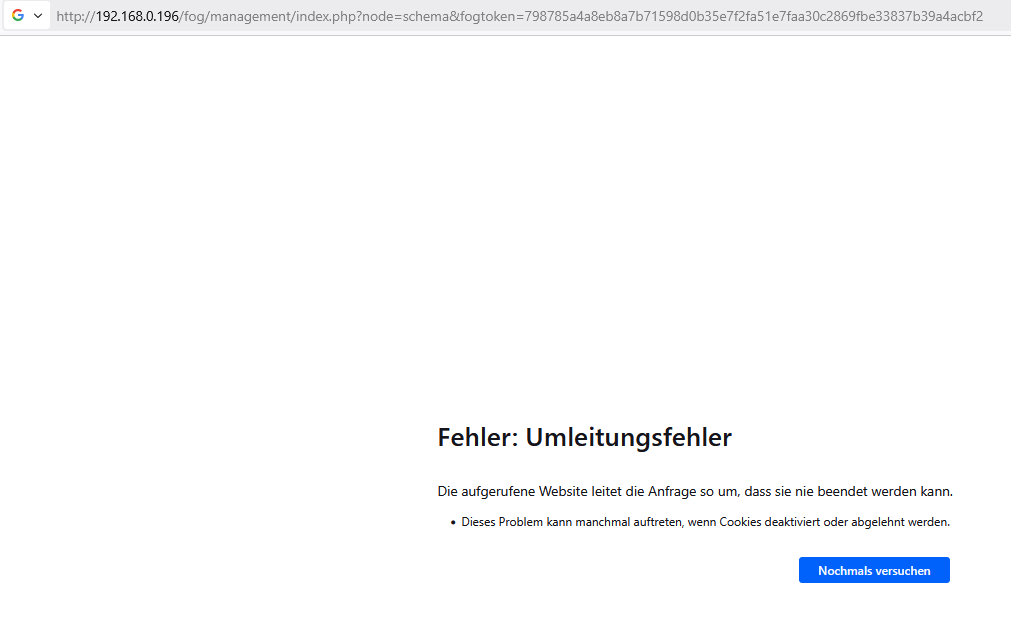
-
Press [Enter] key when database is updated/installed.
-
Update fogstorage database password…OK
-
Granting access to fogstorage database user…Skipped
-
Setting up storage…OK
-
Setting up and starting DHCP Server…Skipped
-
Configuring default iPXE file…OK
-
Setting up and starting TFTP Server…OK
-
Setting up and starting VSFTP Server…OK
-
Setting up FOG Snapins…OK
-
Setting up UDPCast…OK
-
Configuring UDPCast…OK
-
Building UDPCast…OK
-
Installing UDPCast…OK
-
Installing FOG System Scripts…OK
-
Configuring FOG System Services
-
Setting permissions on FOGMulticastManager.service script…OK
-
Enabling FOGMulticastManager.service Service…OK
-
Setting permissions on FOGImageReplicator.service script…OK
-
Enabling FOGImageReplicator.service Service…OK
-
Setting permissions on FOGSnapinReplicator.service script…OK
-
Enabling FOGSnapinReplicator.service Service…OK
-
Setting permissions on FOGScheduler.service script…OK
-
Enabling FOGScheduler.service Service…OK
-
Setting permissions on FOGPingHosts.service script…OK
-
Enabling FOGPingHosts.service Service…OK
-
Setting permissions on FOGSnapinHash.service script…OK
-
Enabling FOGSnapinHash.service Service…OK
-
Setting permissions on FOGImageSize.service script…OK
-
Enabling FOGImageSize.service Service…OK
-
Setting permissions on FOGFileDeleter.service script…OK
-
Enabling FOGFileDeleter.service Service…OK
-
Setting up FOG Services…OK
-
Creating FOG cache directory…OK
-
Starting FOGMulticastManager.service Service…OK
-
Starting FOGImageReplicator.service Service…OK
-
Starting FOGSnapinReplicator.service Service…OK
-
Starting FOGScheduler.service Service…OK
-
Starting FOGPingHosts.service Service…OK
-
Starting FOGSnapinHash.service Service…OK
-
Starting FOGImageSize.service Service…OK
-
Starting FOGFileDeleter.service Service…OK
-
Setting up NFS configuration file…OK
-
Setting up exports file…OK
-
Setting up and starting RPCBind…OK
-
Setting up and starting NFS Server…OK
-
Ensuring node username and passwords match…Done
-
Setting up FOG External Reporting…Done
-
Setup complete
You can now login to the FOG Management Portal using
the information listed below. The login information
is only if this is the first install.This can be done by opening a web browser and going to:
http://192.168.0.196/fog/management
Default User Information
Username: fog
Password: password -
Changed configurations:
The FOG installer changed configuration files and created the
following backup files from your original files:- /etc/exports <=> /etc/exports.1782208473
- /opt/fog/reporting/report.sh <=> /opt/fog/reporting/report.sh.1782208473
-
-
RE: Windows 11 | 65x HP Z2 Tower G1i | UPDATE -posted in FOG Problems
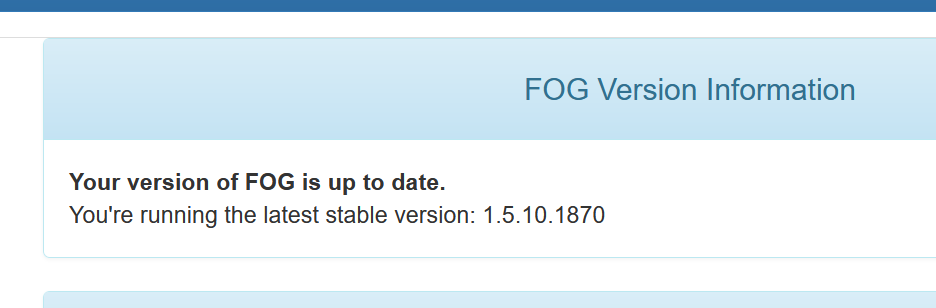
oh I was back again on the stable version
-
RE: Windows 11 | 65x HP Z2 Tower G1i | UPDATE -posted in FOG Problems
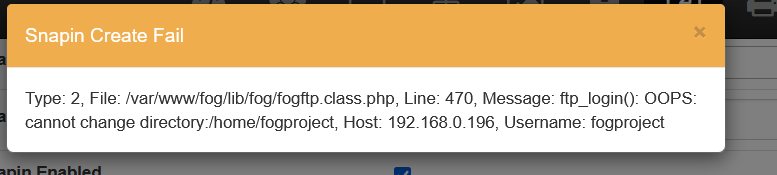
The FOG Password is stored on two places:
Tabelle: globalSettings -> this is unchanged
Tabelle: nfsGroupMembers -> changed …I try now to change in globalSettings by sql and test it again …