• Recent
    • Unsolved
    • Tags
    • Popular
    • Users
    • Groups
    • Search
    • Register
    • Login
    1. Home
    2. Jeremy
    J
    • Profile
    • Following 0
    • Followers 0
    • Topics 1
    • Posts 1
    • Groups 0

    Jeremy

    @Jeremy

    0
    Reputation
    1
    Profile views
    1
    Posts
    0
    Followers
    0
    Following
    Joined
    Last Online

    Jeremy Unfollow Follow

    Latest posts made by Jeremy

    • FOG Project Image Capture on Raspberry Pi 4 (ARM64) via U-Boot

      Hello, the goal of using FOG Project at the company where I work is to capture an image of a Raspberry Pi 4 that is already configured (with SSH, Wi-Fi, locale, and keyboard settings enabled).

      I haven’t been able to find a topic to help me set this up; for now, I am relying on Gemini and Claude for assistance.

      Project Overview:
      I am trying to capture an image from a Raspberry Pi 4 (2 GB RAM) to a FOG Project server (v1.5.10). The Pi 4 uses an external 512 GB JMicron SSD/USB drive connected to an USB 3.0 port (/dev/sda).

      What has been done and validated so far:

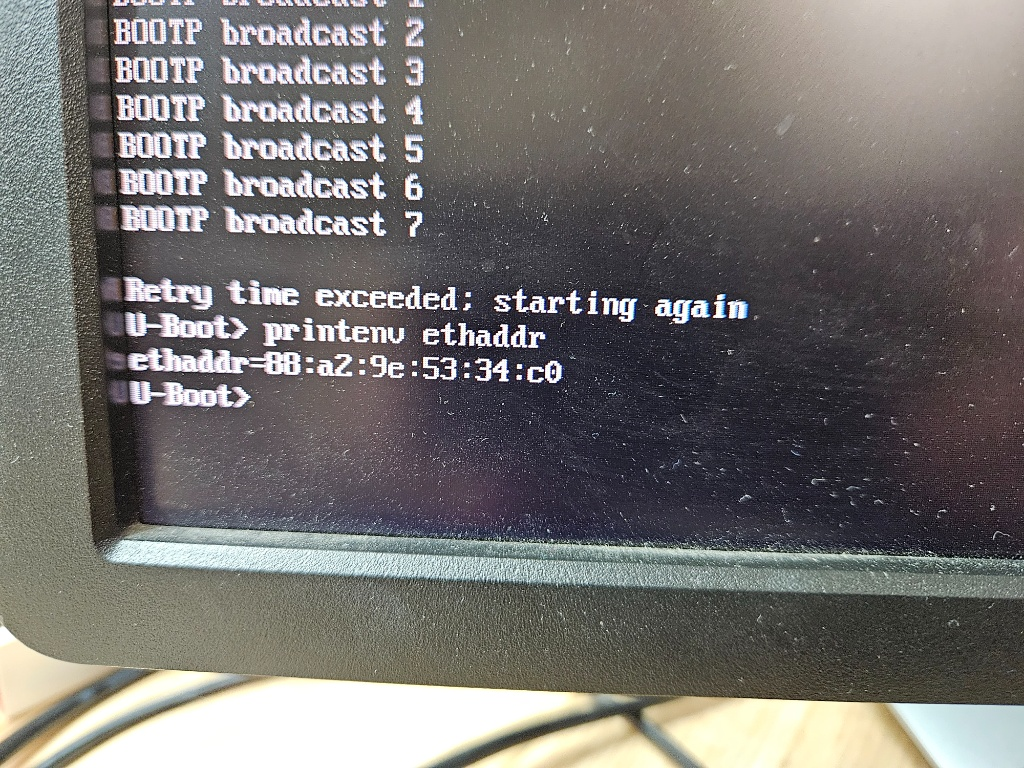
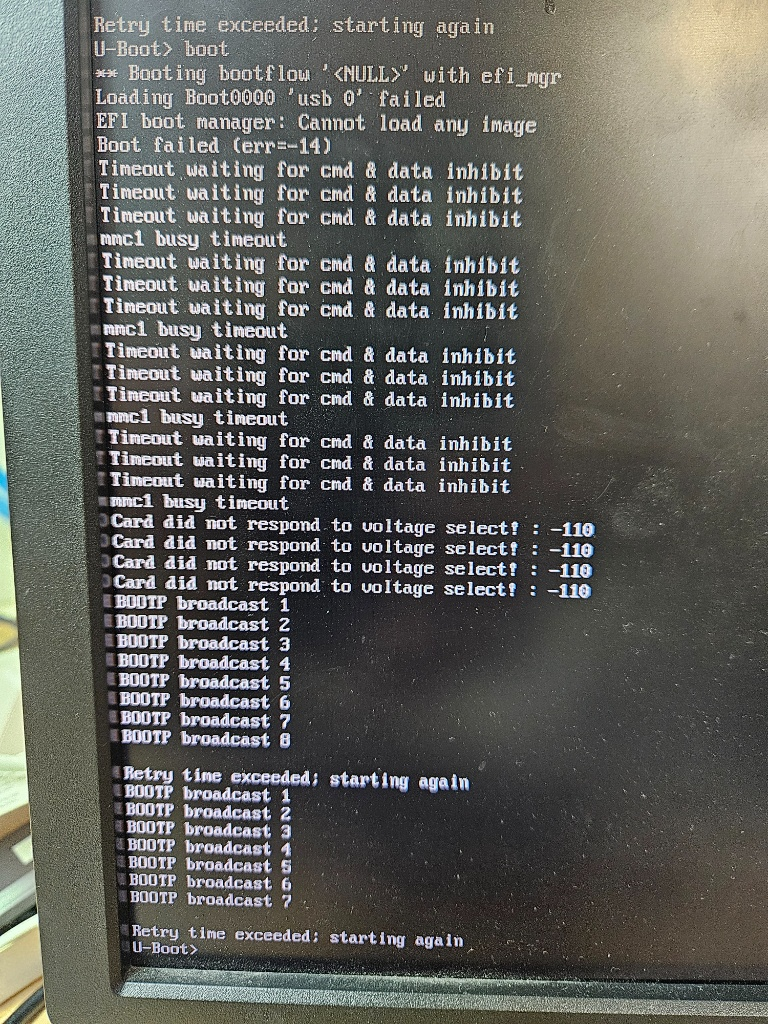
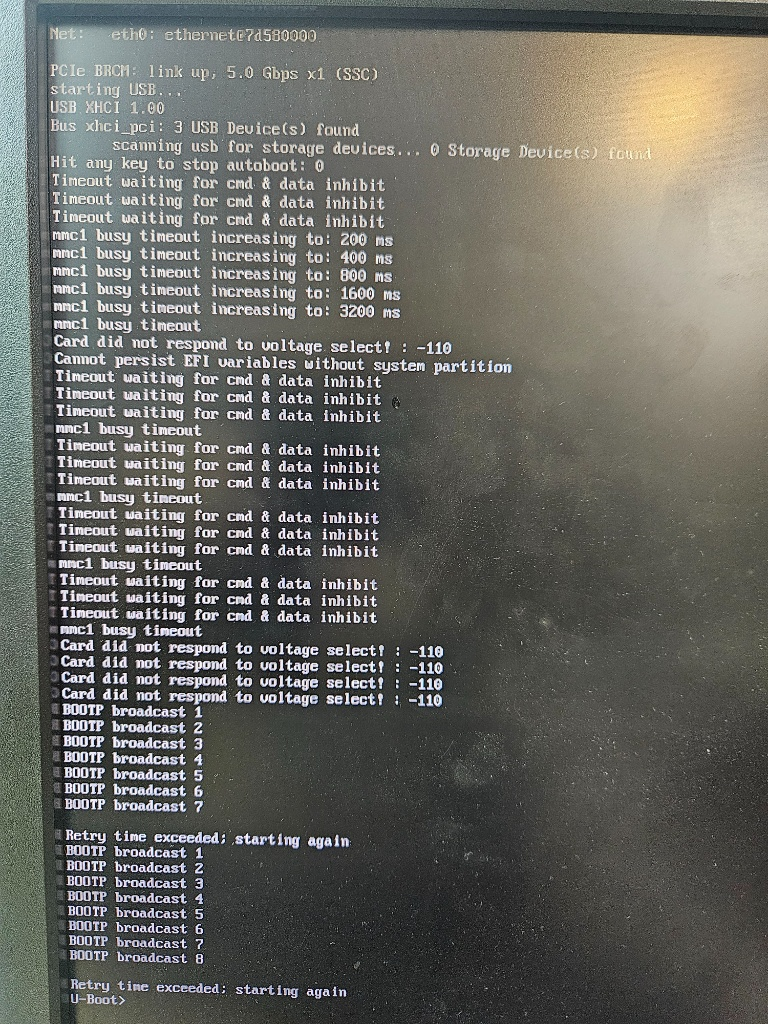
      PXE / TFTP Chainloading: The Raspberry Pi 4 successfully boots via native PXE, loads U-Boot, and downloads via TFTP the boot.scr script, the bzImageARM64 kernel, the uInitrd ramdisk, and the bcm2711-rpi-4-b.dtb DTB file

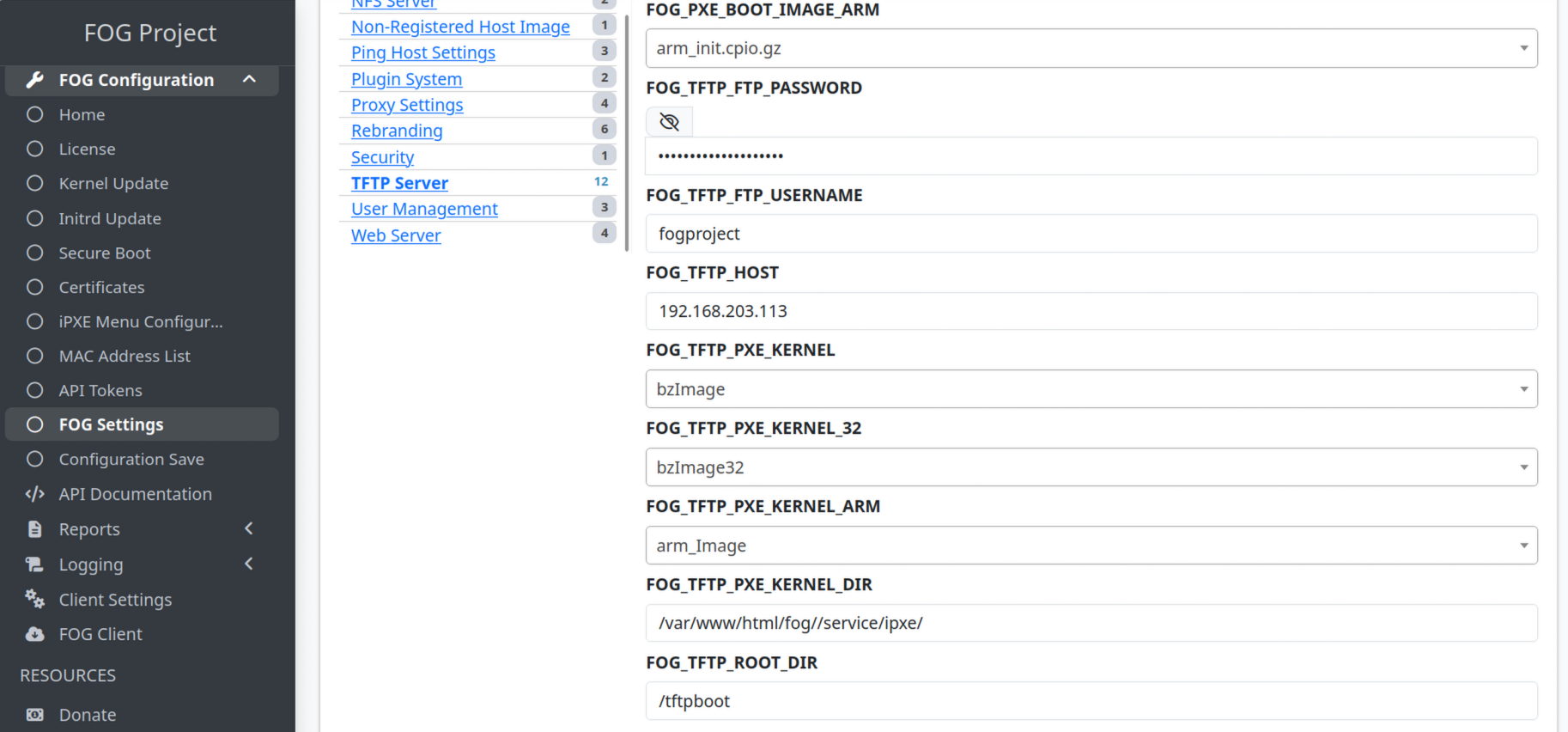
      Network Driver Issue Resolved: The default FOG bzImageARM64 kernel lacked support for the Pi 4’s onboard Broadcom NIC. I replaced it with the official Raspberry Pi ARM64 kernel (kernel8.img / 6.18.46-v8+).

      Hardware Detection:

      The native Broadcom Ethernet controller (bcmgenet) initializes properly (eth0: Link is Up - 1Gbps/Full).

      An IP address is assigned via DHCP (udhcpc: lease of 192.168.203.73 obtained).

      The external storage drive is properly detected at /dev/sda (JMicron drive with sda1 and sda2 partitions).

      Current boot.cmd Configuration (U-Boot):

      setenv kernel_addr_r 0x00080000
      setenv kernel_comp_addr_r 0x0a000000
      setenv kernel_comp_size 0x02000000
      setenv fdt_addr_r 0x02600000
      setenv ramdisk_addr_r 0x03000000

      setenv bootargs console=tty1 root=/dev/ram0 rw ramdisk_size=275000 web=192.168.203.113/fog/ loglevel=7 mode=debug type=up mac=dc:a6:32:c8:b4:33 osid=50 img=ImagePi4 storage=192.168.203.113:/images/ storageip=192.168.203.113 imgType=mps imgPartitionType=all storagedev=/dev/sda

      tftp ${kernel_addr_r} 7efcf632/bzImageARM64
      tftp ${ramdisk_addr_r} 7efcf632/uInitrd
      tftp ${fdt_addr_r} 7efcf632/bcm2711-rpi-4-b.dtb

      booti ${kernel_addr_r} ${ramdisk_addr_r} ${fdt_addr_r}

      Current Issue:
      During the FOS Linux kernel boot, the process hangs right after displaying the network link line (bcmgenet fd580000.ethernet eth0: Link is Up - 1Gbps/Full - flow control rx/tx) and does not automatically proceed to the FOG init scripts / check-in process (/bin/fog.checkin).

      Has anyone successfully automated a full FOS capture workflow on ARM64 / Raspberry Pi 4 architecture?

      posted in FOG Problems
      J
      Jeremy