Good time.
I have motherboards of the A520M PRO model (MS -7C96)
on the network, a configured Windows dhcp and boottp server.
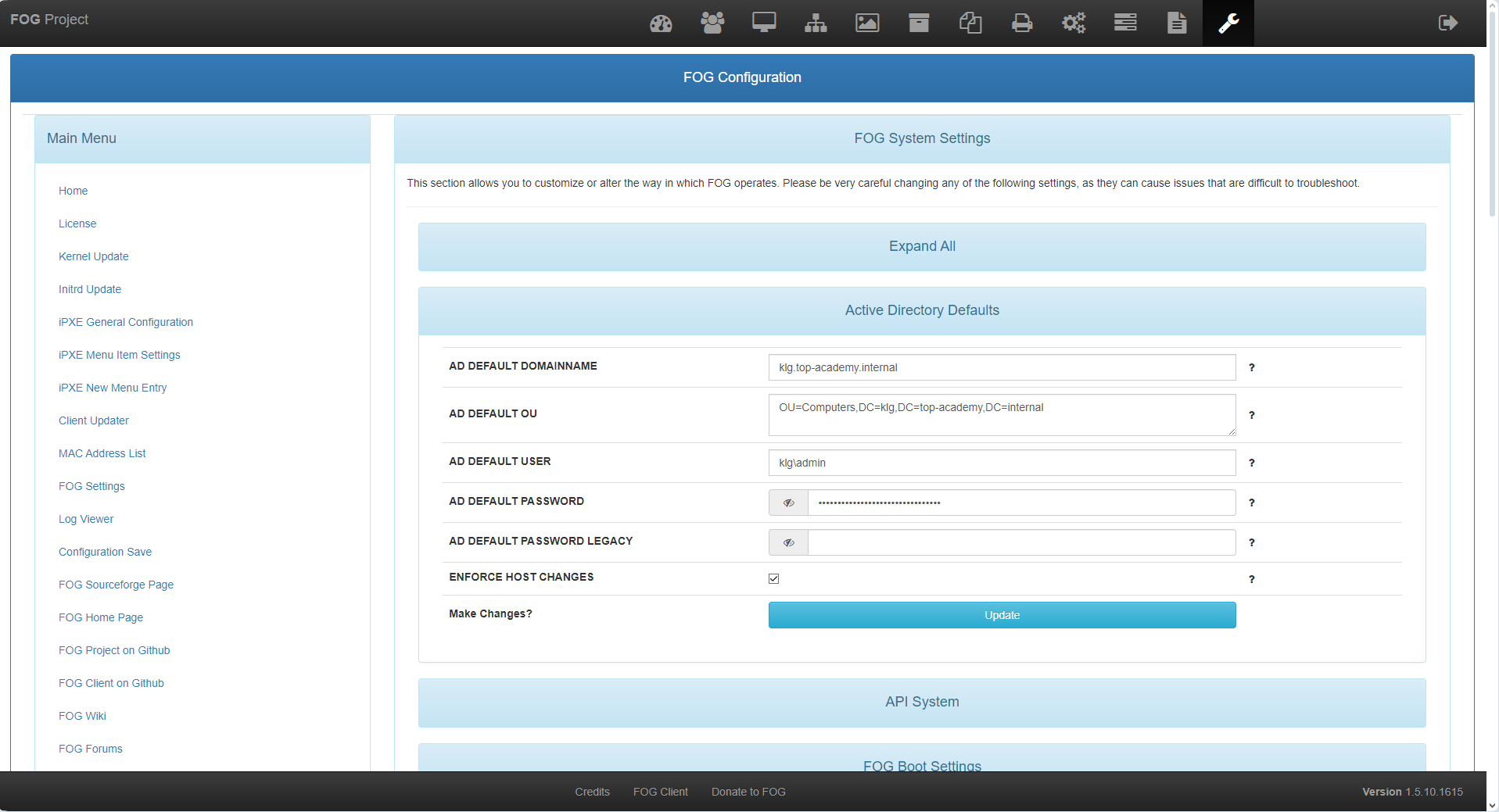
there is also a customized fogproject.
when you turn on the computer, only this happens:
checking media presence…
Media presence…
start pxe over ipv4 on MAC address: 00-00-00-00-00-00
In the server logs (command: tcpdump -i eth0 port 67 or port 68 -e -n -vv), in the 66–67 DHCP section, I get this:
14:01:45.514792 fc:9d:05:76:7c:00 > ff:ff:ff:ff:ff:ff, ethertype IPv4 (0x0800), length 389: (tos 0x0, ttl 64, id 25502, offset 0, flags [none], proto UDP (17), length 375)
    0.0.0.0.68 > 255.255.255.255.67: [udp sum ok] BOOTP/DHCP, Request from fc:9d:05:76:7c:00, length 347, xid 0x7f6882d1, Flags [Broadcast] (0x8000)
          Client-Ethernet-Address fc:9d:05:76:7c:00
          Vendor-rfc1048 Extensions
            Magic Cookie 0x63825363
            DHCP-Message (53), length 1: Discover
            MSZ (57), length 2: 1472
            Parameter-Request (55), length 35:
              Subnet-Mask (1), Time-Zone (2), Default-Gateway (3), Time-Server (4)
              IEN-Name-Server (5), Domain-Name-Server (6), Hostname (12), BS (13)
              Domain-Name (15), RP (17), EP (18), RSZ (22)
              TTL (23), BR (28), YD (40), YS (41)
              NTP (42), Vendor-Option (43), Requested-IP (50), Lease-Time (51)
              Server-ID (54), RN (58), RB (59), Vendor-Class (60)
              TFTP (66), BF (67), GUID (97), Unknown (128)
              Unknown (129), Unknown (130), Unknown (131), Unknown (132)
              Unknown (133), Unknown (134), Unknown (135)
            GUID (97), length 17: 0.88.120.96.42.8.128.29.120.172.208.252.157.5.118.124.0
            NDI (94), length 3: 1.3.16
            ARCH (93), length 2: 7
            Vendor-Class (60), length 32: "PXEClient:Arch:00007:UNDI:003016"
14:01:45.515588 00:15:5d:41:09:00 > ff:ff:ff:ff:ff:ff, ethertype IPv4 (0x0800), length 419: (tos 0x0, ttl 128, id 55536, offset 0, flags [none], proto UDP (17), length 405)
    192.168.65.11.67 > 255.255.255.255.68: [udp sum ok] BOOTP/DHCP, Reply, length 377, xid 0x7f6882d1, Flags [none] (0x0000)
          Your-IP 192.168.65.243
          Server-IP 192.168.65.35
          Client-Ethernet-Address fc:9d:05:76:7c:00
          file "secureboot/ipxe.efi"
          Vendor-rfc1048 Extensions
            Magic Cookie 0x63825363
            DHCP-Message (53), length 1: Offer
            Subnet-Mask (1), length 4: 255.255.255.0
            RN (58), length 4: 300
            RB (59), length 4: 525
            Lease-Time (51), length 4: 600
            Server-ID (54), length 4: 192.168.65.11
            Default-Gateway (3), length 4: 192.168.65.1
            IEN-Name-Server (5), length 8: 192.168.65.10,192.168.65.11
            Domain-Name-Server (6), length 8: 192.168.65.10,192.168.65.11
            Domain-Name (15), length 25: "klg.localdomain^@"
            Vendor-Class (60), length 10: "PXEClient^@"
            TFTP (66), length 14: "192.168.65.35^@"
            BF (67), length 20: "secureboot/ipxe.efi^@"
14:01:45.515617 00:15:5d:41:09:00 > ff:ff:ff:ff:ff:ff, ethertype IPv4 (0x0800), length 419: (tos 0x0, ttl 128, id 55536, offset 0, flags [none], proto UDP (17), length 405)
    192.168.65.11.67 > 255.255.255.255.68: [udp sum ok] BOOTP/DHCP, Reply, length 377, xid 0x7f6882d1, Flags [none] (0x0000)
          Your-IP 192.168.65.243
          Server-IP 192.168.65.35
          Client-Ethernet-Address fc:9d:05:76:7c:00
          file "secureboot/ipxe.efi"
          Vendor-rfc1048 Extensions
            Magic Cookie 0x63825363
            DHCP-Message (53), length 1: Offer
            Subnet-Mask (1), length 4: 255.255.255.0
            RN (58), length 4: 300
            RB (59), length 4: 525
            Lease-Time (51), length 4: 600
            Server-ID (54), length 4: 192.168.65.11
            Default-Gateway (3), length 4: 192.168.65.1
            IEN-Name-Server (5), length 8: 192.168.65.10,192.168.65.11
            Domain-Name-Server (6), length 8: 192.168.65.10,192.168.65.11
            Domain-Name (15), length 25: "klg.localdomain^@"
            Vendor-Class (60), length 10: "PXEClient^@"
            TFTP (66), length 14: "192.168.65.35^@"
            BF (67), length 20: "secureboot/ipxe.efi^@"
14:01:48.886162 fc:9d:05:76:7c:00 > ff:ff:ff:ff:ff:ff, ethertype IPv4 (0x0800), length 401: (tos 0x0, ttl 64, id 25503, offset 0, flags [none], proto UDP (17), length 387)
    0.0.0.0.68 > 255.255.255.255.67: [udp sum ok] BOOTP/DHCP, Request from fc:9d:05:76:7c:00, length 359, xid 0x7f6882d1, Flags [Broadcast] (0x8000)
          Client-Ethernet-Address fc:9d:05:76:7c:00
          Vendor-rfc1048 Extensions
            Magic Cookie 0x63825363
            DHCP-Message (53), length 1: Request
            Server-ID (54), length 4: 192.168.65.11
            Requested-IP (50), length 4: 192.168.65.243
            MSZ (57), length 2: 65280
            Parameter-Request (55), length 35:
              Subnet-Mask (1), Time-Zone (2), Default-Gateway (3), Time-Server (4)
              IEN-Name-Server (5), Domain-Name-Server (6), Hostname (12), BS (13)
              Domain-Name (15), RP (17), EP (18), RSZ (22)
              TTL (23), BR (28), YD (40), YS (41)
              NTP (42), Vendor-Option (43), Requested-IP (50), Lease-Time (51)
              Server-ID (54), RN (58), RB (59), Vendor-Class (60)
              TFTP (66), BF (67), GUID (97), Unknown (128)
              Unknown (129), Unknown (130), Unknown (131), Unknown (132)
              Unknown (133), Unknown (134), Unknown (135)
            GUID (97), length 17: 0.88.120.96.42.8.128.29.120.172.208.252.157.5.118.124.0
            NDI (94), length 3: 1.3.16
            ARCH (93), length 2: 7
            Vendor-Class (60), length 32: "PXEClient:Arch:00007:UNDI:003016"
14:01:48.886960 00:15:5d:41:09:00 > ff:ff:ff:ff:ff:ff, ethertype IPv4 (0x0800), length 419: (tos 0x0, ttl 128, id 55537, offset 0, flags [none], proto UDP (17), length 405)
    192.168.65.11.67 > 255.255.255.255.68: [udp sum ok] BOOTP/DHCP, Reply, length 377, xid 0x7f6882d1, Flags [none] (0x0000)
          Your-IP 192.168.65.243
          Server-IP 192.168.65.35
          Client-Ethernet-Address fc:9d:05:76:7c:00
          file "secureboot/ipxe.efi"
          Vendor-rfc1048 Extensions
            Magic Cookie 0x63825363
            DHCP-Message (53), length 1: ACK
            RN (58), length 4: 300
            RB (59), length 4: 525
            Lease-Time (51), length 4: 600
            Server-ID (54), length 4: 192.168.65.11
            Subnet-Mask (1), length 4: 255.255.255.0
            Default-Gateway (3), length 4: 192.168.65.1
            IEN-Name-Server (5), length 8: 192.168.65.10,192.168.65.11
            Domain-Name-Server (6), length 8: 192.168.65.10,192.168.65.11
            Domain-Name (15), length 25: "klg.localdomain^@"
            Vendor-Class (60), length 10: "PXEClient^@"
            TFTP (66), length 14: "192.168.65.35^@"
            BF (67), length 20: "secureboot/ipxe.efi^@"
14:01:48.887048 00:15:5d:41:09:00 > ff:ff:ff:ff:ff:ff, ethertype IPv4 (0x0800), length 419: (tos 0x0, ttl 128, id 55537, offset 0, flags [none], proto UDP (17), length 405)
    192.168.65.11.67 > 255.255.255.255.68: [udp sum ok] BOOTP/DHCP, Reply, length 377, xid 0x7f6882d1, Flags [none] (0x0000)
          Your-IP 192.168.65.243
          Server-IP 192.168.65.35
          Client-Ethernet-Address fc:9d:05:76:7c:00
          file "secureboot/ipxe.efi"
          Vendor-rfc1048 Extensions
            Magic Cookie 0x63825363
            DHCP-Message (53), length 1: ACK
            RN (58), length 4: 300
            RB (59), length 4: 525
            Lease-Time (51), length 4: 600
            Server-ID (54), length 4: 192.168.65.11
            Subnet-Mask (1), length 4: 255.255.255.0
            Default-Gateway (3), length 4: 192.168.65.1
            IEN-Name-Server (5), length 8: 192.168.65.10,192.168.65.11
            Domain-Name-Server (6), length 8: 192.168.65.10,192.168.65.11
            Domain-Name (15), length 25: "klg.localdomain^@"
            Vendor-Class (60), length 10: "PXEClient^@"
            TFTP (66), length 14: "192.168.65.35^@"
            BF (67), length 20: "secureboot/ipxe.efi^@"
I’ve changed section 66 for just about everything…
Here’s the list of what’s in the tftboot directory.
intel.efi
intel.kkpxe
intel.kpxe
intel.pxe
intel.ipxe
ipxe.efi
ipxe.iso
ipxe.kkpxe
ipxe.kpxe
ipxe.pxe
realtek.efi
realtek.kkpxe
realtek.kpxe
realtek.efi
snp.efi
snponly.efi
undionly.kkpxe
undionly.kpxe
undionly.pxe
Nothing works.
Network stack — enabled.
UEFI — cannot be disabled in BIOS.
Legacy — enabled only for video and disk; it cannot be switched to network boot.
Where to look to get this motherboard to boot over the network…