Upgrade to 1.6.0.158 fails with mysql 8.4.13
-
Ubuntu 26.04.1 has updated to mysql 8.4.13, where certain long data types cannot have default values.
Having updated my server to this release, upgrading FOG fails
mysql> ALTER TABLE `hosts` ADD COLUMN `hostSecTokenPrev` longtext NOT NULL DEFAULT '' AFTER `hostInfoLock`;
ERROR 1101 (42000): BLOB, TEXT, GEOMETRY or JSON column 'hostSecTokenPrev' can't have a default value
It’s impossible to continue with the installation after this error
-
@MarkG Thanks for the report. This is a known defect in 1.6.0.158, and the fix is already on the dev-branch.
The cause: the schema update builds its column definitions from a MariaDB capture. MariaDB accepts a literal default on a TEXT column. MySQL does not (error 1101). The same upgrade also hits two other MySQL-only errors: 1305 (Ubuntu’s MySQL has no MD5()) and 1292.
PR #2121 fixes all three. On MySQL 8.0.13 and later, FOG now writes the TEXT default as an expression,
DEFAULT (''), which MySQL accepts. MariaDB is unchanged.The fix reaches the stable channel in the next monthly release on December 11. To get it now, re-run the installer from dev-branch in your FOG git checkout:
cd /path/to/fogproject
git fetch origin
git checkout dev-branch
git pull
cd bin
sudo ./installfog.sh -y
The schema update compares your database to the expected structure and adds only what is missing, so it continues from where the failed run stopped. After the December 11 release,
git checkout stableputs you back on the stable line.If the installer stops again, please post the full error and the output of
mysql --version. -
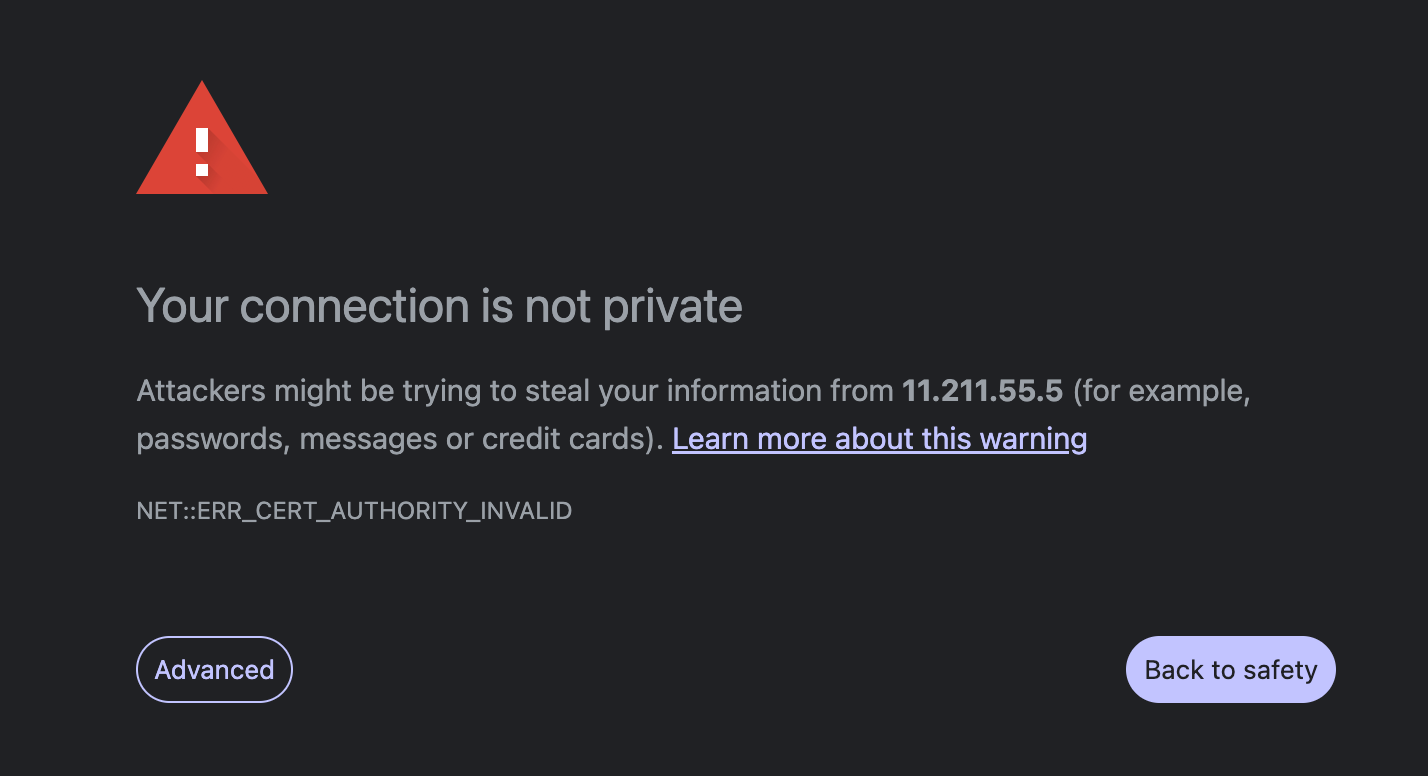
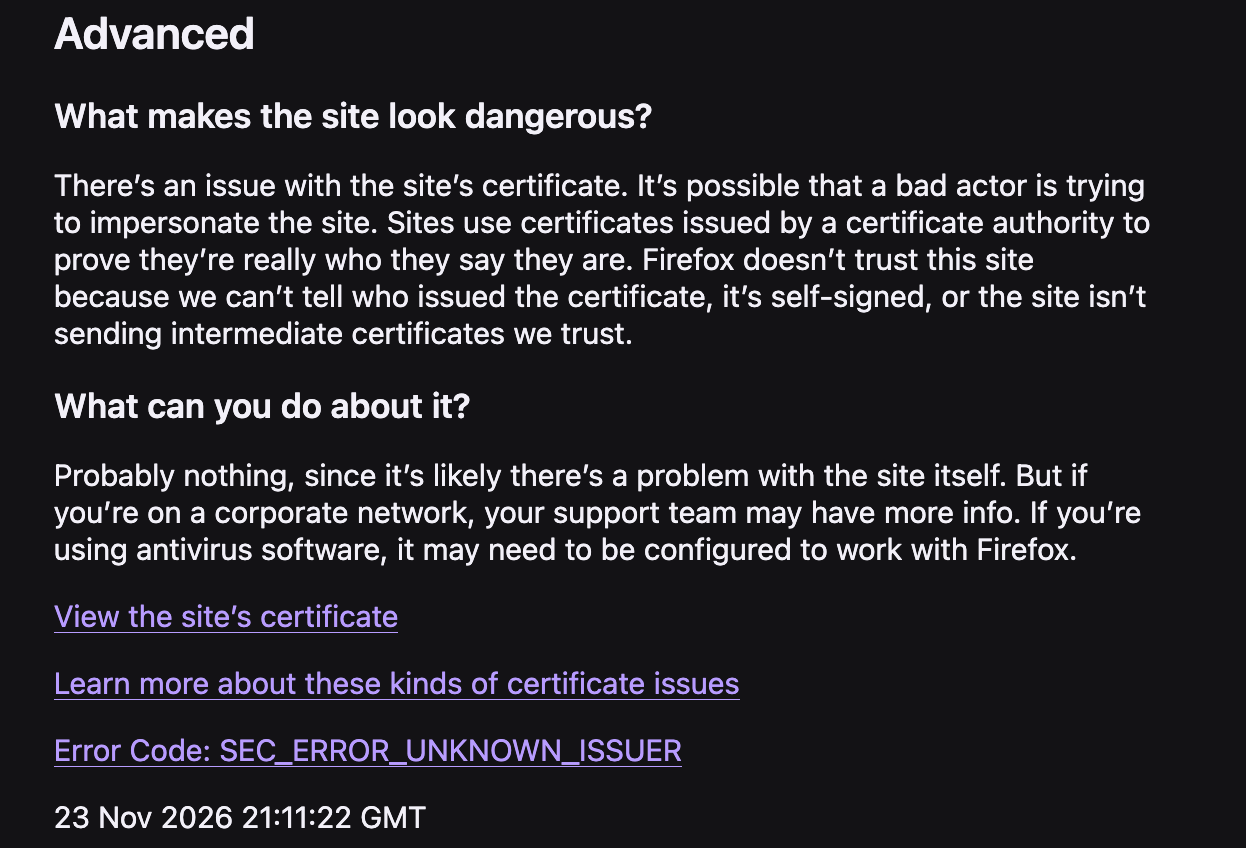
@Tom-Elliott Thanks, that has worked. It has raised another question though - I notice that https is now supported, which is great. But browsers are giving me a security warning when I use https, and even if I hit the right buttons to get through that, the address bar still says ‘not secure’.
-
@MarkG Good to hear the upgrade went through.
The certificate warning is expected on a default install. The FOG installer creates its own certificate authority (CA) and uses it to sign the web server’s certificate. Your browser does not know that CA, so it shows
ERR_CERT_AUTHORITY_INVALID/SEC_ERROR_UNKNOWN_ISSUER. When you click through, the browser still shows “Not secure” because it has not verified who issued the certificate. The connection itself is encrypted.To remove the warning, trust the FOG CA on each machine that opens the web UI. You trust it once, and it covers the web certificate:
- Download the CA from
http://11.211.55.5/fog/management/other/ca.cert.der. - macOS (Chrome and Safari): open the file in Keychain Access, add it to the System keychain, open the certificate, and set “When using this certificate” to “Always Trust”.
- Firefox has its own certificate store: Settings > Privacy & Security > Certificates > View Certificates > Authorities > Import. Tick “Trust this CA to identify websites”.
- Windows: import it into “Trusted Root Certification Authorities”. On a domain, a GPO can push it to every machine.
Restart the browser after the import.
To use a certificate from a CA you already run, or from Let’s Encrypt, see:
https://docs.fogproject.org/kb/integrations/external-ca-lets-encrypt - Download the CA from
-
@Tom-Elliott Thanks for that reply. I understand why it’s failing now. The link you sent to use a CA I control has broken my brain
 Is there any documentation on what ACME is? I’ve only ever heard it in reference to Wile E Coyote, and I’m assuming it’s not that. Google has not helped.
-
@MarkG Not the Wile E. Coyote kind, no.
ACME stands for Automatic Certificate Management Environment. It is the protocol a certificate authority uses to issue and renew certificates automatically, with no person in the loop. Let’s Encrypt is the best-known public authority that speaks it.
certbotandacme.share the programs on your server that talk to it.For your setup, you probably do not need it. You only need an external CA if you already run one, for example Active Directory Certificate Services, or if you want browsers to trust FOG with no import at all. A public authority such as Let’s Encrypt also needs a DNS name for the server, like
fog.example.com. It will not issue a certificate for an IP address on your network.If you open the UI by IP, importing FOG’s own CA (from my last reply) is the whole fix.
If you do want a public certificate later, this page walks through it step by step and defines the terms as it goes:
https://docs.fogproject.org/kb/how-tos/lets-encrypt-setupThanks for pointing out that the other page used ACME without explaining it. That page now has a definition at the top.
-
@Tom-Elliott Thanks for the detailed reply. That does seem overkill for my needs but I’ll bookmark this for later reading.