Can you apply an image to all hosts within a group in v1.6?
-
Hi. In FOG versions up to 1.5, you could open a group and select an image (and a post-imaging action) and it would apply to all the hosts within the group. This option appears to be missing in v1.6, which is a shame because it saves a lot of time when you have to apply a new image to hundreds of hosts (I’m currently doing it one host at a time in v1.6).
Is this change intentional or is there another way to do this now that I’m just not seeing?
-
@DBailey635 No.
So this one was a decision to actually attempt to make Groups more useful.
While it seems like it’s removing features, it actually enhances them.
Groups in the past were things that any host could join at any given point in time. Why is this a problem? Imagine HostA in 5 groups. What group applied what pieces of it to the host? Did a group apply anything to a Host? It could yes, but if I have HostA in GroupA and GroupB. GroupB has ImageB assigned to it, and GroupA has ImageA assigned to it. If you update a group (open and hit save) it would modify All hosts in the group. But now you’re looking at different group you may get confused.
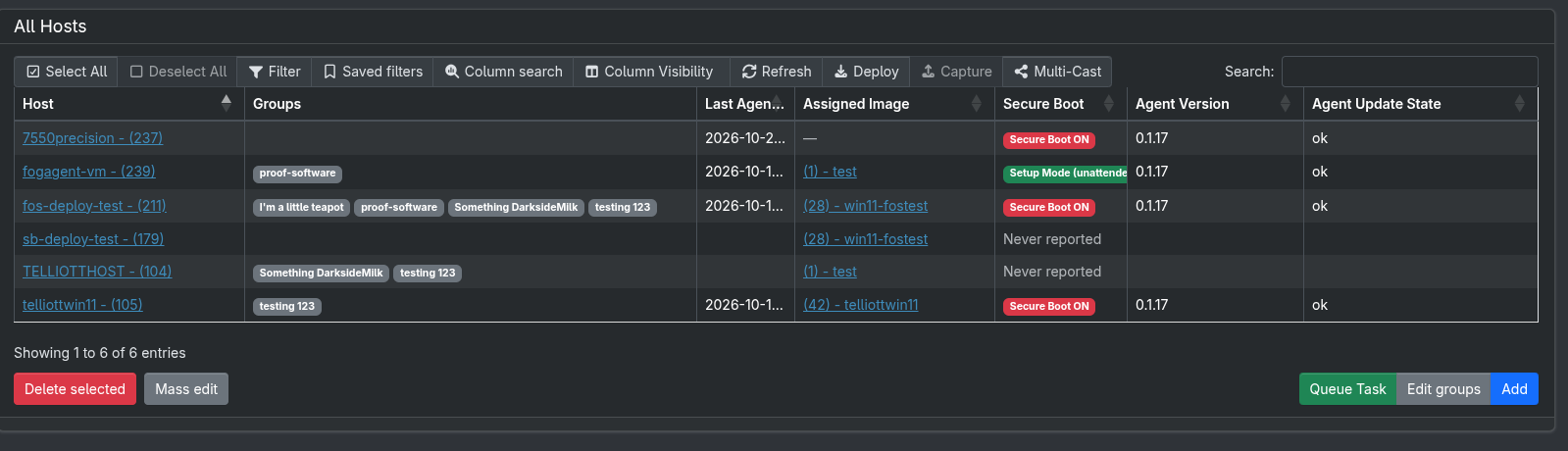
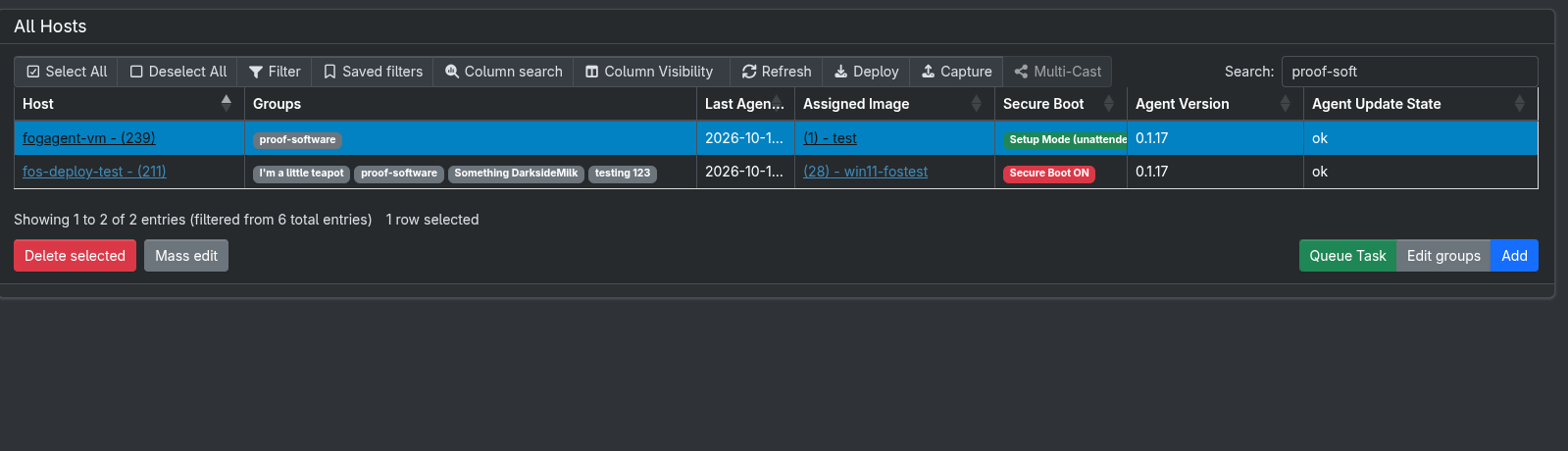
So Yes you can still mass edit hosts based on groups in 1.6, you just do it from the Host page. (You can filter the list to specific groups)
Groups are now additive in nature. You assign Snapins, Printers, etc… to a group. (You can still apply to hosts as well, but groups aren’t applying to each individual host anymore). If a host is in multiple groups, things that arent’ assigned to that host, but assigned to the groups will now be applied to the hosts.
https://docs.fogproject.org/en/latest/1.6/management/web/groups/
This helps break it down a bit more technical, but hopefully more representative of the feature set.
Please help us build the FOG community with everyone involved. It's not just about coding - way more we need people to test things, update documentation and most importantly work on uniting the community of people enjoying and working on FOG! Get in contact with me (chat bubble in the top right corner) if you want to join in.
Web GUI issue? Please check apache error (debian/ubuntu: /var/log/apache2/error.log, centos/fedora/rhel: /var/log/httpd/error_log) and php-fpm log (/var/log/php*-fpm.log)
Please support FOG if you like it: https://wiki.fogproject.org/wiki/index.php/Support_FOG
-
Thanks @Tom-Elliott . That actually makes a lot more sense now.

I saw the greyed-out “Mass edit” button, but hadn’t worked out that I had to select multiple items (turn them blue) from the filtered list of hosts in order to be able to use that button to set values across multiple entries. Once I did, it worked as intended.