Windows 11 | 65x HP Z2 Tower G1i | UPDATE -
-
@Tom-Elliott
Deleting the website’s cookies
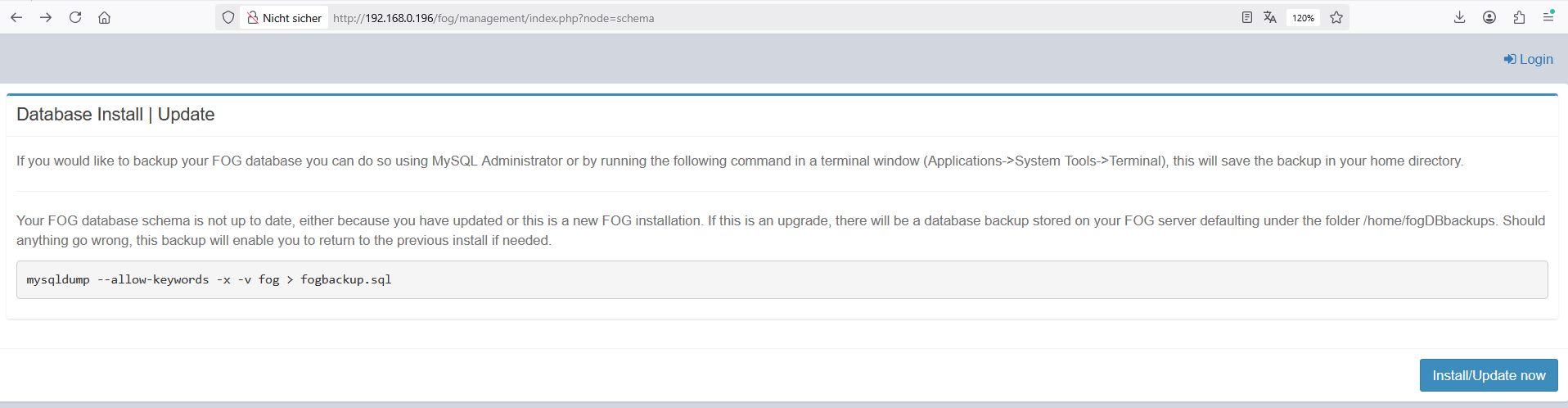
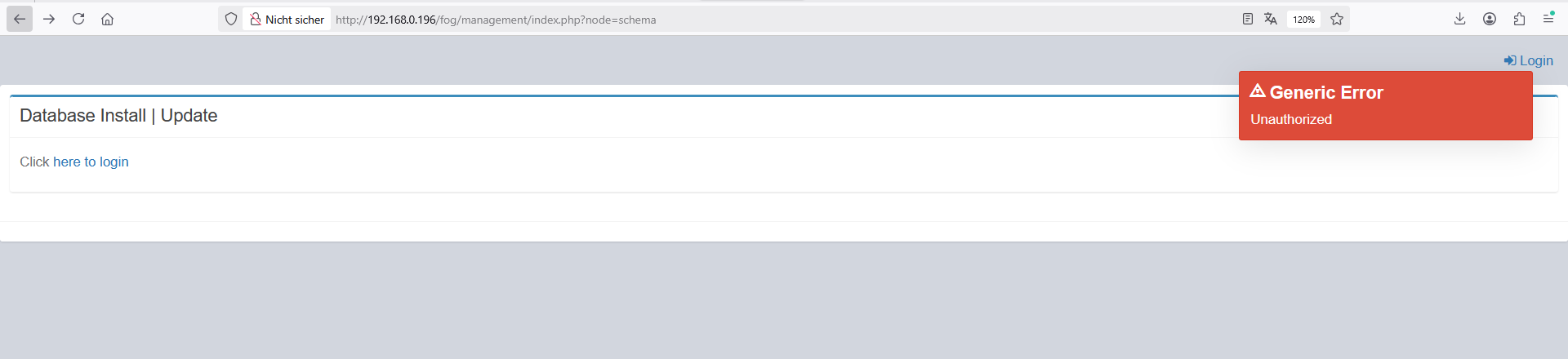
I cannot login!!!I’m stuck in a loop
-
@kratkale You’re not stuck in a loop
You didn’t follow the installer instructions and use the link the installer provided you for the database.
There’s a different url because to you security doesn’t matter, but to many others, it most certainly does.
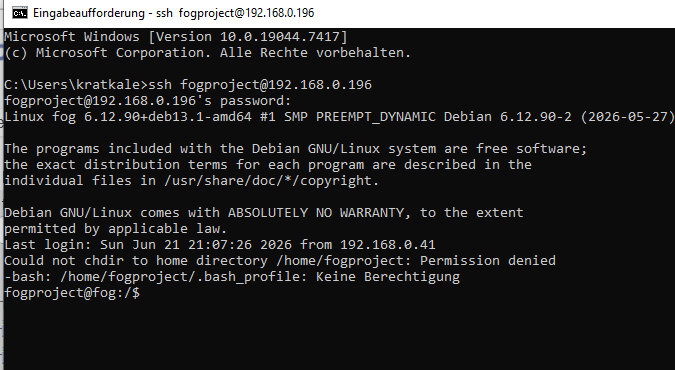
As for the userdel fogproject, don’t do that, please:
That’s actually more likely why you were having ftp issues in the first place. In 1.5.10.x the installer tried to prevent anyone from ever using the fogproject user, but many did. If the account had been used, the only fix was to delete the user. Deleting that user could change the password for the account (and thus the password used on the storage node causing the likely first problem you had encounted).
In either case, this is not a loop, this is a URL on the display where you’re used to just doing it one way. That way changed (in an effort of security). It’s not hidden though, so please use that whole link for this stage or better yet, use the -y option.
-
@Tom-Elliott
bei älteren installation ist die installation abgebrochen, wenn man den Foguser nicht entfernt hatte …
Jetzt ohne userdel habe ich wieder ein Web GUI
ich muss auf den client PC wieder einen neuen FOG Client installieren - sehe ich das richtig? -
@kratkale said in Windows 11 | 65x HP Z2 Tower G1i | UPDATE -:
bei älteren installation ist die installation abgebrochen, wenn man den Foguser nicht entfernt hatte …
Jetzt ohne userdel habe ich wieder ein Web GUI
ich muss auf den client PC wieder einen neuen FOG Client installieren - sehe ich das richtig?Possibly yes, if the fog server is brand new (had to create the CA SSL certificates and all).
Möglicherweise ja, wenn der Fog-Server brandneu ist (musste also die CA-SSL-Zertifikate und alles andere erst erstellen).
(Via google translate, I know not great but better than nothing
 )
) -
@Tom-Elliott
In older installations, the installation would fail if the FOG user hadn’t been removed…
Now, withoutuserdel, I have a Web GUI again.
I need to install a new FOG client on the client PC again—am I understanding this correctly? -
-
@kratkale Wow, so we’re still no worse for wear at least.
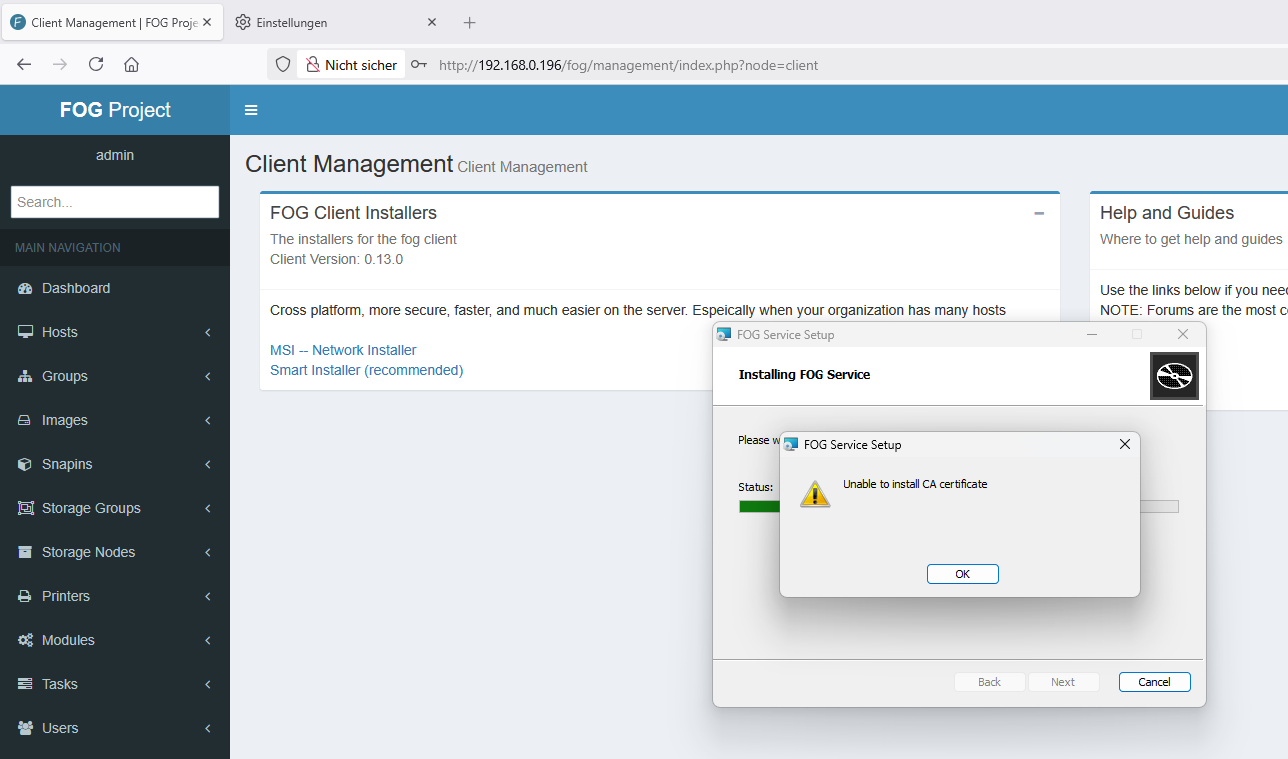
I don’t know why it’s saying unable to install ca certificate?
I"m assuming you set the “url” property during the installer to 192.68.0.196?
(I’m shooting int he dark a bit here so apologies.)
-
@kratkale I just tested installing and hadn’t had any issues, so I’m thinking maybe the fogserver line didn’t get updated to point at the proper IP?
-
@Tom-Elliott said in Windows 11 | 65x HP Z2 Tower G1i | UPDATE -:
yes forgot to fill out 192.168.0.196 - working -
@Tom-Elliott
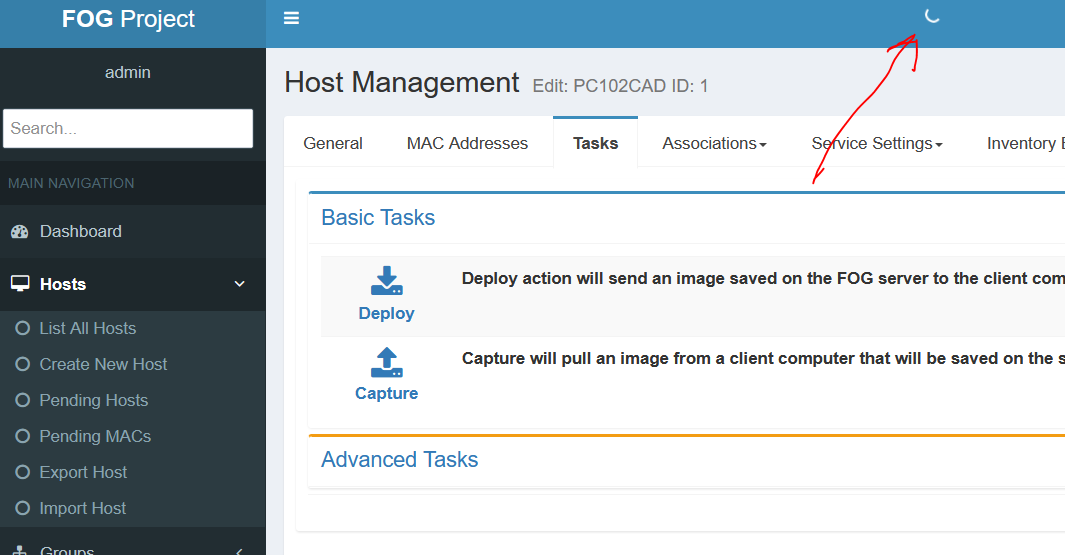
it seems he is working … rotating circle -
@kratkale Do you happen to use bitwarden?
-
@Tom-Elliott
??? Do you happen to use bitwarden -
@Tom-Elliott
try to make a deploy task
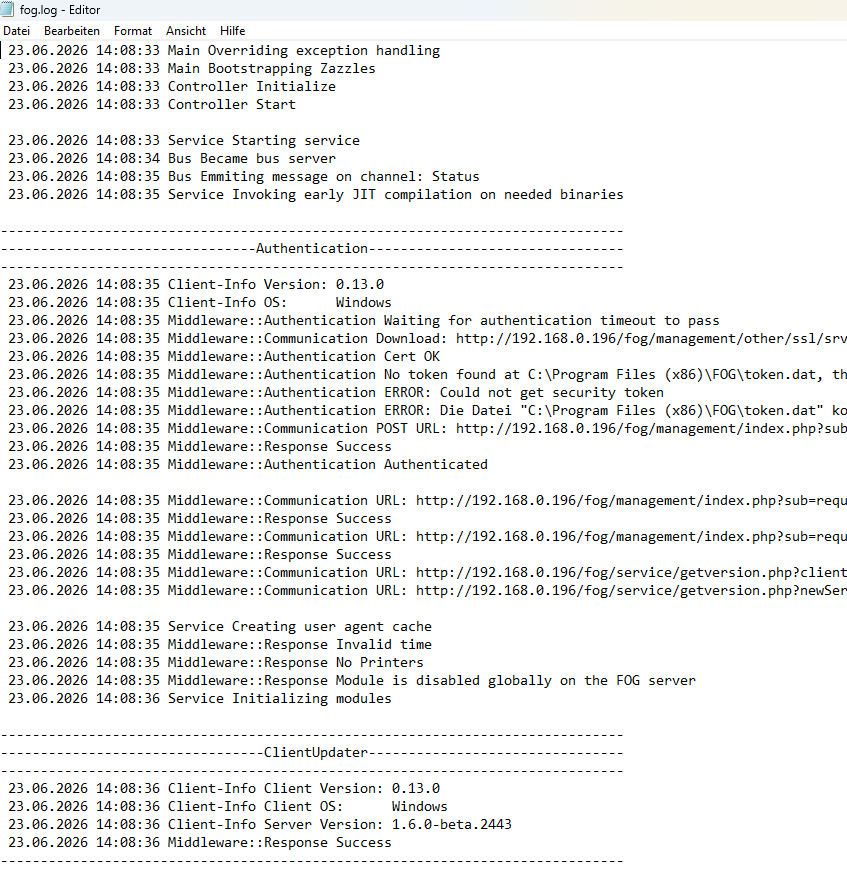
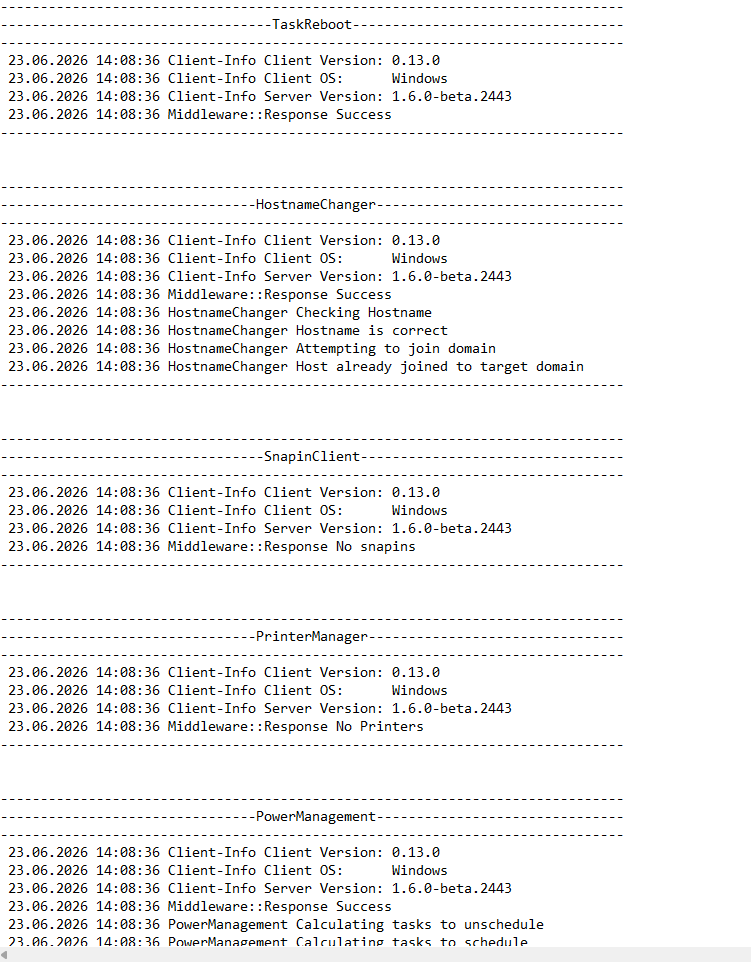
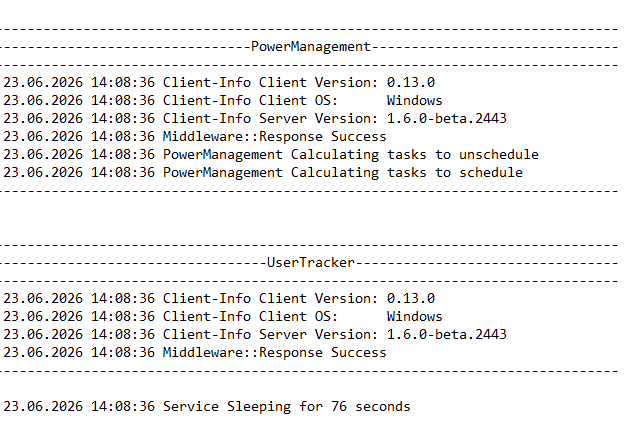
not working -
@kratkale So I see this as being an issue with certain extensions.
I happen to have the bitwarden extension and when I initially load this loader bar occurs and after about 2-3 minutes it finally catches up and cleans up. This loading is not because of “FOG” persay, but rather an extension reading ajax information which then fails to find or load anything on the page but the “load processor - the working circle you see” thinks something else is happening.
-
@Tom-Elliott said in Windows 11 | 65x HP Z2 Tower G1i | UPDATE -:
https://bitwarden.com/de-de/help/getting-started-browserext/no i don’t use something like this
-
@Tom-Elliott
hash problem still exists with old snapin …
fog log on client PC102CAD
---------------------------------SnapinClient---------------------------------
23.06.2026 15:49:19 Client-Info Client Version: 0.13.0
23.06.2026 15:49:19 Client-Info Client OS: Windows
23.06.2026 15:49:19 Client-Info Server Version: 1.6.0-beta.2443
23.06.2026 15:49:19 Middleware::Response Success
23.06.2026 15:49:19 SnapinClient Running snapin 000_SCHUELER
23.06.2026 15:49:19 Middleware::Communication Download: http://192.168.0.196/fog/service/snapins.file.php?mac=F8:ED:FC:55:D6:2D|0A:00:27:00:00:02&taskid=170
23.06.2026 15:49:21 SnapinClient C:\Program Files (x86)\FOG\tmp\000_SCHUELER_202604211353.bat
23.06.2026 15:49:21 SnapinClient ERROR: Hash does not match
23.06.2026 15:49:21 SnapinClient ERROR: --> Ideal: 81FEB595799A8F03E1F938D8F2EED0D30DEACF35F878B5E3A7857688F79C144902D427BF69546C48D04A57E1247881EAF2FD9EF91A75714788823E4E0F93985B
23.06.2026 15:49:21 SnapinClient ERROR: --> Actual: 81C5644226BDDC79CC6D00F18923612E773FCFB4E427A39EE15D2B6341AA5C9E45D7E6FC3FDC5AD7CB90DA4358867FDAE227BA20480EBE8F0D5C6B633001F5A3
23.06.2026 15:49:21 Middleware::Communication URL: http://192.168.0.196/fog/service/snapins.checkin.php?taskid=170&exitcode=-1&mac=F8:ED:FC:55:D6:2D|0A:00:27:00:00:02&newService&json -
@kratkale Can you take a look that the file exists on the fog server in /opt/fog/snapins/000_SCHUELER_202604211353.bat and is containing the expected data for that batch script?
Please also take a look at the snapins table:
sudo mysql -u root fog

SELECT sHash from snapins WHERE sFilePath='000_SCHUELER_202604211353.bat'
the sHash from this should equal the same for:
sha512sum /opt/fog/snapins/000_SCHUELER_202604211353.batIf these are matching, then the issue is somewhere in transit and will want to figure out why.
I believe these files get stored and not deleted, but I could be wrong:
You can see the file location C:\Program Files (x86)\FOG\tmp\000_SCHUELER_202604211353.batIf you can open the file with notepad++ or soemthing and confirm whether it download the correct file andthe contents look correct?
-
@Tom-Elliott said in Windows 11 | 65x HP Z2 Tower G1i | UPDATE -:
SELECT sHash from snapins WHERE sFilePath=‘000_SCHUELER_202604211353.bat’
root@fog:~/20260602_wechsel_auf_fog_dev# mysql -u root fog
MariaDB [fog]> SELECT sHash from snapins WHERE sFilePath=‘000_SCHUELER_202604211353.bat’
81feb595799a8f03e1f938d8f2eed0d30deacf35f878b5e3a7857688f79c144902d427bf69546c48d04a57e1247881eaf2fd9ef91a75714788823e4e0f93985b
1 row in set (0,001 sec)root@fog:~/20260602_wechsel_auf_fog_dev# sha512sum /opt/fog/snapins/000_SCHUELER_202604211353.bat
81feb595799a8f03e1f938d8f2eed0d30deacf35f878b5e3a7857688f79c144902d427bf69546c48d04a57e1247881eaf2fd9ef91a75714788823e4e0f93985b /opt/fog/snapins/000_SCHUELER_202604211353.bat
root@fog:~/20260602_wechsel_auf_fog_dev# -
@Tom-Elliott
ftp problem …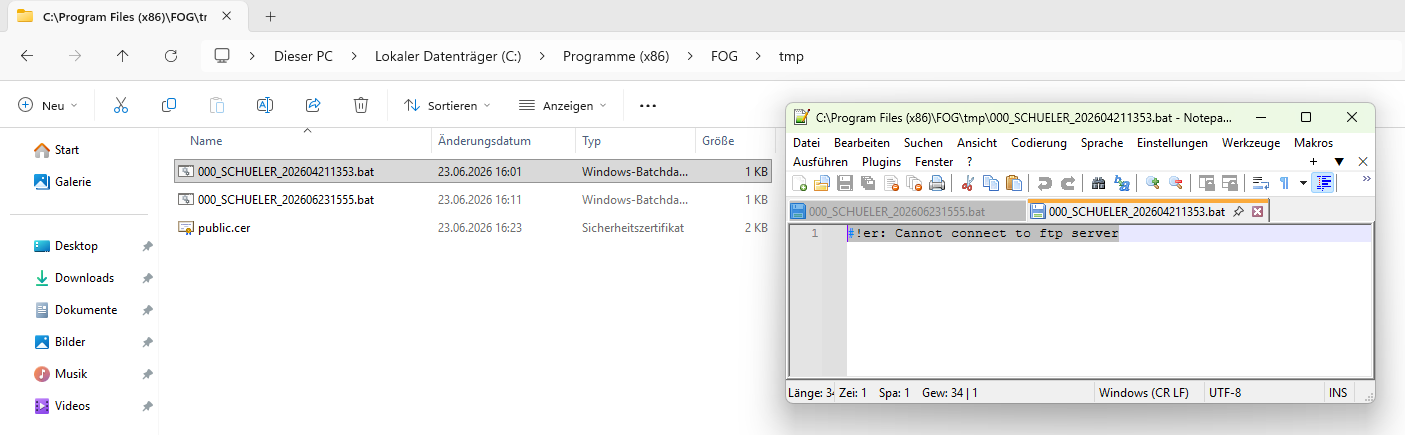
-