Cannot authenticate FOG in host to proceed deploy
-
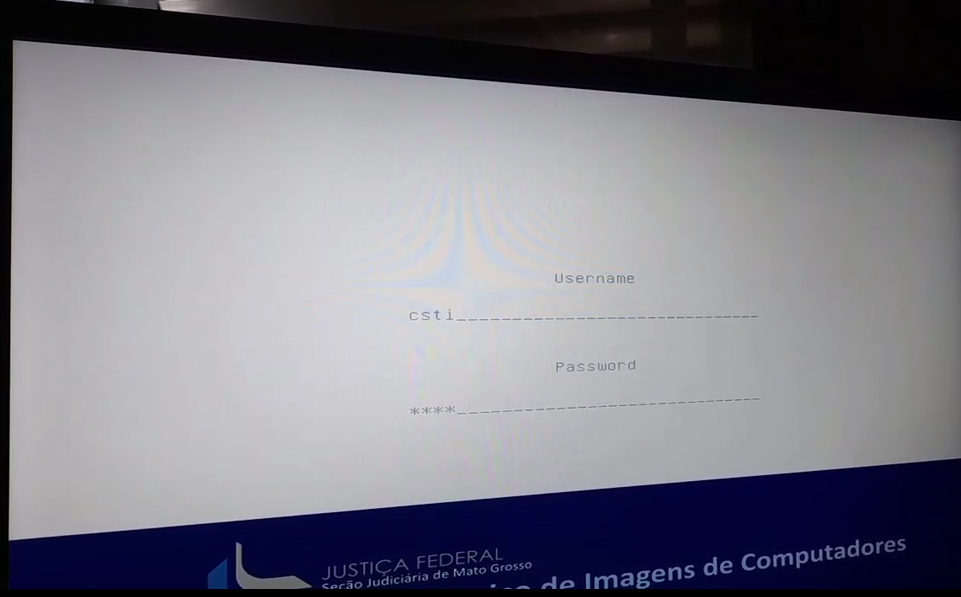
I’m trying to deploy an image to a PFsense Appliance (APPLIANCE FIREWALL 4 LAN I226-V PROC J6412 8GB DDR4 E 256 SSD NVME HDMI/DP) and I cannot authenticate. PXE could get IP by DHCP in each of 4 NICs present in the appliance (obviously I plug network cable in just one of them), but after the actions menu and before images menu, when FOG asks for autentication, we fill auth fields but nothing happens, and FOG cannot overcome the screen I attached here below.
Any ideas?
-
@Redbob The username/password should match an authentication you use for the FOG GUI.
Please help us build the FOG community with everyone involved. It's not just about coding - way more we need people to test things, update documentation and most importantly work on uniting the community of people enjoying and working on FOG! Get in contact with me (chat bubble in the top right corner) if you want to join in.
Web GUI issue? Please check apache error (debian/ubuntu: /var/log/apache2/error.log, centos/fedora/rhel: /var/log/httpd/error_log) and php-fpm log (/var/log/php*-fpm.log)
Please support FOG if you like it: https://wiki.fogproject.org/wiki/index.php/Support_FOG
-
This post is deleted! -
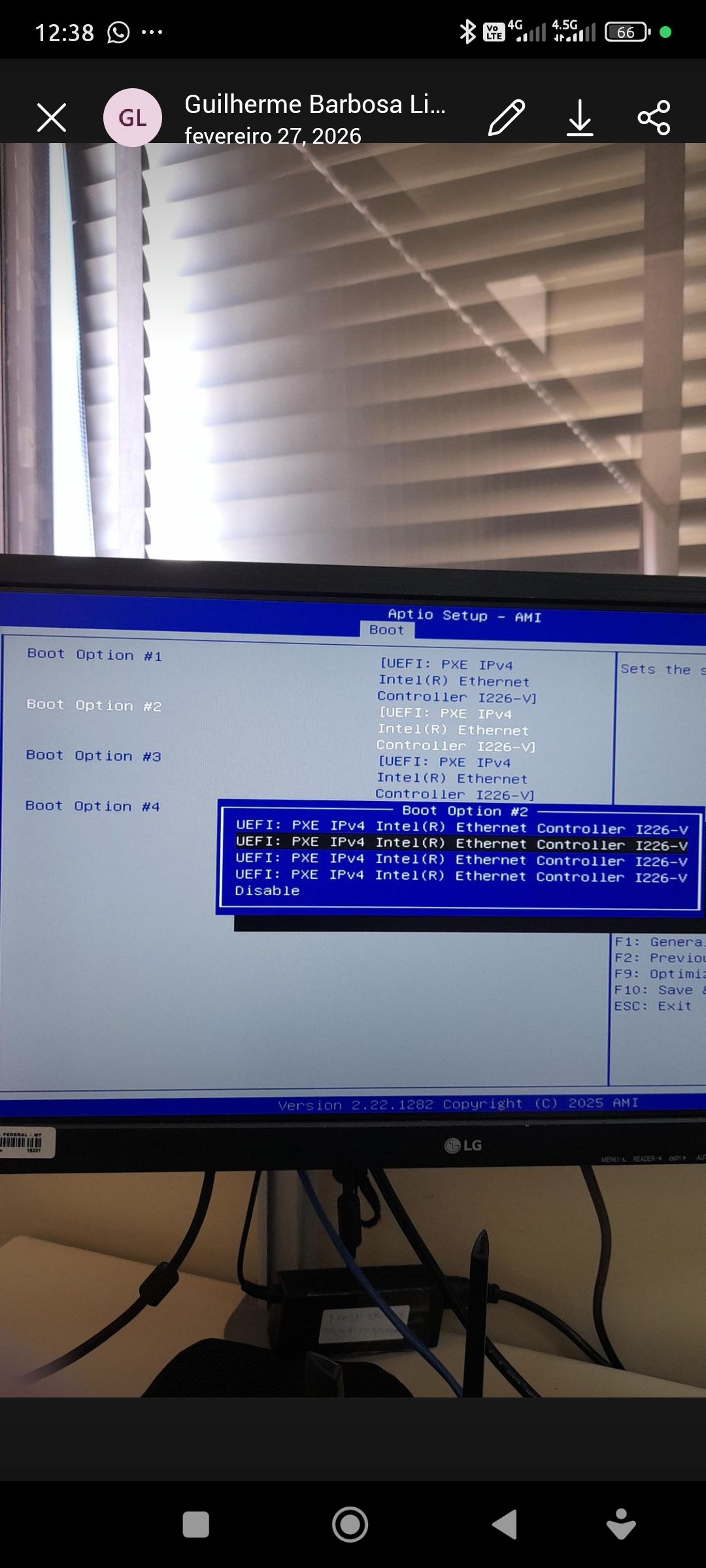
@Tom-Elliott @Tom-Elliott it’s not authentication issue. We don’t have problem when deploying images to other hosts, like PCs and minipcs with just one NiC. But over these Appliances with 4 Nics we got stuck in the authenticon screen even putting correct username and password. Look, we are trying to disable 3 nics in Bios but we can’t . We excluded them to Boot Order and left just the first, but even so, the error persists.1000110829.jpg - I found the issue 16746 about this problem, but it’s happening to us!
-
As a workaround, we’re doing deploy in these Appliances by Schedule Deploy Tasks, as it bypass the authentication screen. But i would be interesting if we could do deploys without this need.