Windows 11 | 65x HP Z2 Tower G1i | UPDATE -
-
@kratkale I don’t know why you’re telling me your password. (You probably will want to change that now.) and what isn’t working?
-
This post is deleted! -
@Tom-Elliott The Fog server is well hidden behind a firewall
I intentionally sent the password you see there are no special characters in it, and it still doesn’t work.
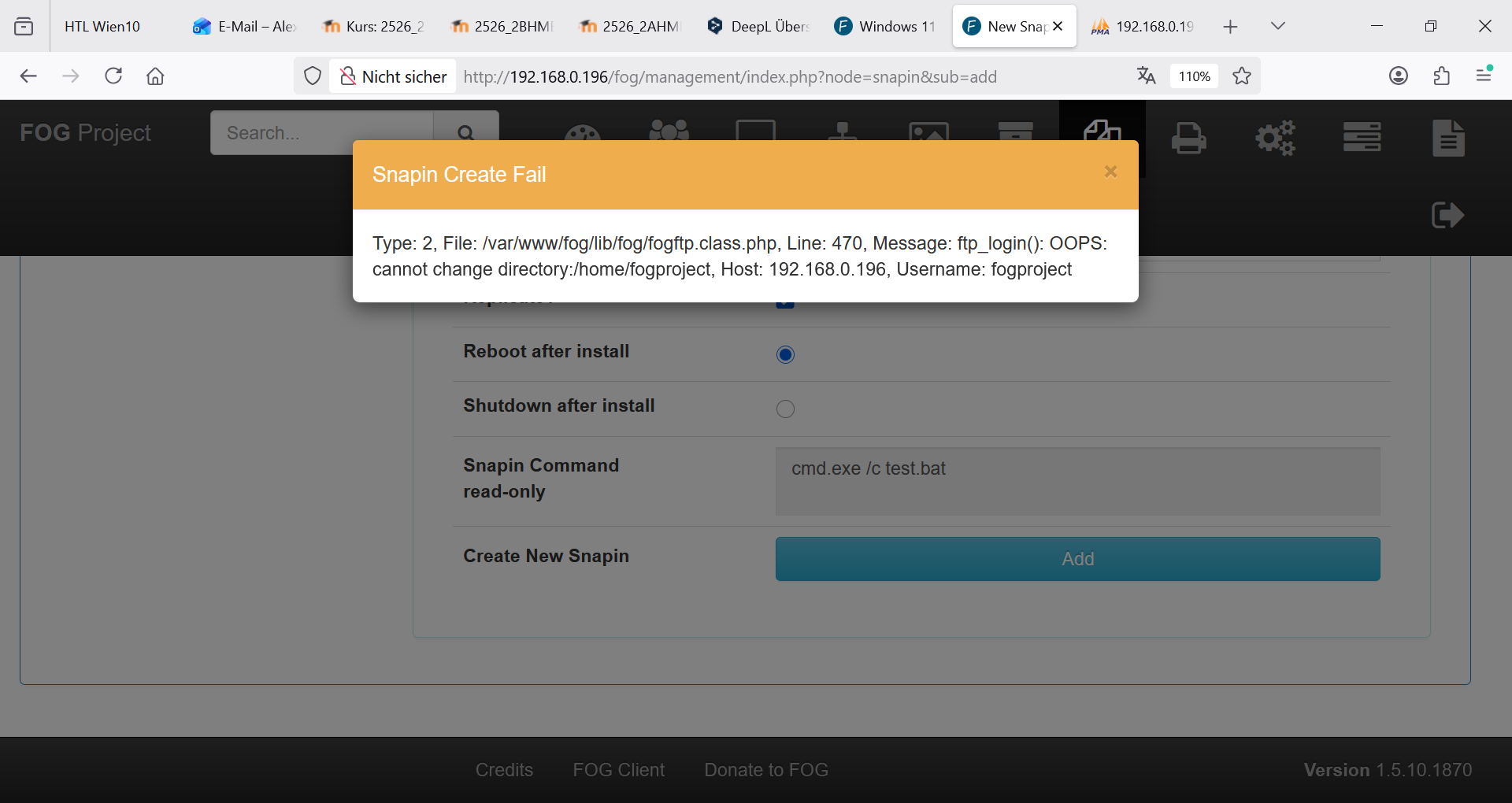
The old Snap-ins don’t work, and I can’t upload new ones.
It’s all so secure that nothing works!
I’m starting to get a little desperate—I really need to clone again soon… I honestly have no idea what else to do. -
The FOG Password is stored on two places:
Tabelle: globalSettings -> this is unchanged
Tabelle: nfsGroupMembers -> changed …I try now to change in globalSettings by sql and test it again …
-
-
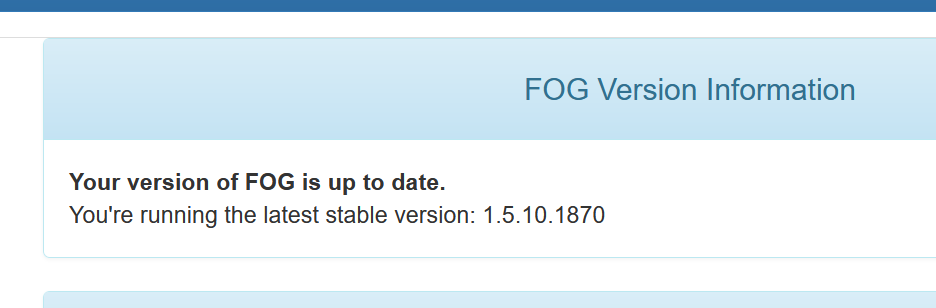
oh I was back again on the stable version
-
-
@kratkale I want to fully understand:
this is after a fresh install/fresh update from the installer and your’e having all these issues?
it seems (at least at first glance) ftp isn’t liked very much.
As for the snapins I’m at a loss. If you’d be daring can you install the branch working-1.6?
This shifts from FTP in preference of actual SSH and might be better. Of course working-1.6 is more or less in “beta” so this is understandable to be hesitant, but at the same time, without enough testing and feedback, little can move the needle closer and closer to RC -> Master.
Even in the age of AI, there’s not enough data (for me at least) to feel comfortable moving it toward master/stable yet so if you’re daring please upgrade to working-1.6
I will highly recommend making a backup or snapshot pre-upgrade to it just in case something is significantly worse.
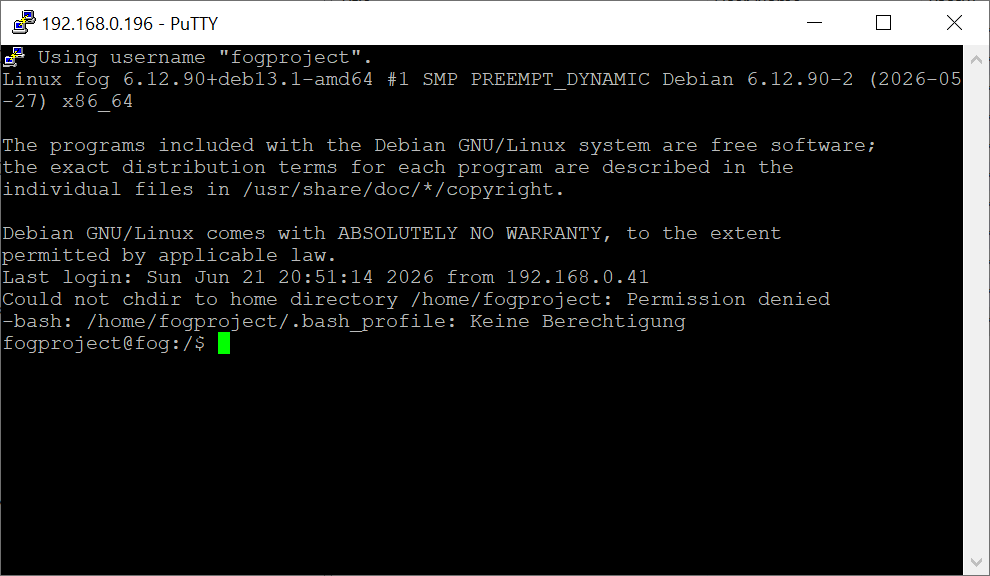
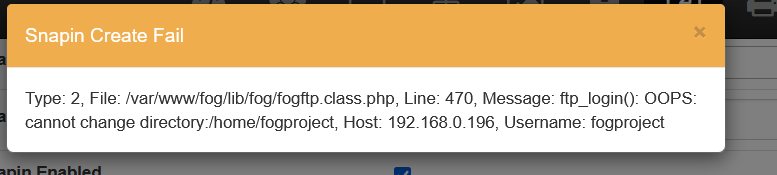
The error message you got (OOPS: cannot change directory) seems to indicate authentication is now working but ftp is failing because it cannot drop you to the users’ home directory. The why of that I do not know but I do believe this would be fixed in working-1.6 (or at least I’ll have more assistance to troubleshoot things with you as I’m generally working from that branch).
-
@Tom-Elliott
I’ve been using FOG myself for well over 10 years now. With each new generation of PCs (this is now the third), I’ve completely rebuilt the FOG server and then simply used it throughout the PCs’ lifespan. Without any major updates… (never change a running system). The PCs and the FOG server are separated from the rest of the school network by an IPFire firewall. No unknown devices can connect to my network. All allowed MAC addresses are registered on the switch. Access from unknown MAC addresses is not possible.Yes, I’ve been having all these problems ever since switching to the new PCs. First, the NVMe issues (deleting my second hard drive in the system), …
I need to figure something out: school lets out here in a week. At the start of the semester, I’ll have to deploy a new image to the PCs. Right now, nothing is working at all! As things stand, I’ll have to deploy the new image via Clonzilla again and manually install the “necessary snap-ins” on the PCs.
Here’s the process so far:
-) Initial installation on the newly set up Debian system:
git clone https://github.com/fogproject/fogproject.git
-) No snap-ins were directly transferred from the old system; instead, they were re-uploaded, all PCs were re-added, and all groups were reinstalled. In other words, nothing was directly transferred from the old FOG. After encountering problems with the first FOG server (hardware issues—the whole process was repeated with different hardware)
-) After the NVMe issues, I updated the download and reinstalled it:
cd fogproject
git checkout dev-branch
git pullSo yeah, right now I’m trying everything—I’ve got nothing to lose.
I work in a secure environment—FTP and TFTP are old, proven concepts. I’m not really a big fan of making things “even more secure,” and that’s not the point here… I find even the whole thing with the snap-ins’ hash values tedious. Why can’t I just log in to the Fog server via SSH, fix the snap-in, and be done with it? No, I have to upload it again via the web interface… The filename can’t be the same…
The database is now backed up using phpMyAdmin.
cd fogproject
git checkout working-1.6
git pull
userdel fogproject
fogproject/bin/installfog.sh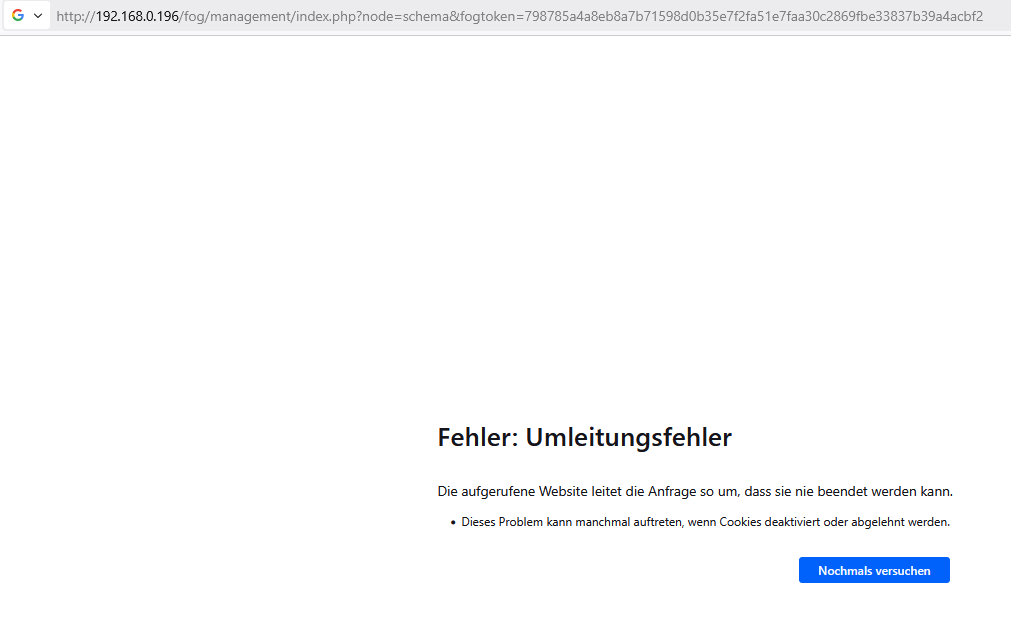
-
Press [Enter] key when database is updated/installed.
-
Update fogstorage database password…OK
-
Granting access to fogstorage database user…Skipped
-
Setting up storage…OK
-
Setting up and starting DHCP Server…Skipped
-
Configuring default iPXE file…OK
-
Setting up and starting TFTP Server…OK
-
Setting up and starting VSFTP Server…OK
-
Setting up FOG Snapins…OK
-
Setting up UDPCast…OK
-
Configuring UDPCast…OK
-
Building UDPCast…OK
-
Installing UDPCast…OK
-
Installing FOG System Scripts…OK
-
Configuring FOG System Services
-
Setting permissions on FOGMulticastManager.service script…OK
-
Enabling FOGMulticastManager.service Service…OK
-
Setting permissions on FOGImageReplicator.service script…OK
-
Enabling FOGImageReplicator.service Service…OK
-
Setting permissions on FOGSnapinReplicator.service script…OK
-
Enabling FOGSnapinReplicator.service Service…OK
-
Setting permissions on FOGScheduler.service script…OK
-
Enabling FOGScheduler.service Service…OK
-
Setting permissions on FOGPingHosts.service script…OK
-
Enabling FOGPingHosts.service Service…OK
-
Setting permissions on FOGSnapinHash.service script…OK
-
Enabling FOGSnapinHash.service Service…OK
-
Setting permissions on FOGImageSize.service script…OK
-
Enabling FOGImageSize.service Service…OK
-
Setting permissions on FOGFileDeleter.service script…OK
-
Enabling FOGFileDeleter.service Service…OK
-
Setting up FOG Services…OK
-
Creating FOG cache directory…OK
-
Starting FOGMulticastManager.service Service…OK
-
Starting FOGImageReplicator.service Service…OK
-
Starting FOGSnapinReplicator.service Service…OK
-
Starting FOGScheduler.service Service…OK
-
Starting FOGPingHosts.service Service…OK
-
Starting FOGSnapinHash.service Service…OK
-
Starting FOGImageSize.service Service…OK
-
Starting FOGFileDeleter.service Service…OK
-
Setting up NFS configuration file…OK
-
Setting up exports file…OK
-
Setting up and starting RPCBind…OK
-
Setting up and starting NFS Server…OK
-
Ensuring node username and passwords match…Done
-
Setting up FOG External Reporting…Done
-
Setup complete
You can now login to the FOG Management Portal using
the information listed below. The login information
is only if this is the first install.This can be done by opening a web browser and going to:
http://192.168.0.196/fog/management
Default User Information
Username: fog
Password: password -
Changed configurations:
The FOG installer changed configuration files and created the
following backup files from your original files:- /etc/exports <=> /etc/exports.1782208473
- /opt/fog/reporting/report.sh <=> /opt/fog/reporting/report.sh.1782208473
-
-
@Tom-Elliott
Deleting the website’s cookies
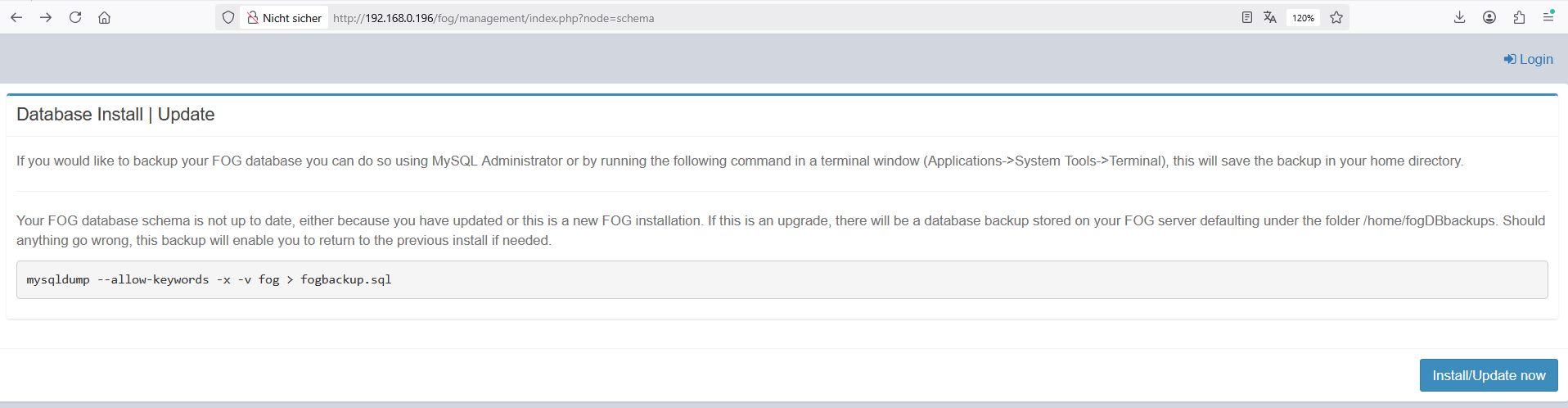
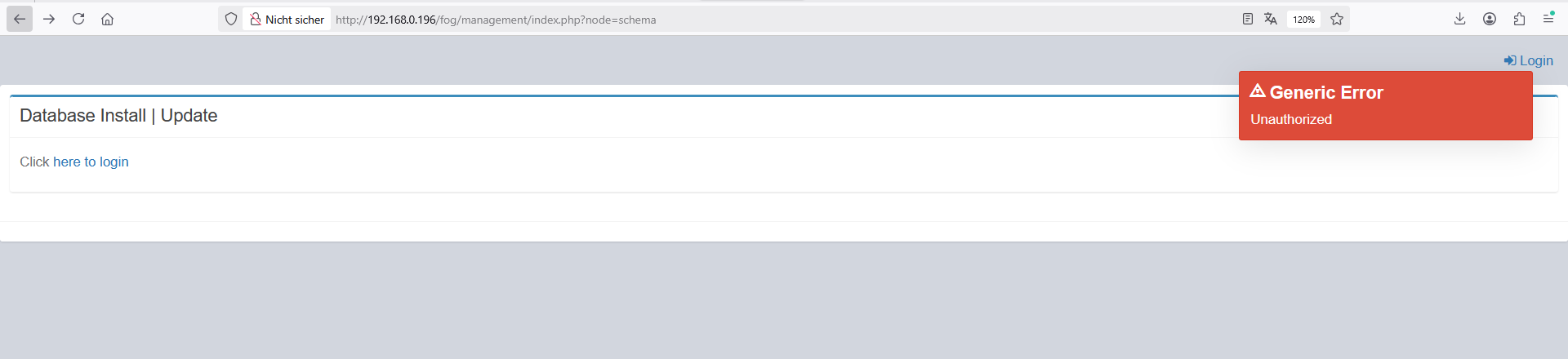
I cannot login!!!I’m stuck in a loop
-
@kratkale You’re not stuck in a loop
You didn’t follow the installer instructions and use the link the installer provided you for the database.
There’s a different url because to you security doesn’t matter, but to many others, it most certainly does.
As for the userdel fogproject, don’t do that, please:
That’s actually more likely why you were having ftp issues in the first place. In 1.5.10.x the installer tried to prevent anyone from ever using the fogproject user, but many did. If the account had been used, the only fix was to delete the user. Deleting that user could change the password for the account (and thus the password used on the storage node causing the likely first problem you had encounted).
In either case, this is not a loop, this is a URL on the display where you’re used to just doing it one way. That way changed (in an effort of security). It’s not hidden though, so please use that whole link for this stage or better yet, use the -y option.
-
@Tom-Elliott
bei älteren installation ist die installation abgebrochen, wenn man den Foguser nicht entfernt hatte …
Jetzt ohne userdel habe ich wieder ein Web GUI
ich muss auf den client PC wieder einen neuen FOG Client installieren - sehe ich das richtig? -
@kratkale said in Windows 11 | 65x HP Z2 Tower G1i | UPDATE -:
bei älteren installation ist die installation abgebrochen, wenn man den Foguser nicht entfernt hatte …
Jetzt ohne userdel habe ich wieder ein Web GUI
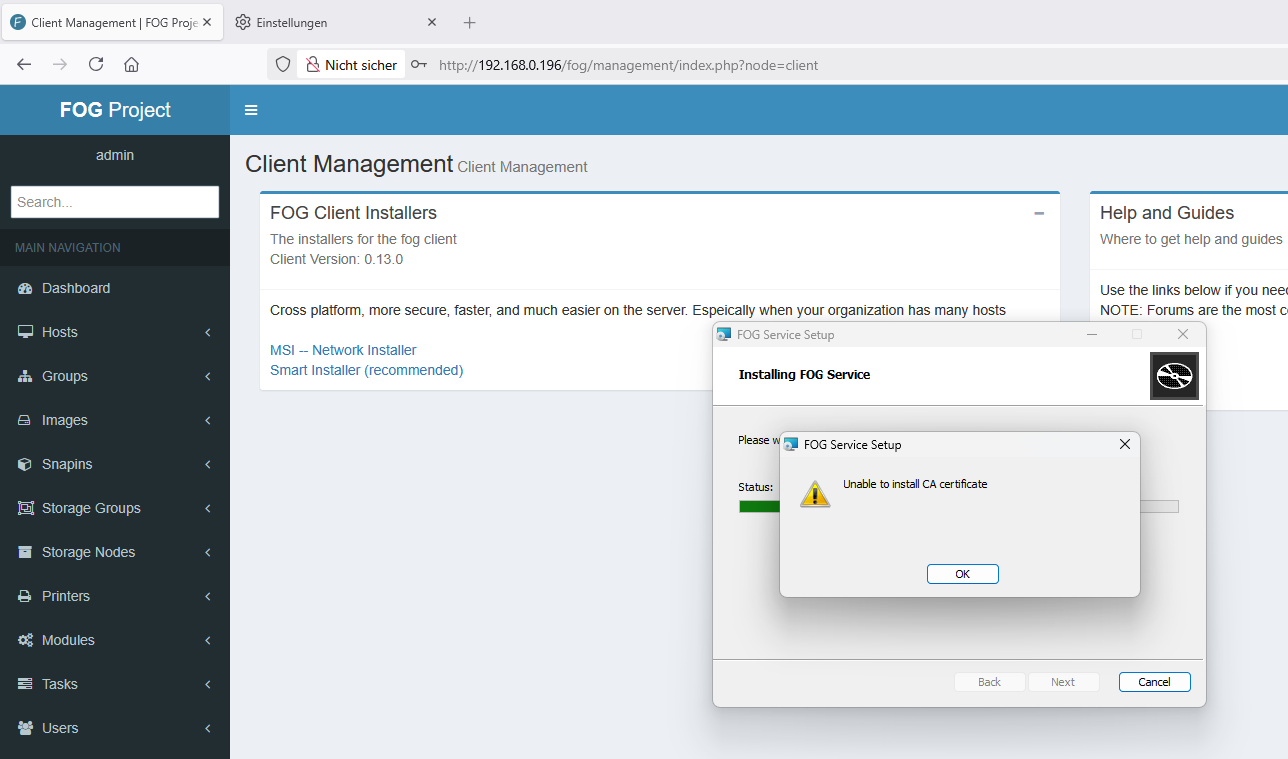
ich muss auf den client PC wieder einen neuen FOG Client installieren - sehe ich das richtig?Possibly yes, if the fog server is brand new (had to create the CA SSL certificates and all).
Möglicherweise ja, wenn der Fog-Server brandneu ist (musste also die CA-SSL-Zertifikate und alles andere erst erstellen).
(Via google translate, I know not great but better than nothing
 )
) -
@Tom-Elliott
In older installations, the installation would fail if the FOG user hadn’t been removed…
Now, withoutuserdel, I have a Web GUI again.
I need to install a new FOG client on the client PC again—am I understanding this correctly? -
-
@kratkale Wow, so we’re still no worse for wear at least.
I don’t know why it’s saying unable to install ca certificate?
I"m assuming you set the “url” property during the installer to 192.68.0.196?
(I’m shooting int he dark a bit here so apologies.)
-
@kratkale I just tested installing and hadn’t had any issues, so I’m thinking maybe the fogserver line didn’t get updated to point at the proper IP?
-
@Tom-Elliott said in Windows 11 | 65x HP Z2 Tower G1i | UPDATE -:
yes forgot to fill out 192.168.0.196 - working -
@Tom-Elliott
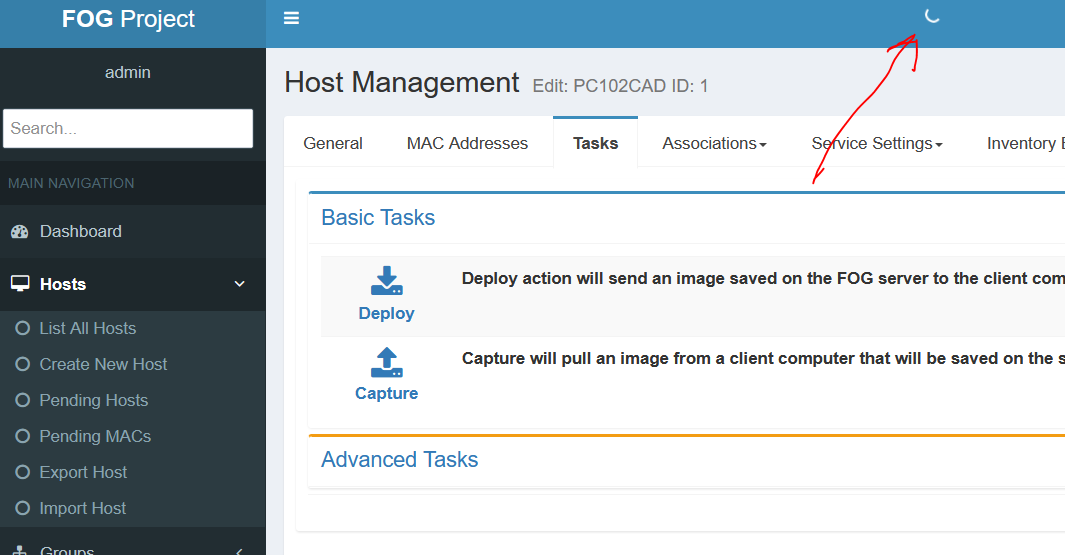
it seems he is working … rotating circle -
@kratkale Do you happen to use bitwarden?