@Sebastian-Roth 

25 an 36 PC in Multicast
K
kratkale
@kratkale
Administrator @ HTL Wien 10
Best posts made by kratkale
-
RE: Windows 11 | 65x HP Z2 Tower G1i | UPDATE -posted in FOG Problems
@Tom-Elliott
Here is the wrong password:SELECT * FROM
globalSettingsI’ll change it now to the correct one.
-
RE: Windows 11 | 65x HP Z2 Tower G1i | UPDATE -posted in FOG Problems
@Tom-Elliott
here is a mistake …
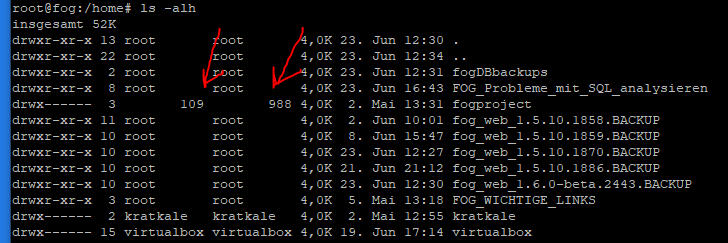
I change and check it then tomorrow …
Latest posts made by kratkale
-
RE: Task 0posted in FOG Problems
@Tom-Elliot
Unfortunately, I had to get the PCs up and running right away, so I wasn’t able to work through everything on the list. For now, I’ve cloned them without multicast. Next week, I’ll get back to you—I’ll test the rest then.
–public-web-cert.
root@fog:~# openssl s_client -connect fog.mm.htlwien10.at:443 -servername fog.mm .htlwien10.at </dev/null 2>/dev/null | grep -E ‘^ *[0-9]+ s:|^ +i:’0 s:CN=fog.mm.htlwien10.at, O=FOG Project, OU=FOG Web UI
i:CN=FOG Web CA, O=FOG Project, OU=FOG Web UI
root@fog:~#Power management.

SERIAL Number from SSD
I had another PC that wouldn’t clone because of an error when entering the SSD’s serial number…
The number BNE7N774610407R8O ends with an “O” and contains a “0” in the number. Unfortunately, the second SSD was listed in Inventory Static, and I had determined the number of the relevant ssd usinglsblk -o SERIAL. There my mistake happend


-
RE: Task 0posted in FOG Problems
@Tom-Elliott
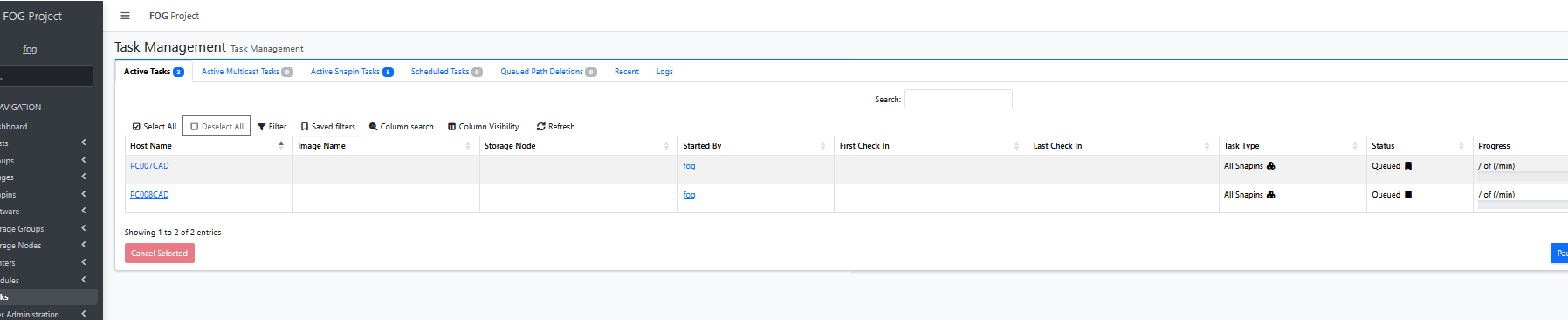
Here, too, I’m just launching a simple snap-in—it would be cool if it also showed which snap-in it is. As I mentioned before, due to timing issues, I stopped automatically deploying snap-ins—they often didn’t work properly, even though they worked in the Command Prompt. From this, I concluded that there’s a timing issue between Windows Update… and the snap-ins. That’s why I’ve always preferred to do this manually. -
RE: Task 0posted in FOG Problems
@Tom-Elliott Manually deploying a Snapin after cloning does not work—you must first manually restart the system. There is no Fog log even before the restart. The Fog Client was run using C:\Windows\Setup\Scripts\SetupComplete.cmd
-
RE: Task 0posted in FOG Problems
@Tom-Elliott
Scheduled Power Management Task is not working
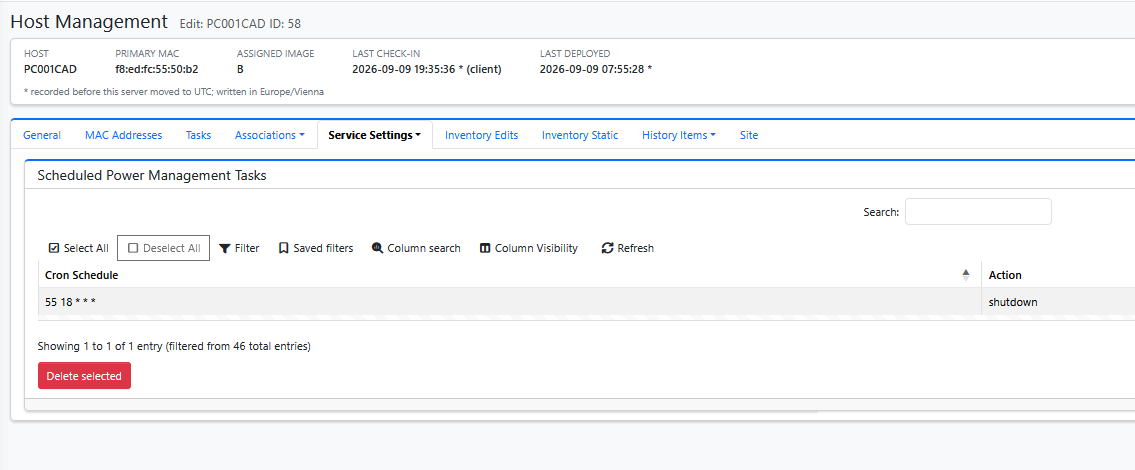
Maybe it’s a Windows bug; I’ve often had to shut down not just once, but two or three times with 24H2 LTS.
But none of the 36 + 25 student computers are shutting down.
-
RE: Task 0posted in FOG Problems
@Tom-Elliott said in Task 0:
Running the installer with --public-web-cert declares the same thing up front.Feature does not work:


-
RE: Task 0posted in FOG Problems
@Tom-Elliott
multicast is not working …
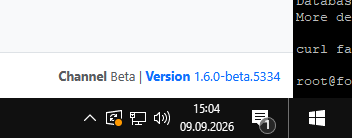
Please note the installation errors … -
RE: Task 0posted in FOG Problems
@Tom-Elliott
The web server IS serving FOG at:
https://fog.mm.htlwien10.at/fog/management/index.php?node=schema
but this host cannot verify the certificate it presents.TLS verification failed (curl 60). The page rendered when verification was skipped,
so this is a trust problem and not a broken site – the
install continues.Likely causes:
- the certificate is managed outside FOG (acme.sh, certbot)
and FOG has not been pointed at it: make
/opt/fog/pki/web/leaf/.webLeaf.pem resolve to your
certificate (a symlink is enough)
- the served chain does not terminate in the anchor FOG
resolved (/opt/fog/snapins/ssl//CA/.fogCA.pem)Note the schema deploy verifies strictly and will NOT
continue past this – it carries an install token.-
Backing up database…Failed
We were not able to backup the current database!
Reason: curl exited 60 requesting https://fog.mm.htlwien10.at/fog/maintenance/backup_db.php: curl: (60) SSL certificate problem: unable to get local issuer certificate
More details here: https://curl.se/docs/sslcerts.html
curl failed to verify the legitimacy of the server and therefore could
Proceeding means this upgrade has no pre-upgrade dump to restore from. Press [Enter] to proceed anyway, or Ctrl+C to stop the installer. -
-
RE: Task 0posted in FOG Problems
@Tom-Elliott
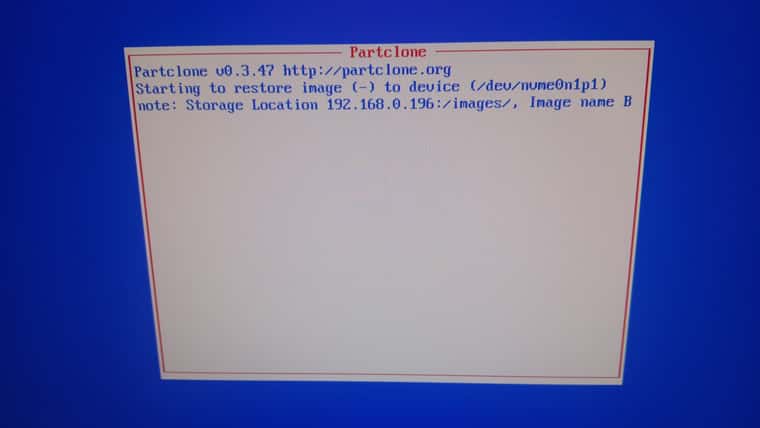
OK—let’s try again
Hosts -> List All Hosts -> Groups contains “CAD_1_Group_2.6” -> Select All -> Multicast
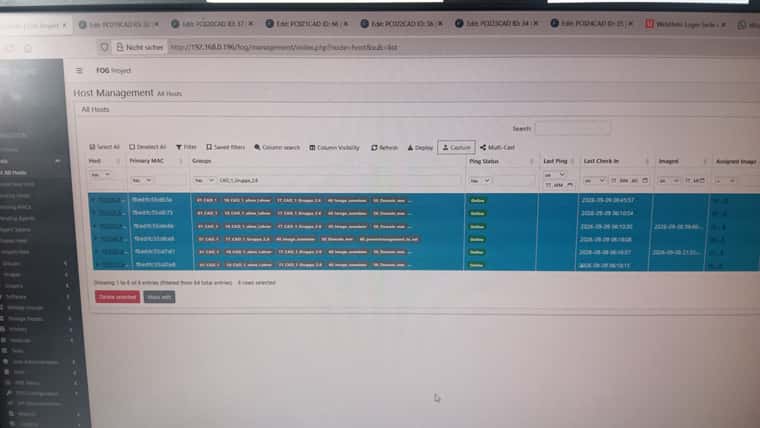
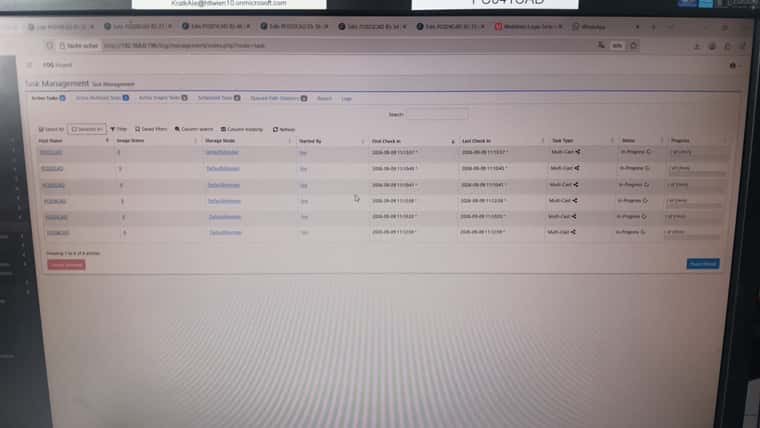
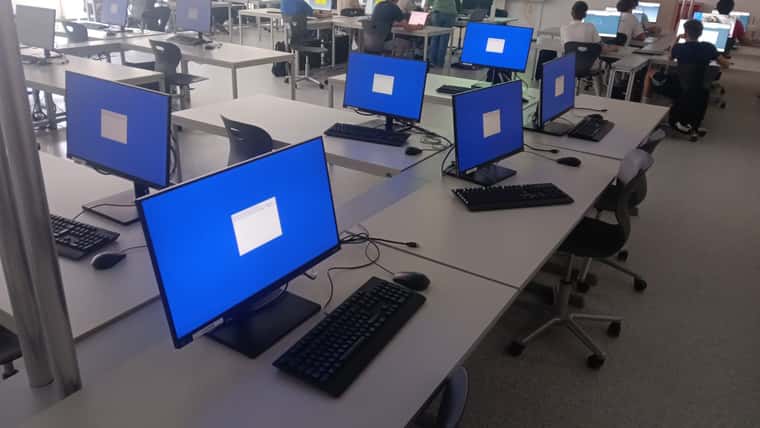
-
RE: Task 0posted in FOG Problems
@Tom-Elliott
OK I’ve groups e.g. CAD 1 (a room with 36 PC’s) I want now to bring out a new image there.
I’ve now to
Host -> List All Hosts - > Select by Hand the 36 PC’s out of 64 / or take Column search and enter CAD1 - > Mass editThat is the new way?